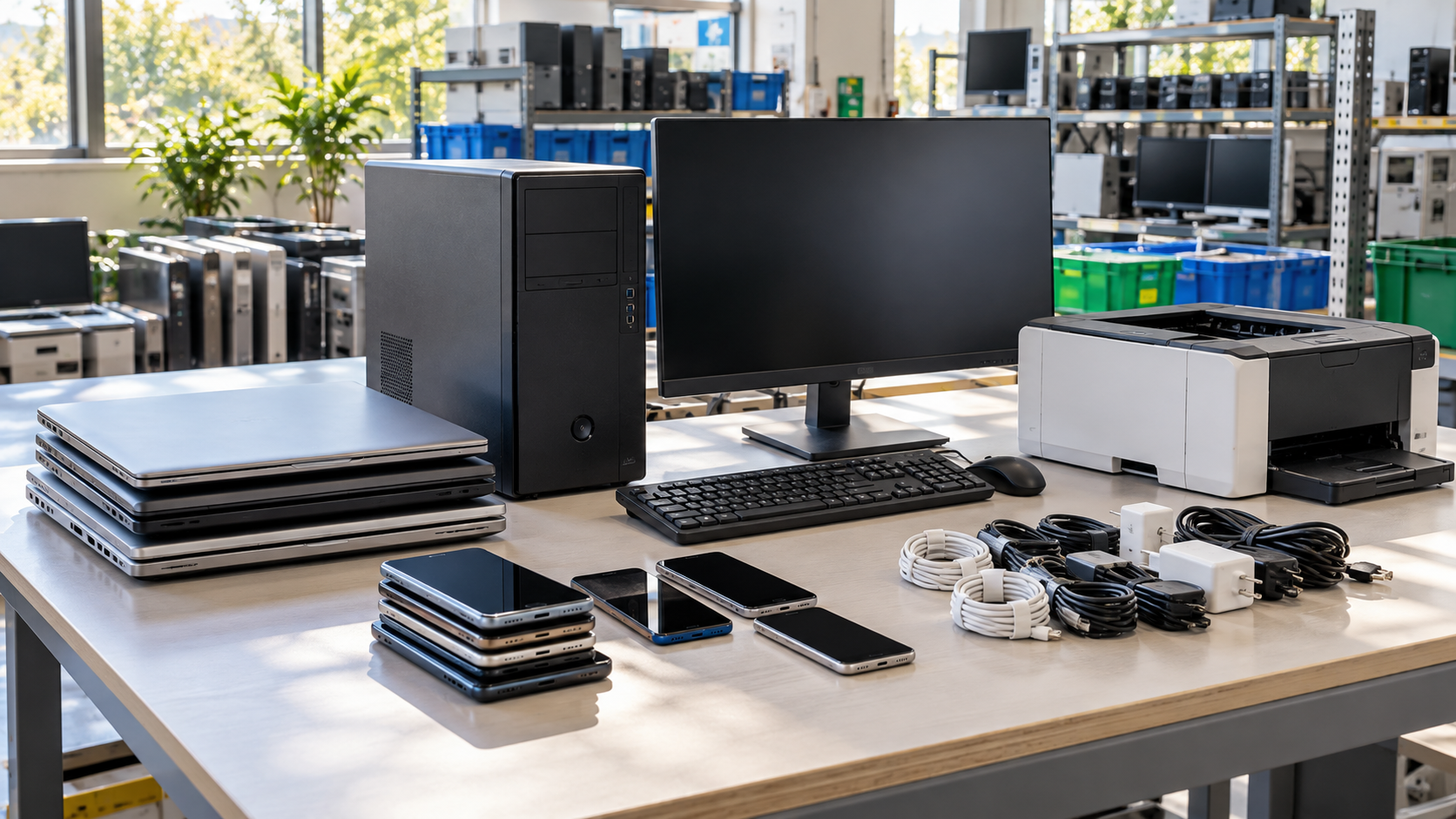
Old phones, laptops, monitors, printers and cables pile up in every home and office. Getting rid of them is not as simple as putting them on the curb. Proper e-waste disposal keeps hazardous components out of landfills, protects the data stored on devices, and gives working equipment a chance to be reused. This guide explains what counts as e-waste, why it should not go in the trash, and how to prepare devices before they leave your hands.
What Is E-Waste Disposal?
E-waste, or electronic waste, is any electronic device that has reached the end of its useful life for its owner. E-waste disposal is the process of getting those devices to an outlet that can reuse, refurbish or recycle them responsibly, instead of sending them to a landfill.
Common examples include:
- computers, laptops and tablets
- monitors and televisions
- phones and accessories
- printers, copiers and scanners
- servers and networking equipment
- cables, chargers, keyboards and mice
- battery backups and battery-powered devices
For a business, e-waste disposal also includes the paperwork: knowing what left the building, where it went and what happened to the data.
Can You Throw Electronics in the Trash?
In many cases, no. Electronics contain materials that need special handling. The U.S. EPA notes that the funnel glass in CRT monitors and TVs generally contains enough lead to be regulated as hazardous waste.
Batteries are another concern. According to the EPA’s electronics donation and recycling guidance, lithium-ion batteries and devices containing them should not go in household garbage or recycling bins.
California has its own rules for screens. CalRecycle explains that covered electronic devices include CRT, LCD, plasma and OLED TVs and monitors, and LCD or OLED laptops and tablets, with screens larger than four inches diagonally, that DTSC identifies as hazardous waste when discarded. If you are in California, see E-Waste Laws in California for more detail. Other states set their own rules, so check with your state or local program.
Why Proper E-Waste Disposal Matters
Responsible e-waste disposal does more than keep a closet clear:
- Resource recovery. The EPA states that electronic products are made from valuable resources and materials, including metals, plastics and glass, and that donating or recycling them conserves natural resources.
- Pollution prevention. Keeping hazardous components out of the trash reduces the risk of contamination.
- Data protection. Computers, phones, copiers and drives can hold personal and business information long after they stop being used.
- Reuse. Working equipment can often be redeployed, donated or resold before it is recycled.
How to Prepare Electronics for Disposal
Before any device leaves your home or office, work through these steps.
1. Back Up What You Need
Copy any files, photos or records you want to keep. Once a device is wiped or destroyed, the data cannot be recovered.
2. Remove or Protect the Data
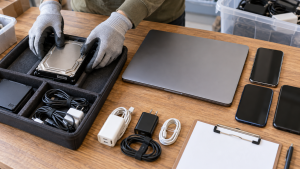
The EPA advises deleting all personal information from electronics before donating or recycling them. For computers, deleting files or reinstalling the operating system is not always enough. How to Wipe a Computer Before Recycling explains the difference between deleting, formatting and wiping.
For businesses, decide in advance whether each drive will be sanitized for reuse or destroyed. Data Wiping vs Hard Drive Shredding compares the options.
3. Deal With Batteries
The EPA recommends removing batteries from electronics where possible, because they may need to be recycled separately. Swollen or damaged batteries should be kept apart and handled carefully. Laptop Battery Recycling covers battery safety in more detail.
4. Decide Between Reuse and Recycling
A working laptop or monitor may be more useful donated or redeployed than recycled. Where to Donate Old Computers covers donation options.
5. Choose the Right Outlet
Options for e-waste disposal usually include local government collection programs, manufacturer or retailer takeback programs, and electronics recycling providers. Electronics Recycling Near Me explains how to compare them.
E-Waste Disposal for Businesses
Businesses usually have more devices, more data and more accountability than a household. A business e-waste disposal plan should cover:
- Inventory. List devices by type, asset tag and serial number where possible.
- Data handling. Agree on how every data-bearing device will be wiped or destroyed.
- Logistics. Plan pickup or delivery, especially for pallets of equipment.
- Records. Ask what documentation you will receive, such as an itemized inventory or a certificate of data destruction.
- Provider checks. The EPA recommends using certified electronics recyclers. Ask any provider about certification status and downstream partners.
Commercial Electronics Recycling explains how a business project typically runs.
What Happens After E-Waste Disposal?
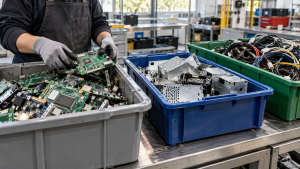
Once equipment reaches a recycler, it is usually sorted, data-bearing devices are handled as agreed, working equipment may be tested for reuse, and the rest is dismantled for material recovery. The E-Waste Recycling Process walks through each step.
How 3W Computer Supports E-Waste Disposal
3W Computer works with organizations retiring IT equipment from its base in Upland, California. On its website, 3W Computer lists e-waste recycling with a zero landfill policy, CRT and LCD monitor disposal, logistics and pickup, detailed inventory reporting, equipment remarketing, and data destruction services including hard drive shredding, software wiping and a certificate of destruction.
Frequently Asked Questions
How do I dispose of electronics properly?
Back up your data, wipe or plan destruction of storage, remove batteries where possible, and take the device to a collection program, takeback program or electronics recycler.
Can I put old electronics in my recycling bin?
Usually not. Curbside bins are generally not designed for electronics, and the EPA says lithium-ion batteries and devices containing them should not go in household garbage or recycling bins. Check your local program’s rules.
Is e-waste disposal free?
Sometimes. Some programs accept certain devices at no charge, while others charge for specific items, pickup or data destruction. For businesses, cost depends on equipment type, quantity, location and services needed.
Is e-waste hazardous?
Some components are. The EPA notes that CRT funnel glass generally contains enough lead to be regulated as hazardous waste, and in California, covered screen devices are identified as hazardous waste when discarded.
What should a business keep after e-waste disposal?
Keep the equipment inventory, pickup or handoff record, data destruction certificates and any recycling or resale reports.
Make E-Waste Disposal Part of Your Routine
Good e-waste disposal starts before equipment leaves your hands: protect the data, handle batteries carefully, consider reuse, and choose an outlet that can document what happens next. Building these steps into your routine keeps old electronics from piling up and keeps sensitive information protected.
To plan e-waste disposal for your business, contact 3W Computer with your equipment list and location.
Sources
- U.S. EPA, Electronics Donation and Recycling
- U.S. EPA, Basic Information About Electronics Stewardship
- U.S. EPA, Certified Electronics Recyclers
- CalRecycle, Covered Electronic Waste Recycling Program
Name: Win Win World Recycle LLC
Address: 1226 West 9th Street, Upland, CA 91786
Phone: 908-798-6789