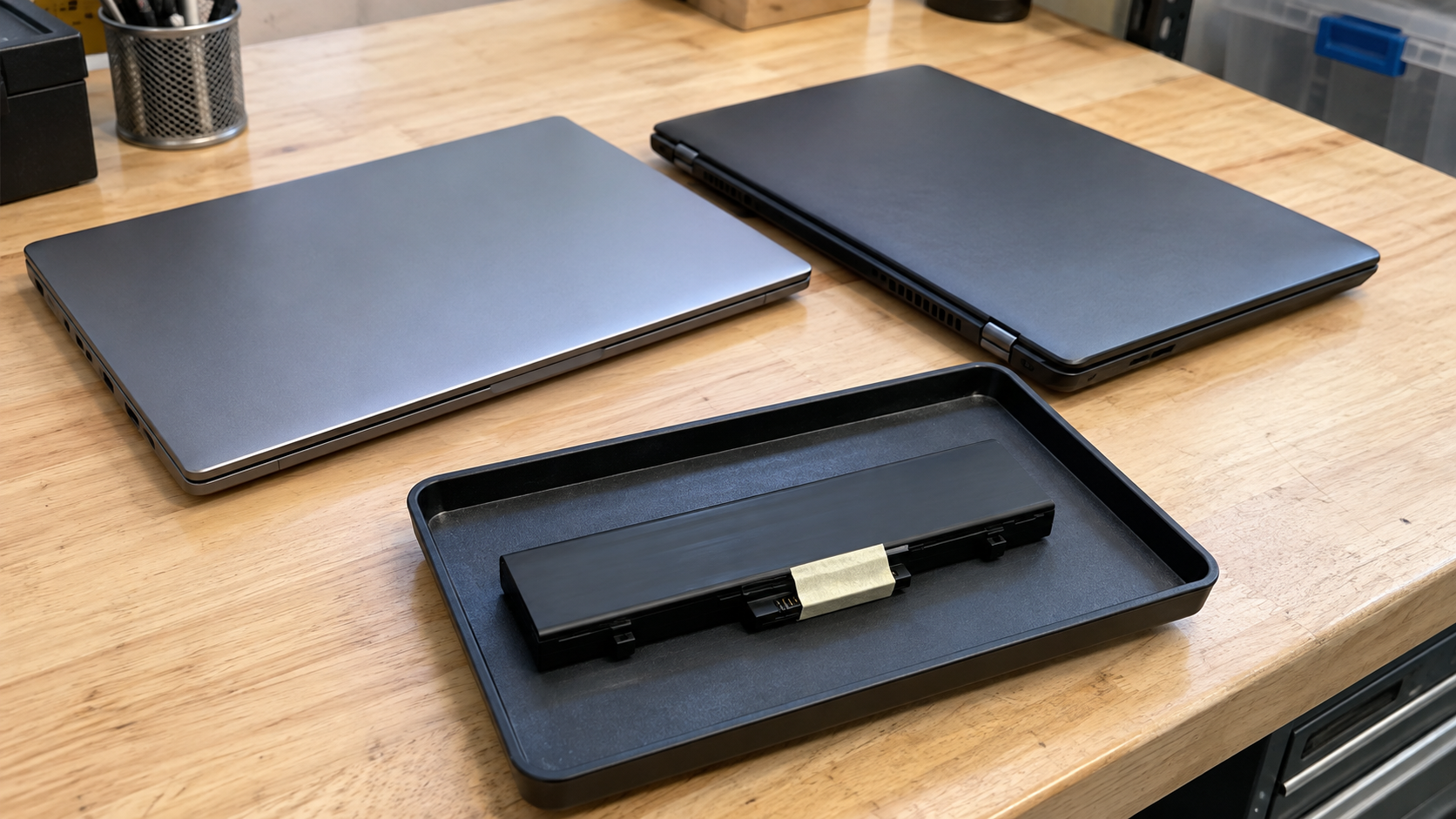
Laptop Battery Recycling: Where to Take Old or Swollen Batteries
Laptop battery recycling requires a receiving program that accepts both the battery type and its condition. Start with the device manufacturer, a participating battery collection program, or your local waste agency. Confirm the arrangement before removing a battery, shipping equipment or driving to a collection point.
An intact battery that no longer holds a useful charge and a swollen or damaged battery need different conversations. A location accepting ordinary rechargeable batteries may have separate restrictions for damaged units. Similarly, acceptance of laptops does not automatically establish acceptance of a laptop with a swollen battery.
This guide explains how to find a suitable route, what information to provide and how businesses can organize retired equipment without treating battery preparation as a do-it-yourself repair project.
Can Laptop Batteries Go in Household Recycling?
Lithium-ion batteries and devices containing them should not go in household garbage or regular household recycling bins. The EPA’s lithium-ion battery FAQ directs users toward appropriate battery recycling or household hazardous waste collection options instead.
A recycling symbol on a battery does not mean it belongs with bottles, cans and paper. Identify a program that explicitly accepts the battery or the complete device.
If you are arranging business equipment disposal, confirm a route appropriate for business-generated material. A residential collection program should not be assumed to accept an office batch.
Identify What You Have Before Contacting a Program
Use the laptop model, manufacturer documentation and accessible markings to describe the equipment. Do not open a laptop just to gather information for an initial inquiry.
| Situation | What to tell the receiving program |
|---|---|
| Loose, intact battery pack | Battery model if known, chemistry from its markings and quantity |
| Laptop with a built-in battery | Laptop model, condition and that the battery remains installed |
| Swollen or damaged battery | Describe the damage before discussing delivery or shipping |
| Unknown battery condition | State the uncertainty and ask how the device should be assessed |
| Business equipment batch | Device types, approximate quantities, locations and known exceptions |
Battery shape alone is not a reliable way to identify its chemistry. The EPA’s household battery guidance recommends checking markings and explains that rechargeable batteries may be removable or permanently attached.
Keep the first inquiry factual. “One closed laptop with a raised casing near the battery area” is more useful than claiming the device is safe or declaring a diagnosis you have not confirmed.
Where to Find Laptop Battery Recycling Near You
Search for a program first, then verify its current terms through its official website or contact channel. A directory listing identifies a possible destination; it does not establish acceptance for every battery condition.
Manufacturer Support and Takeback Options
Check the laptop manufacturer’s current instructions. Ask about the exact model and whether there is a service, replacement or return arrangement relevant to its condition.
If swelling or damage is involved, use the manufacturer’s support guidance rather than a generic return label. Tell support what you have observed and ask for the next step before preparing a shipment.
A warranty or recall inquiry and a recycling inquiry can lead to different arrangements. Confirm which applies rather than assuming every old battery qualifies for a replacement.
Local Waste and Household Hazardous Waste Programs
Check your city or county waste agency’s current battery information. Ask whether it receives loose lithium-ion batteries, complete laptops, damaged units or some combination of these.
Confirm appointments, residency requirements and quantity limits. State the battery condition when contacting the program, even if the website lists rechargeable batteries generally.
For business equipment, ask whether the program serves organizations or can direct you to the appropriate business route. Do not arrive with an office collection under an assumed household allowance.
Participating Retail or Battery Collection Locations
Review the location’s current acceptance instructions. Check the battery type, size, condition and any preparation requirements before using a collection box.
A general battery bin is not permission to deposit a swollen or damaged pack. Ask the operator specifically about those conditions. If staff cannot confirm acceptance, obtain another receiving arrangement.
Electronics Recycling Providers
If the battery is still inside a laptop, ask whether the provider accepts the complete device in its current condition. Include any damage in the initial description.
For a business batch, provide the equipment list and request instructions for known exceptions. A provider reviewing intact laptops may need a separate assessment before agreeing to receive damaged battery-containing devices.
What to Do if a Laptop Battery Is Swollen
Swelling indicates battery damage and needs a specific response. If there is no immediate fire threat, the EPA directs users to the manufacturer, retailer or appropriate waste agency for management guidance. If there appears to be an imminent fire risk, move away and call 911 in the United States.
Do not continue using or charging a swollen battery. Seek model-specific support rather than trying to flatten the pack, force the laptop casing shut or pry the battery free. Current manufacturer handling guidance cautions against pressure, bending, puncturing and trying to free a battery stuck because of swelling.
Describe the condition before agreeing to a handoff. Ask where the device should remain while you await instructions and whether the receiving program accepts that particular condition.
Do not treat an ordinary bag, box or cartridge-return package as an approved shipping solution for a damaged battery. The suitable arrangement depends on the device and the transport requirements.
This is also a reason to plan battery assessment before a general office cleanout. A device with unresolved damage should not be quietly added to an approved batch of ordinary equipment.
Do You Need to Remove the Battery From the Laptop?
Not necessarily. Some batteries are designed for user removal; others are built into equipment and are not user-serviceable. Follow the device instructions and ask the receiving program whether it accepts the complete laptop.
The EPA notes that not all batteries can be safely removed or serviced by users. A battery that is glued in, obstructed or difficult to access should not be forced out to satisfy an assumed recycling rule.
If you already have an intact loose battery, ask for the program’s preparation instructions. EPA guidance recommends insulating terminals with non-conductive tape or individually bagging batteries to prevent contact. Do not apply those ordinary preparation instructions as a substitute for damaged-battery assessment or shipping approval.
Keep loose batteries away from metal objects that could contact exposed connections. Avoid mixing them into a box of chargers, tools or computer parts while waiting for the receiving program’s instructions.
Shipping and Drop-Off Need Separate Confirmation
A location accepting a battery in person does not automatically provide a mail-in option. Likewise, a shipping label by itself does not establish that the package is suitable for the battery’s condition.
The PHMSA lithium battery shipping guidance explains that used batteries offered for recycling require assessment of transport fire hazards. Its guide for shippers addresses different battery types and configurations, including damaged, defective or recalled batteries.
Confirm the approved packaging, carrier and transport arrangement before shipping. Damaged, defective or recalled lithium batteries have specific requirements and must not be shipped by aircraft under the guide’s damaged-battery provisions. Do not improvise a mail-in solution from general online packing advice.
For drop-off, confirm the date, location and receiving instructions before moving equipment. Tell the program if the condition changes after your initial inquiry. An earlier approval based on an intact device should not be treated as approval for new damage.
Is Laptop Battery Recycling Free?
Costs depend on the program, equipment and service arrangement. Ask about the exact item rather than assuming every battery collection option is free.
For a complete laptop, clarify whether a quoted service covers only the hardware handoff or also any requested data treatment. For business collections, ask about quantity, location, transportation and any additional handling requirements.
Describe damage before requesting a final quote. A price for intact equipment should not be assumed to include a different battery condition.
Check appointments and eligibility along with cost. A free program that does not accept your item is not a workable disposal route.
Planning a Business Laptop Retirement Batch

Create an inventory before requesting collection. Useful fields include laptop model, asset identifier, location, battery status if known and whether additional assessment is needed.
Have a designated staff member coordinate with the receiving provider. Share known damage openly and ask for instructions on exceptions before staging equipment for collection. Avoid unnecessary handling or attempts to remove internal batteries.
Battery management and data security are separate responsibilities. If the whole laptop is leaving the organization, establish who will address stored information and how equipment will remain controlled beforehand. A battery recycling arrangement alone does not establish that laptop storage has been sanitized.
Confirm ownership and retirement approval, especially for leased or externally managed devices. Agree on the equipment list, receiving conditions, documentation and collection responsibilities.
If staff discover a damaged device after approval, pause its inclusion and obtain updated instructions. Keep the unresolved status visible in the inventory rather than marking the entire batch complete.
Frequently Asked Questions
Can I Recycle a Laptop With Its Battery Still Installed?
Potentially. Ask whether the receiving program accepts the complete device and disclose its condition. Do not remove a built-in battery simply because you assume that all recycling programs require it.
Can a Swollen Laptop Battery Go in a Retail Collection Box?
Do not deposit it without explicit confirmation that the program accepts that condition and provides an appropriate receiving process. Use manufacturer or local waste guidance to arrange the next step.
Is a Battery Harmless Once It No Longer Holds a Charge?
No. An apparently depleted battery can retain energy. Follow the relevant preparation and acceptance instructions rather than treating poor battery life as proof that handling risks are gone.
Should I Remove a Swollen Battery Myself?
Seek model-specific support. Do not pry, bend, puncture or force out a stuck battery. Ask about qualified servicing and an appropriate receiving arrangement.
Can Businesses Use Household Battery Programs?
Only if the program explicitly allows business material and your quantity. Confirm eligibility rather than treating a residential collection location as an automatic business disposal option.
Does Battery Recycling Also Remove Data From My Laptop?
No such assumption should be made. If you hand over the complete laptop, arrange appropriate data handling separately and confirm who performs it. Battery acceptance is not evidence of storage sanitization.
Confirm the Battery Condition Before the Handoff
Laptop battery recycling works best when the receiving program knows exactly what you have. Identify the device, disclose damage, confirm acceptance and obtain the right instructions before removing, packing or transporting equipment.
Contact 3W Computer to discuss retired laptops and ask about acceptance requirements for your equipment. Include the models, quantity, location and any known battery damage. Request confirmation of suitable next steps before bringing or shipping battery-containing devices.
Name: Win Win World Recycle LLC
Address: 1226 West 9th Street, Upland, CA 91786
Phone: 908-798-6789