Keyboard Recycling: 7 Essential Tips for an Easy Office Cleanout
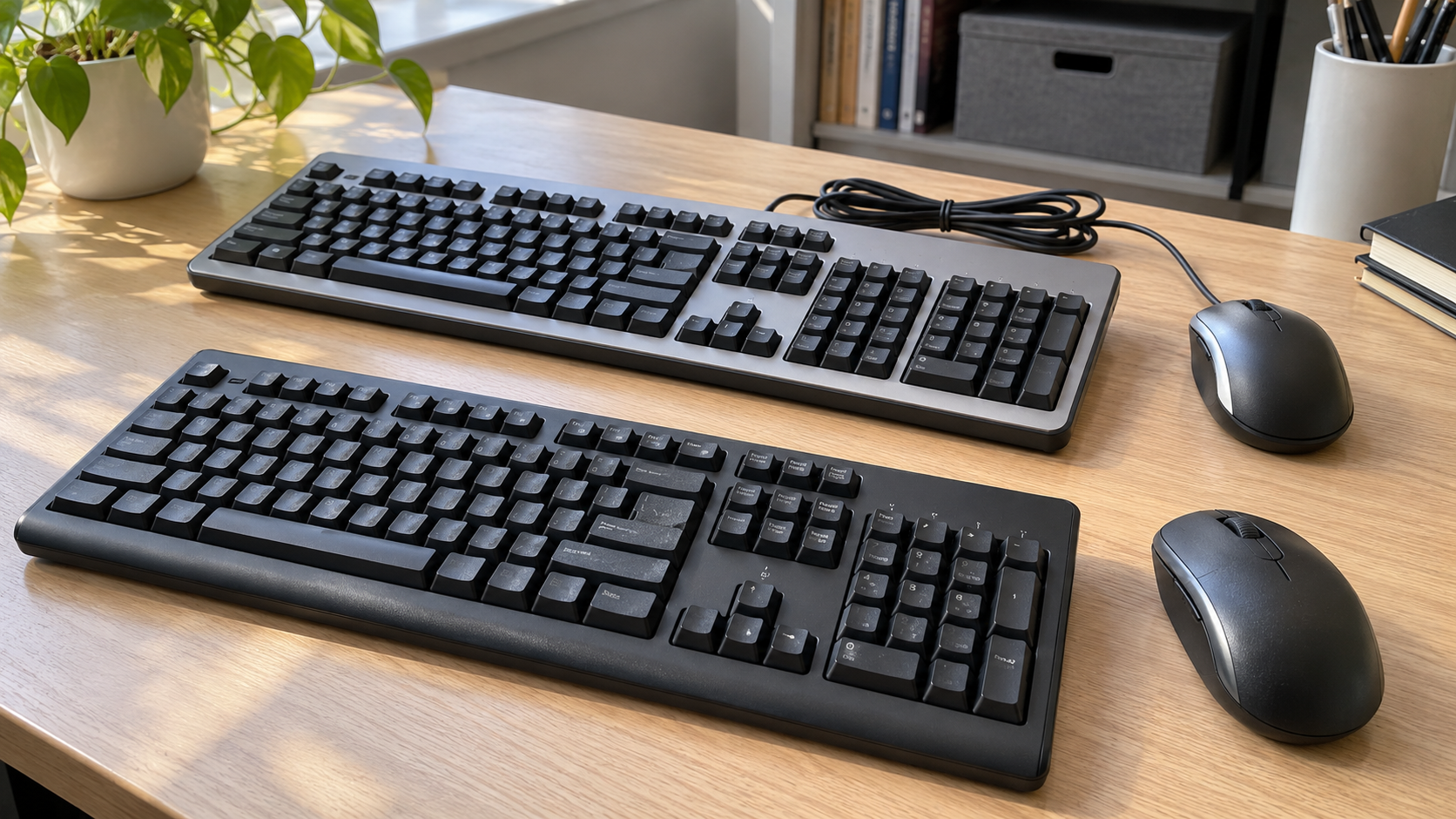
Replacing office computers often leaves a second collection behind: keyboards, mice, cables and tiny wireless receivers. Some accessories still work. Others are damaged, incomplete or no longer useful to the organization.
Keyboard recycling starts by separating those situations. Keep usable sets together, identify battery-containing devices and confirm a receiving program that accepts the actual accessories. Acceptance of computers alone does not establish acceptance of every peripheral.
For a business cleanout, decide who approves retirement before staff begin emptying drawers. A useful spare or a receiver that belongs with a retained mouse should not disappear into a mixed recycling box.
1. Assess Reuse Before Keyboard Recycling
An old keyboard is not automatically unusable. Your team may have replaced it for a different layout, connection type or workplace setup. Consider condition and compatibility before selecting a destination.
Check known equipment through the organization’s approved evaluation process. Missing keys, unreliable connections, damaged cables or other faults should be recorded honestly. Do not describe untested accessories as working donations.
Keep only spares that have an identifiable purpose. Record which equipment they support and where they will be stored. A box of unknown keyboards is difficult to use when somebody needs a reliable replacement.
If donation is being considered, ask the recipient about accepted layouts, connection types and condition. Do not deliver a box without approval and assume everything will be useful.
For keyboard recycling decisions, distinguish equipment that failed an evaluation from equipment that simply has no suitable next use. That distinction helps staff describe the load accurately.
2. Keep Wireless Receivers With the Right Devices
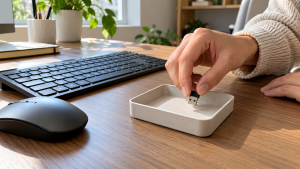
A small USB receiver can determine whether a wireless accessory remains practical to use. Check the computer’s USB ports and any manufacturer-provided receiver storage compartment before separating a set.
Keep an identified receiver with its compatible keyboard or mouse during evaluation. Do not pool every receiver into one container while other staff assess the accessories.
Receiver systems vary. Manufacturer documentation may describe particular compatible models or pairing procedures, but a similar appearance does not establish interchangeability. Check the exact device and receiver family instead of assuming any replacement will work.
Some accessories also support other connection modes, but those capabilities should be verified for the model. Avoid declaring a device unusable or promising a replacement connection without checking.
During keyboard recycling preparation, record missing receivers as a condition issue. The receiving organization can then evaluate the actual set rather than discover a missing component after transfer.
3. Check Batteries Without Unnecessary Dismantling
Wired accessories, devices with replaceable batteries and rechargeable models need different preparation. Use the product documentation to identify what applies.
The EPA’s household battery guidance explains that battery chemistry affects the appropriate disposal route and that not every battery is user-removable. It advises against placing rechargeable batteries in ordinary trash or municipal recycling bins.
For keyboard recycling, ask whether the receiver wants user-removable batteries separated. Follow product warnings and the receiving program’s instructions. Do not open a sealed rechargeable accessory simply to remove its battery.
If a battery or housing appears swollen, leaking or otherwise abnormal, stop routine preparation and obtain specific guidance before transport. Do not force a battery out of a damaged compartment.
Identify battery-containing equipment in a business inventory. A quote for ordinary wired keyboards should not silently turn into a mixed load with undisclosed batteries.
4. Separate USB Receivers From Storage Devices
A wireless input-device receiver serves a different purpose from a USB flash drive used to store files. Both can be small enough to disappear among cables, so identify the actual device rather than sorting everything by size.
Do not assume every USB accessory contains user documents. Equally, do not assume every small dongle is merely a keyboard receiver. Set unfamiliar items aside for IT review, and avoid plugging unknown devices into everyday work computers to identify them.
For advanced peripherals, check whether custom settings, stored profiles or specialized functions need attention before transfer. An ordinary keyboard should not be given an invented data-destruction requirement, but unfamiliar business hardware deserves a model-specific review.
Keep flash drives and other storage media outside the routine keyboard recycling group until their data requirements are resolved. A peripheral cleanout should not become an accidental handoff of portable storage.
This sorting step is particularly useful in meeting rooms and shared work areas, where several types of USB devices can accumulate together.
5. Find a Program That Accepts Keyboards and Mice
Search your city or county’s electronics collection information and check the proposed receiver’s current acceptance list. Ask about keyboards and mice specifically, including whether the load is household or business equipment.
Program names can be misleading if you assume they cover every electronic device. For example, Washington’s E-Cycle program excludes peripherals such as keyboards and mice from its covered equipment list and directs users toward other options.
This example illustrates why keyboard recycling acceptance should be confirmed locally. It does not establish the rules in another state or the terms of a separate business service.
| Question | Why it matters |
|---|---|
| Do you accept keyboards and mice separately from computers? | Peripheral acceptance may have different conditions |
| Are business quantities eligible? | A consumer program may have limits or restrictions |
| Are wired and battery-containing devices both accepted? | Preparation may differ |
| Can receivers and cables travel with matching equipment? | Sets may need to remain identifiable |
| Is an appointment or fee required? | The handoff needs a confirmed scope |
Do not assume a curbside recycling bin accepts these accessories. Check published local instructions and use an appropriate receiving route when they are not listed.
Businesses considering 3W Computer can send an accessory inventory and location to discuss keyboard recycling acceptance and available arrangements before bringing or shipping equipment.
6. Organize Business Keyboard Recycling by Condition
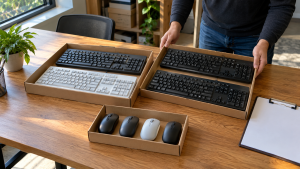
For a larger office project, use a simple grouping system: retained equipment, approved reuse, approved recycling and items awaiting review. Keep the physical arrangement aligned with the inventory.
Record approximate quantities of keyboards, mice and receivers, plus battery-containing or unusual items. Note connection type or layout when it affects the intended destination.
An individual asset record may be useful for certain equipment, but not every ordinary accessory requires the same tracking detail as a managed computer. Agree on the level needed for your organization and the proposed handoff.
Keep cables attached when appropriate and loosely coiled according to the receiver’s instructions. Avoid cutting plugs off, opening housings or removing keycaps merely to prepare for collection.
Use manageable containers that keep small parts from being lost. Remove unrelated paperwork, storage devices and personal items before sealing boxes.
For business keyboard recycling, identify who can approve additions to the load. A late box from another department still needs an ownership and acceptance check before it joins the approved collection.
7. Confirm Costs and the Handoff Plan
Keyboard recycling has no universal price or free-pickup rule. Terms can depend on the receiving program, quantity, condition and whether transportation or additional handling is required.
Send an accurate description and ask what the proposal includes. Confirm whether the provider collects accessories alone or requires another agreed equipment load. Do not assume either condition without a direct answer.
If collection is being arranged, describe floor levels, elevator access, parking restrictions and whether staff will consolidate the equipment. Assign someone to confirm the approved load and record exceptions.
Ask what acknowledgment is available and whether it records boxes, quantities or another measure. The documentation should match the scope you actually need.
After keyboard recycling handoff, update your internal records and resolve items left behind. An empty shelf is helpful, but it should correspond to an authorized destination for the equipment that was removed.
Frequently Asked Questions
Can computer keyboards be recycled?
They may be accepted by electronics collection programs that handle peripherals. Confirm keyboard recycling acceptance directly, especially for business quantities or devices containing batteries.
Can mice go with old keyboards?
Only when the receiving arrangement accepts both. Describe wired, wireless and rechargeable items separately and preserve compatible sets when reuse is being evaluated.
Should I remove batteries first?
Follow the device instructions and the receiver’s requirements for user-removable batteries. Do not open a sealed accessory or force removal from damaged equipment.
Are all wireless receivers interchangeable?
No. Compatibility and pairing depend on the device and receiver system. Check the manufacturer’s current model-specific information instead of selecting a receiver by appearance alone.
Does every keyboard need data wiping?
Do not assume it does. Identify the model and any stored settings or specialized capabilities where relevant. Keep actual storage devices, such as USB flash drives, in a separate data-review process.
Is keyboard recycling free for businesses?
It depends on the program and arrangements. Ask about eligibility, transport, minimum quantities and additional handling before relying on a household offer or general advertisement.
Make the Accessory Handoff Easier
Keyboard recycling is easier to coordinate when usable equipment, matching receivers, batteries and unknown items are identified before collection. Preserve complete sets where appropriate and confirm the receiver’s actual conditions.
Contact 3W Computer with your keyboard recycling inventory, condition summary and location to discuss available arrangements. Confirm acceptance, preparation, collection eligibility and charges before scheduling the handoff.
Name: Win Win World Recycle LLC
Address: 1226 West 9th Street, Upland, CA 91786
Phone: 908-798-6789