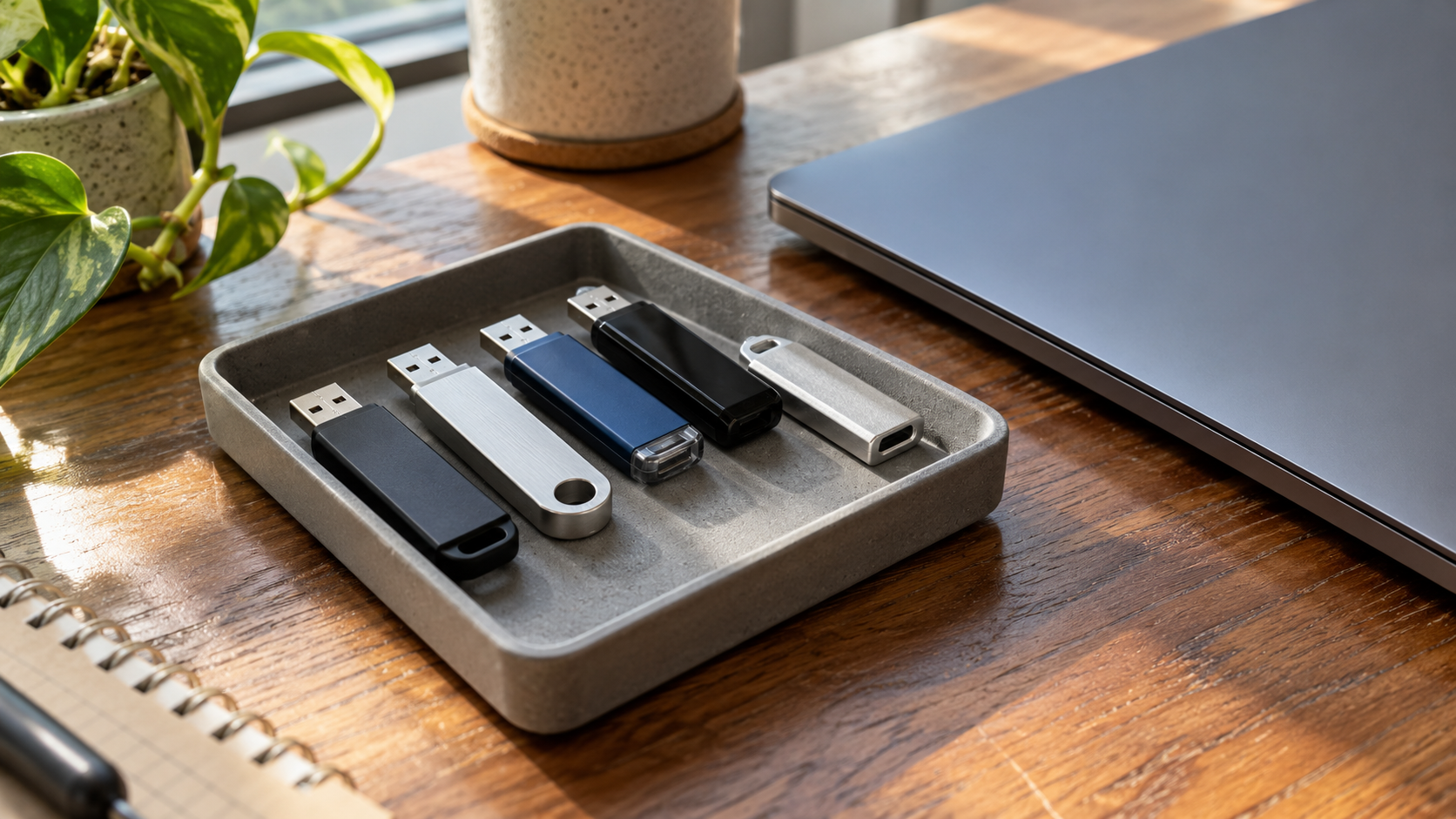
USB Drive Recycling: 7 Essential Tips for Better Data Protection
Old USB drives are easy to overlook. They collect in desk drawers, laptop bags and boxes of accessories, often without a clear record of what they contain. Their small size does not make the information on them unimportant.
USB drive recycling needs two decisions: how the stored information will be handled and where the physical device will go. A collection program accepting electronics does not automatically establish that it accepts loose flash drives or includes an appropriate sanitization process.
Start by identifying the devices and their owners. Preserve needed information through an approved process, select a suitable disposition route and confirm what the receiver will do before the handoff.
1. Review Ownership and Data Before USB Drive Recycling
Separate devices you own from employer-owned drives, borrowed media and unidentified items. A drive found in a shared cabinet is not automatically yours to erase or recycle.
For company equipment, assign the review to IT or the responsible data owner. Business records may have retention requirements or operational value, so do not decide what to delete simply from a filename or the age of the device.
If a known, trusted drive contains information that must be retained, use an approved backup or transfer process and check that the required copy is accessible. Backup preserves information; it does not remove the original from the drive.
Do not plug an unknown or untrusted USB device into an everyday work computer to see what it contains. Set it aside for the appropriate IT review. Identifying uncertainty is a useful first step in USB drive recycling, even when the drive is too old to have a recognizable owner.
2. Distinguish File Deletion From Sanitization
A drive appearing empty in a file browser is not sufficient evidence that its previous information has been appropriately sanitized. Deleting files, formatting a volume and performing a selected sanitization technique are different operations.
Avoid a universal rule such as “format every USB stick and donate it.” The result depends on the actual operation, device implementation and level of assurance required.
The current NIST SP 800-88 Revision 2 describes sanitization in terms of making access to target data infeasible for a given level of effort. It provides a framework for matching the decision to information sensitivity and media characteristics.
For USB drive recycling, ask what the proposed operation accomplishes, how its outcome will be checked and who accepts the result. A tool completing a task and an organization accepting that task as sufficient are related but distinct decisions.
Do not describe a device as ready for unrestricted reuse while its data status remains unresolved.
3. Choose a Method Suited to Flash Memory
USB flash drives use flash storage, so advice written for magnetic hard drives should not be applied automatically. A familiar connector does not establish how the underlying storage handles data.
NIST explains that flash devices using spare cells and wear leveling can retain previous data in areas that ordinary host writes cannot directly address. Overwriting through the normal interface therefore does not establish that every previous location has been sanitized.
Some devices support dedicated sanitization functions, but availability and implementation must be verified. Do not assume every inexpensive thumb drive exposes the same commands as an enterprise storage device.
| Proposed approach | Question to ask |
|---|---|
| File deletion or format | What does this operation actually remove or change? |
| Overwrite utility | Which storage areas can it address, and is that sufficient for this decision? |
| Device-specific sanitization | Is the function documented for this model and implementation? |
| Cryptographic erase | Are the necessary encryption and key-handling conditions established? |
| Physical destruction | Is the technique appropriate to the media and required assurance? |
Cryptographic erase is not a shortcut created by setting a password immediately before disposal. Its suitability depends on how encryption and keys were implemented and managed.
Likewise, degaussing is not appropriate for nonmagnetic flash storage. A magnet should not be treated as a USB drive recycling preparation method.
For business media, have the responsible specialist choose the method. The goal is a justified outcome, not the largest number of overwrite passes.
4. Keep Broken Drives in a Separate Review Group
A USB drive that is not recognized by a computer may still retain information. A damaged connector, failed controller or other fault can prevent normal access without proving that the storage contents disappeared.
If the information is needed, make the recovery objective clear before authorizing any destructive work. Recovery and disposal are different projects, and decisions made for one can affect the other.
For USB drive recycling batches, keep failed devices identifiable rather than mixing them with drives whose handling has been completed. Record the fault and assign someone to approve the next step.
Do not try to resolve uncertainty by snapping the connector or damaging the plastic shell. NIST cautions that partial damage does not necessarily meet the goal of destructive sanitization. The storage components and the selected assurance requirement matter.
Avoid improvised crushing, burning or cutting. Seek a suitable receiving or professional handling arrangement and keep the device under controlled access until its disposition is approved.
5. Confirm Where You Can Recycle USB Drives
Look for a receiving program that explicitly accepts flash storage devices. Ask about loose drives rather than relying on a general statement that computers are accepted.
For households, local electronics collection information and manufacturer takeback resources can be starting points. For businesses, identify the quantity and customer type before relying on a consumer drop-off arrangement.
When comparing USB drive recycling options, clarify:
- Whether intact and broken drives are both accepted.
- Whether the arrangement is material collection only or includes agreed data handling.
- Whether devices must arrive individually identified or may be grouped.
- What preparation, appointment or quantity conditions apply.
- What charges and records are included.
The EPA recommends certified electronics recyclers for businesses, governments and large purchasers. Verify any claimed certification through the relevant program’s current information and check whether its scope matches the proposed work.
Do not assume a collection box or an advertised recycling service establishes a particular data outcome. An appropriate physical destination and an appropriate information-handling process must both be addressed.
Businesses considering 3W Computer can send a quantity estimate, condition summary, location and data requirements to discuss acceptance and available arrangements.
6. Organize Business USB Drive Recycling Before the Handoff
A business USB drive recycling project may include devices purchased by different departments or distributed during events. A desk cleanout can uncover media that never entered a formal asset register.
Assign a coordinator to collect decisions, not just devices. Keep known company media, unknown items, drives awaiting data review and approved material separate.
An inventory can record an internal identifier, source department, condition, required outcome and approval status. If the device lacks a useful serial number, agree on another practical way to connect it to the record.
Use containers that keep these small items from being lost among cables or packing material. Follow the receiver’s preparation instructions and avoid placing sensitive notes or credentials inside the container.
For a business USB drive recycling request, explain whether you need device-level tracking or a simpler acknowledgment for a grouped load. The proposal should reflect that requirement before work begins.
Keep access controlled while devices await release. A drive disappearing from an office drawer should not be confused with a completed retirement task.
7. Review Records and Exceptions After Processing
USB drive recycling is not complete for your records simply because a container leaves the site. Agree in advance on what will be documented and when the information will be delivered.
Where sanitization is part of the scope, ask how devices, methods, results and unresolved issues will be identified. A generic collection receipt does not establish completion of a separate data-handling service.
NIST distinguishes verification of an operation’s outcome from validation of whether the result is acceptable. In practical terms, a failed task or unexplained anomaly should trigger review rather than be reported as an ordinary success.
Ask how exceptions will be escalated, who authorizes an alternative method and what happens while approval is pending. This matters when a mixed batch includes devices that behave differently.
Reconcile the returned records with the approved USB drive recycling inventory. Close resolved items and retain a clear action for anything still awaiting a decision.
Frequently Asked Questions
Can USB drives be recycled?
They may be accepted by electronics programs that handle flash storage. Confirm the device type, quantity and condition directly, and address stored information before release.
Is formatting enough before USB drive recycling?
Do not assume so. Formatting operations vary, and an empty file listing does not establish the required sanitization outcome. Select an appropriate process for the device and information involved.
Can a magnet erase a USB flash drive?
Do not rely on it. Flash storage is nonmagnetic media, and degaussing is not an appropriate sanitization technique for it.
What if the drive no longer works?
Keep it in review. Failure to access the device is not proof that stored information has been removed. Decide whether information recovery or an appropriate retirement process is needed.
Can I reuse a USB drive instead of recycling it?
Possibly, if it remains suitable and the necessary data preparation is completed and accepted. For company equipment, obtain authorization before transferring it to another person or task.
Is USB drive recycling free?
Terms vary. Collection, transport, data handling and documentation can be separate items. Confirm the scope and charges for the actual quantity and requirements before arranging a handoff.
Plan the Information Decision Before the Physical Handoff
USB drive recycling should address both the storage contents and the device’s destination. Preserve needed records, select a method suited to flash media and keep failed or unknown drives in review until an appropriate decision is made.
Contact 3W Computer with your USB drive recycling requirements, quantity and location to discuss available arrangements. Confirm acceptance, data-handling scope, documentation and charges before releasing the devices.
Name: Win Win World Recycle LLC
Address: 1226 West 9th Street, Upland, CA 91786
Phone: 908-798-6789