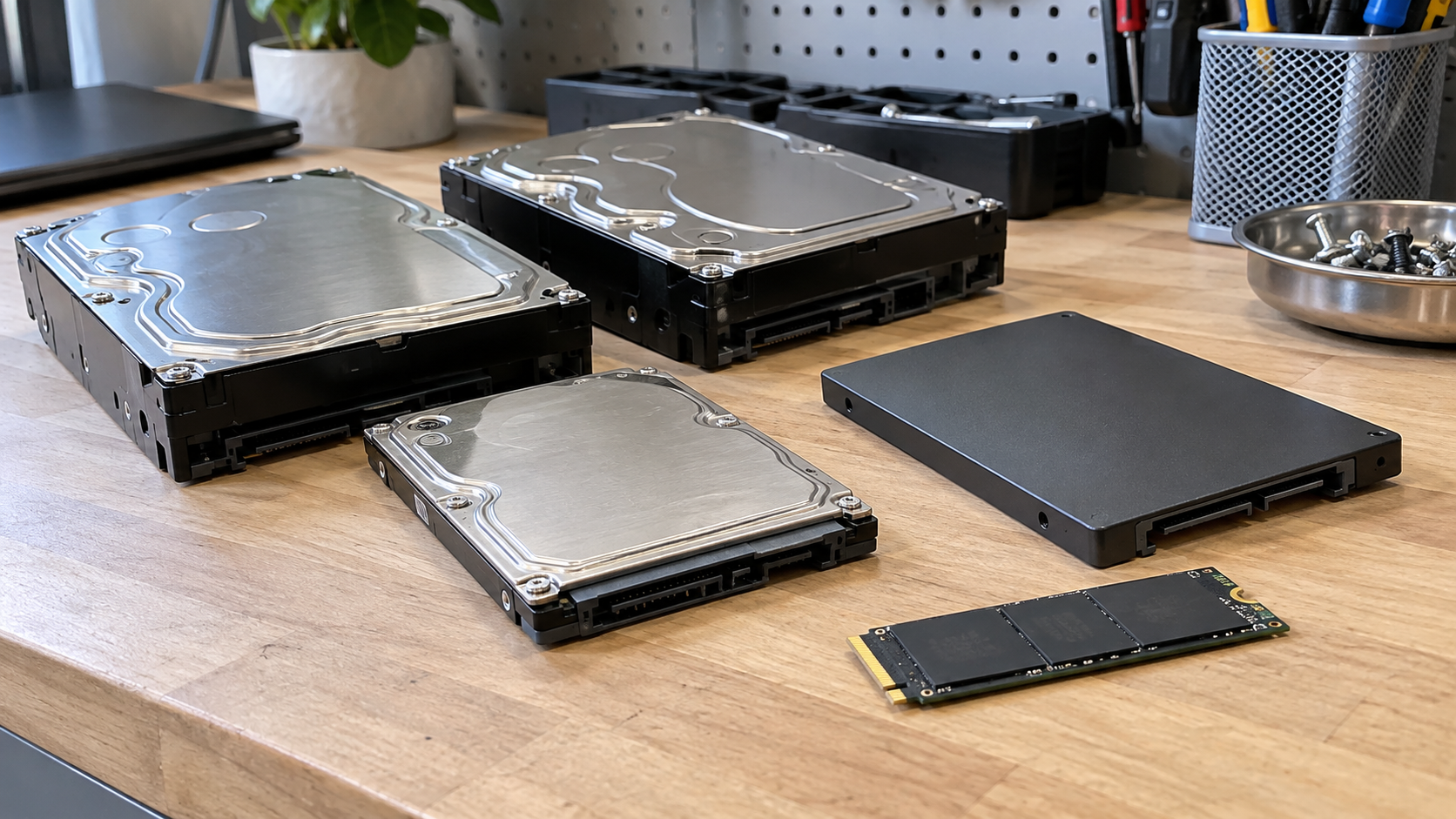
How to Dispose of Old Hard Drives: Data Wiping, Destruction and Recycling
If you are deciding how to dispose of old hard drives, address the data before choosing where the hardware goes. Identify the drive, preserve any information you still need, and select an appropriate sanitization or destruction process. Then arrange reuse or electronics recycling through a receiving program that accepts the equipment.
An old drive can be physically small and still contain years of personal or business information. A failed computer, an unplugged external drive or a storage device that no longer appears in a file browser should not be treated as proof that its data is gone.
The right next step depends on the storage technology, device condition, information sensitivity and whether reuse is appropriate. This guide focuses on retired storage devices, including drives already removed from computers.
Start With the Data You Need to Keep
Before wiping or destroying a drive, confirm that you have preserved the files you need. Check the backup rather than assuming an old copy contains everything. If the drive belongs to a business, follow the organization’s retention and retirement requirements.
A drive that does not work may need a recovery decision before a disposal decision. If its files matter, stop and discuss recovery with a qualified specialist before doing anything that could make recovery harder. Sanitization and destruction are not recovery steps.
Also establish ownership. A drive from leased equipment, a managed workstation or another organization may have return obligations. Employees should not independently discard company storage just because a computer has been replaced.
Keep unprocessed drives in a controlled location while deciding what to do. For a business batch, identify the person responsible for the inventory and approved disposition plan.
Identify Whether You Have an HDD or SSD
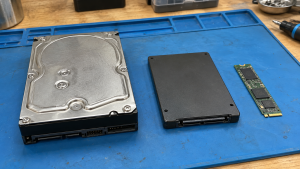
The words “hard drive” often cover several different devices in everyday conversation. The distinction matters when choosing a data treatment method.
| Storage type | Basic characteristics | Disposal consideration |
|---|---|---|
| Hard disk drive, or HDD | Stores data magnetically on rotating platters | Select a method appropriate to the exact drive and its condition |
| Solid-state drive, or SSD | Stores data in flash memory rather than rotating platters | Use techniques suited to flash storage; do not assume HDD methods apply |
| External storage device | An enclosure containing storage connected to a computer | Identify the underlying storage technology before selecting a method |
| Hybrid or unfamiliar device | May combine technologies or have specialized features | Obtain model-specific information rather than guessing from its shape |
Check the model number and manufacturer documentation. An SSD can be enclosed in a familiar rectangular case or appear as a small circuit-board module. Its size alone does not establish how to sanitize it.
For drives already removed from equipment, preserve identifying details so the device can be matched to the correct record. Avoid opening the casing simply to inspect its contents.
Data Wiping, Destruction and Recycling Are Different Steps
Data treatment determines whether information remains accessible. Equipment disposition determines what happens to the device afterward. Material recycling addresses recovery and management of the physical hardware.
An electronics collection receipt does not, by itself, establish that data sanitization occurred. Likewise, destroying a storage device does not answer where its remaining materials will go.
The current NIST SP 800-88 Revision 2 guidance describes media sanitization methods called clear, purge and destroy. These categories have different objectives and suitable techniques. A general marketing term such as “wiping” does not tell you which method was performed or whether it suits your equipment.
Ask about both the data process and the subsequent equipment route. For a reusable drive, these decisions need to work together rather than being handled as unrelated tasks.
When Data Sanitization May Support Reuse
If a drive works and reuse is appropriate, a suitable non-destructive sanitization process may allow it to remain useful. That could mean reuse within an organization or another approved disposition arrangement.
Choose the technique based on the device, its supported capabilities and the information it held. Consult current manufacturer instructions and the relevant organizational policy. Do not select a tool solely because its name includes “secure erase.”
For SSDs, repeated ordinary overwriting is not a universal answer. NIST discusses the limitations of overwriting certain storage media, including SSDs with overprovisioning. Some storage areas may not be reached through ordinary user-addressable writes. More overwrite passes do not automatically resolve that limitation.
Cryptographic erase may be an option for suitable encrypted media, but it depends on how encryption and key handling were implemented. It should not be assumed appropriate simply because a user once enabled encryption. The device and process need assessment.
After processing, review the result. A tool completing without obvious interruption is only part of the assessment; errors, device health and suitability of the selected technique also matter.
When Physical Destruction May Be Appropriate
Destruction may be considered when a suitable sanitization route cannot be completed, when the device condition prevents it, or when the organization’s approved security requirements call for destruction.
A failing drive may not reliably execute a software process. If the outcome cannot be accepted, do not label the drive sanitized just to finish a retirement project. Arrange a suitable next step while maintaining control of the device.
Destruction also ends the storage device’s reuse potential. Decide whether that result is necessary before authorizing it, especially for functioning equipment.
Ask the provider how its process addresses your specific media. HDD platters and SSD memory components require different consideration. A service description that lists “hard drives” should be clarified when your batch includes SSDs or small flash modules.
The applicable equipment, procedure and verification matter more than the appearance of damage. NIST’s destruction guidance cautions against relying on techniques that leave potentially recoverable data-bearing portions intact.
Is Drilling or Smashing a Drive Enough?
A hole in a casing or a broken connector does not establish that all data-bearing material has been addressed. A device can be unusable as a normal computer component without meeting the intended data destruction objective.
For that reason, do not use visible damage as your evidence that sensitive information has been handled. An improvised attempt can also create sharp debris while making identification and controlled processing more difficult.
If you are searching for how to destroy a hard drive, first define the outcome you need: the media type, the information sensitivity and the documentation required. Then ask about a process appropriate to those requirements.
Degaussing is another method that needs careful distinction. It concerns magnetic media and should not be used to sanitize non-magnetic flash storage such as SSDs. Even for an HDD, the suitability of the equipment and storage technology matters. A household magnet is not a substitute for an assessed sanitization process.
Where to Take Old Drives for Recycling
Look for an electronics collection program or provider that explicitly accepts loose storage drives. General computer acceptance does not answer whether individual HDDs, SSDs or processed drive remnants are accepted under the same arrangement.
If data treatment is still needed, ask whether the provider offers a suitable service and how the drives are controlled before processing. If you have already completed sanitization, clarify the receiving program’s requirements for the hardware itself.
For businesses, governments and large purchasers, the EPA recommends certified electronics recyclers. Its guidance identifies R2 and e-Stewards as accredited certification programs and provides routes to their directories.
Verify any claimed certification for the actual receiving facility and relevant scope. Certification should not be inferred from a website badge, a partner relationship or a broad claim of responsible handling.
Confirm appointments, quantity limits and applicable fees before delivery. A household drop-off arrangement and a business collection project may have different terms.
Prepare a Business Batch Without Losing Track of Drives
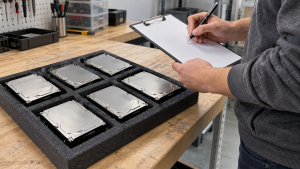
Create an inventory before moving storage out of your organization’s control. Record the identifiers needed for your project, such as serial number, asset tag, model, storage type and source equipment.
Separate devices awaiting assessment from those approved for processing. Make the status clear in your internal records; do not mix a drive containing needed files into a disposal batch.
Agree on packaging and handoff instructions with the receiving provider. Protect intact devices from unnecessary damage and keep them organized so the equipment can be reconciled against the inventory. Do not treat an unmarked box of loose drives as a completed record.
Confirm how custody transfers, who can access the equipment and how exceptions are handled. A missing serial number, a failed sanitization result or an unexpected device should have an agreed resolution rather than disappearing into the final totals.
For documentation, ask what links the result to your actual devices. NIST’s guidance addresses records of media identification, sanitization method and technique, tools, and verification and validation. Determine which details your organization needs before ordering a service.
Questions to Ask Before Approving a Service
Use the same equipment list when comparing providers. Ask:
- Do you accept these HDDs, SSDs and external storage devices?
- Which sanitization or destruction technique suits each type?
- How are errors or failed processing results handled?
- How is equipment controlled before and during processing?
- What records identify the devices and completed work?
- What happens to reusable hardware or destruction remnants afterward?
- Which costs and handoff arrangements apply to this batch?
Avoid comparing quotes as though every service includes the same work. Transportation, device quantity, media type, processing requirements and reporting may affect the scope. Obtain the relevant details rather than relying on an unsupported universal price.
Frequently Asked Questions
Does Deleting Files Make a Hard Drive Safe to Give Away?
Do not treat ordinary file deletion as proof of sanitization. Choose a process suitable to the media and information sensitivity, then assess the outcome before transfer.
Does a Broken Hard Drive Still Need Data Handling?
Yes, it should be assessed. Failure to power on or appear in a computer does not prove the stored information is unrecoverable. Decide whether recovery is needed before authorizing disposal.
Can SSDs Be Processed the Same Way as HDDs?
Not automatically. Flash storage and magnetic drives have different characteristics. Confirm that the proposed technique addresses the exact device rather than relying on a generic hard drive service description.
Can I Recycle a Drive After Sanitizing It?
You can seek a receiving program that accepts the hardware. Confirm its requirements, and keep any records needed to distinguish your completed data treatment from the later recycling handoff.
Do I Need a Certificate for Every Drive?
That depends on your organization’s requirements and the arrangement you choose. Ask what device-level records and other documentation are available. A certificate title alone does not explain the work performed.
Can I Put Loose Hard Drives in a Computer Recycling Box?
Only after confirming acceptance and data responsibilities. Keep the drives identifiable and follow the receiving program’s packing instructions. Do not assume that acceptance of computers includes treatment of their data.
Plan the Data Process Before the Recycling Handoff
Knowing how to dispose of old hard drives starts with identifying the media and deciding what information must be preserved or protected. Select an appropriate process, assess its result and arrange the next equipment destination.
Contact 3W Computer to discuss your retired storage devices. Include the drive types, approximate quantity, condition, location and documentation needs, and ask about suitable data handling and recycling options for your project.
Name: Win Win World Recycle LLC
Address: 1226 West 9th Street, Upland, CA 91786
Phone: 908-798-6789