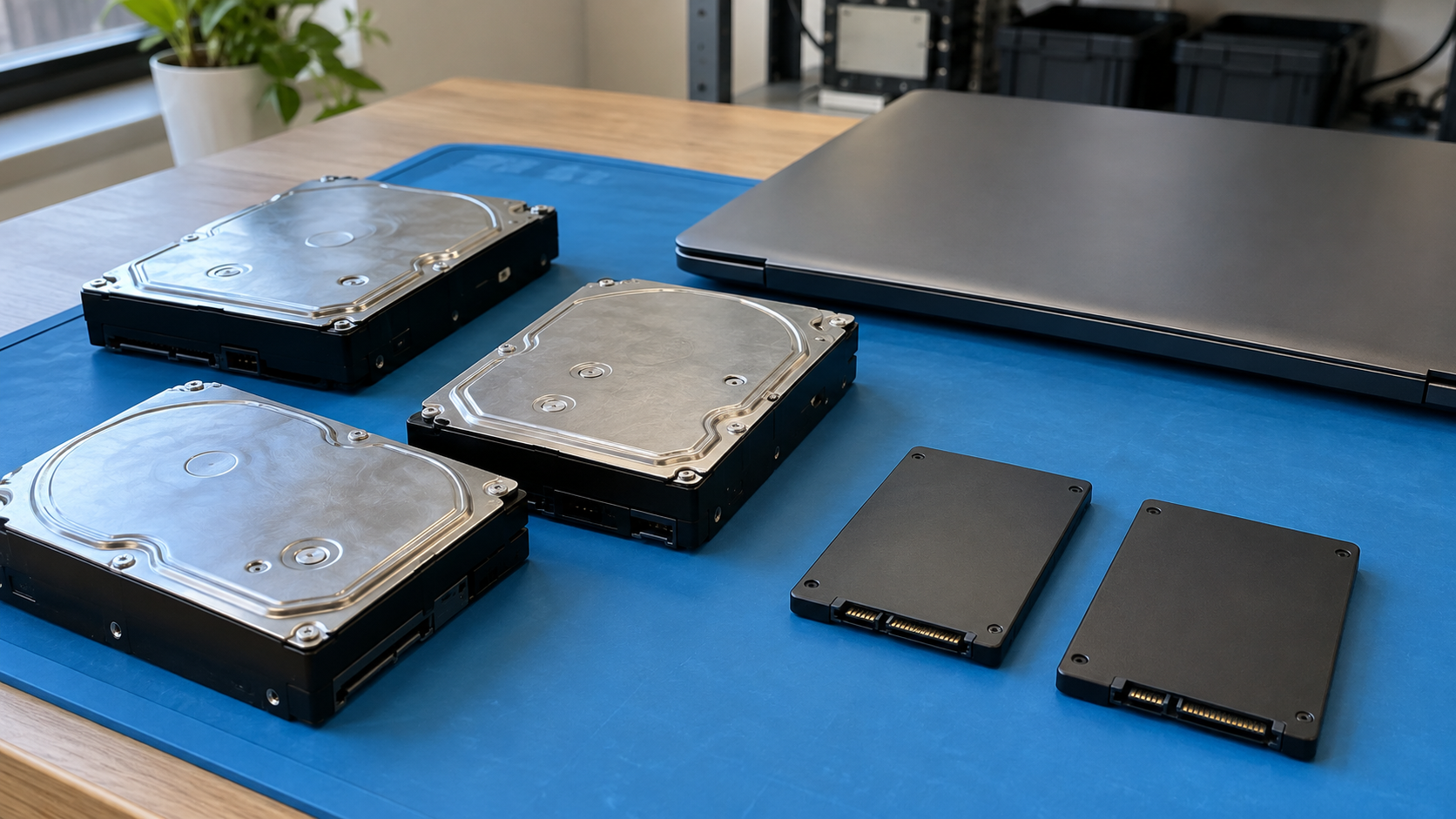
Data Wiping vs. Hard Drive Shredding: Which Should Your Business Choose?
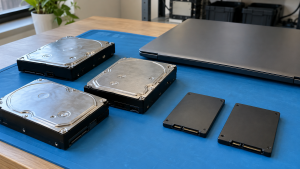
When comparing data wiping vs hard drive shredding, start with the information and the storage device—not the service label. A suitable non-destructive sanitization process may preserve equipment for reuse. Physical destruction makes the affected media unusable, but the technique still needs to match the media and required protection level.
Neither phrase is a complete specification. “Wiping” can describe different techniques, while “shredding” does not identify equipment, output characteristics or verification. Ask what will actually happen to each device and how the result will be assessed.
For a business retiring mixed equipment, the answer may involve more than one route. Functioning drives intended for reuse and failed media may need different decisions within the same project.
The Practical Difference
Non-destructive data sanitization aims to address information while leaving the storage potentially usable. Physical destruction addresses the media itself and ends its use as a storage device.
That distinction creates a practical tradeoff. Keeping suitable media usable can support redeployment or resale, but only when the selected process meets the data requirements. Destroying media eliminates that reuse option without automatically proving that any particular destruction technique is adequate.
| Decision factor | Non-destructive sanitization | Physical shredding |
|---|---|---|
| Reuse of the treated drive | May remain possible, depending on technique and condition | No; the shredded drive cannot be reused as storage |
| Media suitability | Requires a supported, appropriate technique | Requires equipment and output suited to the actual media and protection requirement |
| Failed devices | Some failures can prevent successful processing | May be considered when an appropriate destruction route is required |
| Evidence | Method, device identity, completion results and assessment | Device identity, destruction technique, equipment and assessment of remnants |
| Subsequent destination | Approved reuse or recycling after data treatment | Appropriate management of destruction remnants |
| Main question | Can the required result be achieved and accepted while preserving usability? | Does this exact process meet the required destruction objective? |
Use the table to structure an inquiry, not as automatic approval for either route.
What NIST Means by Sanitization
The current NIST SP 800-88 Revision 2 distinguishes clear, purge and destroy. These methods address different recovery capabilities and have technology-specific techniques.
Clear addresses recovery through the normal user interface using simple, non-invasive techniques. Purge addresses a stronger recovery objective while potentially preserving the media for reuse. Destroy addresses that stronger objective and makes the media unusable for storage.
These categories are more precise than treating every software operation as “wiping” and every damaged drive as “destroyed.” Ask a provider to identify the intended method and actual technique rather than using the terms interchangeably.
NIST also directs users toward current technology-specific standards. A process should be selected for the media and confidentiality requirement, not because an old overwrite pattern or familiar service description sounds reassuring.
When Preserving the Drive May Make Sense
A working drive may be a candidate for an appropriate non-destructive process when the organization wants to redeploy, sell or otherwise reuse it.
First confirm that the drive is suitable for another useful life and that internal policy permits the intended transfer. Reuse value should not override the data decision.
Then assess the supported sanitization capabilities and the required assurance. A tool’s name or successful installation does not establish that its operation covers the target data on that device.
Record the result and review errors or anomalies before accepting the outcome. If processing cannot be accepted, keep the device controlled while choosing another approved technique or route.
For example, a company replacing functioning workstations might assess suitable storage for reuse. It should still identify each drive, select the appropriate treatment and reconcile results before releasing equipment. The desire to resell a complete computer does not make every available reset option suitable.
When a Destruction Route May Be Needed
A destruction decision may arise when the required sanitization cannot be completed, the media are too damaged to support the selected process, or an approved requirement calls for destruction.
Do not assume this automatically means any shredder will suffice. The NIST guidance on destruction emphasizes the target recovery objective and cautions that increasing storage density and material hardness can make techniques ineffective. It specifically limits its recommendation for pulverizing and shredding to the lowest data security categories.
That makes information sensitivity and applicable requirements central to the choice. If a provider proposes shredding, ask how the exact equipment and resulting material satisfy your project’s requirements. For higher-assurance needs, obtain a technically appropriate assessment rather than assuming “physical” means universally sufficient.
A failed-drive example illustrates the distinction: a drive that cannot complete an appropriate logical process needs a different approved route. It does not justify accepting an unspecified destruction service without reviewing its suitability.
HDDs and SSDs Need Different Consideration
Hard disk drives use magnetic storage, while SSDs use flash memory. Similar connectors or external shapes do not mean the same sanitization technique applies.
NIST explains that ordinary overwrite approaches can be unsuitable for flash devices with spare capacity and wear leveling because the user interface may not address every location where data were stored. Repeating the operation does not automatically solve that limitation.
Dedicated device sanitization capabilities may be relevant, but their implementation and outcome still need assessment. Cryptographic erase also has prerequisites involving encryption and key handling; it is not established merely by saying that encryption was enabled at some point.
Physical processing also needs media-specific review. An SSD’s data-bearing components differ from an HDD’s platters. Confirm that the proposed process addresses the actual device rather than relying on a generic hard drive service description.
Do not use degaussing for flash storage. It concerns magnetic media and does not provide an SSD sanitization solution.
Five Questions to Decide Which Route Fits
1. What Information Must Be Preserved or Protected?
Confirm backups and retention decisions before authorizing irreversible work. Have the appropriate information owner approve retirement and identify the protection requirement.
If recovery is still needed, resolve that before wiping or destruction. A disposal deadline should not become an accidental decision to lose business records.
2. What Media Are Actually Present?
Build an inventory that distinguishes HDDs, SSDs and unfamiliar storage. Include the identifiers needed to link processing results to physical devices.
For complete computers or servers, have authorized technical staff identify installed storage rather than assuming the visible drive bays tell the whole story.
3. Is Reuse Intended and Permitted?
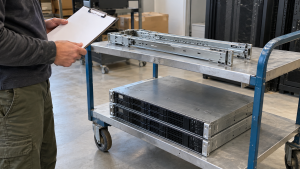
Decide whether preserving the media serves a real purpose. Consider condition, recipient requirements and organizational policy.
Reuse of a computer chassis and reuse of its original drive are separate decisions. A device may have another use even when its storage follows a different approved route.
4. Can the Proposed Process Meet the Requirement?
Review compatibility, implementation, errors and assessment criteria with qualified staff or the provider. Document what happens when processing fails or results cannot be accepted.
Avoid blanket rules such as “all SSDs get overwritten” or “all sensitive drives get shredded.” Those shortcuts omit the details that determine suitability.
5. Can You Reconcile the Outcome?
Determine what records identify the devices, work performed and accepted results. Agree on exception reporting before the equipment changes hands.
A project should be able to explain both completed work and unresolved items. A total equipment count alone may not answer which particular drive received which treatment.
Compare Costs Using the Same Scope
There is no universal price advantage for wiping or shredding. Compare quotes against the same inventory and requirements.
Relevant scope factors may include device quantity, media type, condition, location, preparation, processing and records. Onsite and offsite arrangements can involve different logistics.
For a reuse route, consider assessment and preparation alongside potential recovery value. For a destruction route, confirm what happens to the remnants. Do not treat a resale estimate as guaranteed revenue or assume a destruction quote includes the complete recycling arrangement.
Ask what happens financially and operationally if the proposed method fails. An incomplete initial process can change the required work, so establish the approval path for exceptions.
Onsite or Offsite: Control Still Matters
Location is another decision, not a substitute for method selection. An onsite process still needs suitable equipment, trained personnel and a defined assessment. An offsite process needs an agreed custody and transport arrangement before treatment.
Confirm when responsibility transfers, how equipment is identified and who can access it. Establish how discrepancies, missing identifiers or unexpected devices are handled.
Keep devices awaiting decisions separate in the project records from those approved for release. A drive should not leave under the assumption that someone else already processed it.
What Documentation Should You Request?
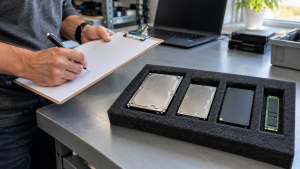
Ask for records appropriate to your organization and the work ordered. NIST discusses recording media identification, method, technique, tools, and verification and validation information.
Verification examines the processing outcome; validation determines whether that outcome is acceptable for the target information and circumstances. A completed operation is not always an acceptable result.
Review a sample record before committing when documentation is important. Confirm how records relate to your inventory and how unsuccessful work appears. A certificate title alone does not establish media suitability, processing quality or satisfaction of your organization’s obligations.
Frequently Asked Questions
Is Wiping Always Less Secure Than Shredding?
No blanket comparison is appropriate. The actual technique, media, information sensitivity and accepted outcome matter. Neither label establishes the required protection on its own.
Can a Wiped Drive Be Reused?
Potentially, when a suitable non-destructive process is completed and accepted and the drive remains usable. Confirm that reuse is permitted and practical for the device.
Does Shredding Always Meet NIST’s Destroy Objective?
No. The particular process must satisfy the intended recovery objective. NIST cautions about shredding limitations and the relevant data security category; obtain an assessment for the proposed equipment and media.
Can We Use Different Methods in One Retirement Project?
Yes, a project can assign different approved routes to different media. Keep the inventory and result records clear enough to explain each device’s outcome.
What if a Drive Fails During Sanitization?
Keep it controlled, document the unsuccessful result and follow the agreed exception process. Do not mark it complete merely because the tool stopped or the device became inaccessible.
Does Destroying the Drive Mean the Entire Computer Must Be Destroyed?
Not necessarily. Assess the remaining equipment separately. Its reuse suitability depends on condition, completeness and the intended recipient or internal use.
Choose a Defined Process, Then Compare Providers
The useful answer to data wiping vs hard drive shredding is a documented decision for your actual media and information. Define the protection requirement, assess reuse, select a suitable technique and agree on how results will be accepted.
Contact 3W Computer to discuss your retired storage and IT equipment. Share the media types, quantity, condition, location and documentation needs, and ask which available options fit your project before authorizing treatment.
Name: Win Win World Recycle LLC
Address: 1226 West 9th Street, Upland, CA 91786
Phone: 908-798-6789