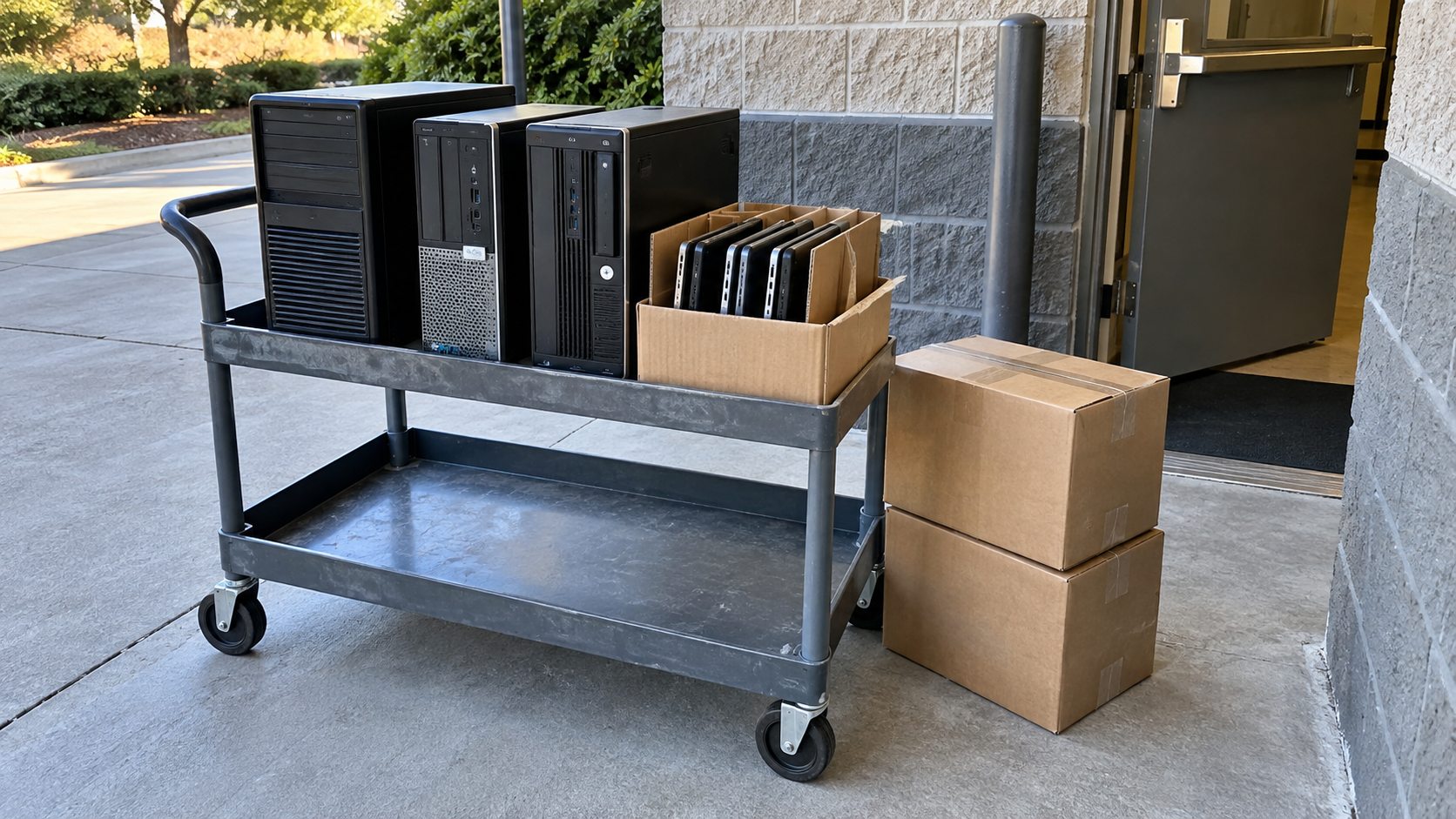
Electronics Recycling Near Me: How to Choose the Right Option
Searching for electronics recycling near me is a starting point. Before choosing a location, confirm that it accepts your equipment, serves your type of customer, and explains what happens to stored data.
One household laptop and a room full of company computers may need different arrangements. A nearby collection point may suit the first; a scheduled service with equipment tracking may suit the second. Distance matters, but so do acceptance rules, handling requirements and the total cost.
This guide helps you compare local options and prepare the information a provider needs before you visit or book a collection.
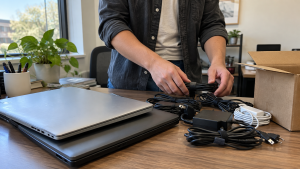
Where to Start Looking for Electronics Recycling Near You
Start with your city or county’s official waste-management website. Look for electronics collection locations, events and eligibility rules. Check whether the information applies to residents, businesses, or both.
Manufacturer and retailer takeback programs are another route to investigate. EPA lists resources for finding donation and recycling options, including Earth911 and Greener Gadgets. Treat directory results as leads to verify directly with the receiving program. Source: EPA electronics donation and recycling.
For company equipment, investigate providers that can discuss the full batch, including storage devices, building access and records. A location shown on a map does not by itself establish walk-in availability, acceptance of commercial quantities, or a suitable data handling service.
Use your ZIP code or city to narrow the search, then contact a short list. Avoid loading a vehicle until the destination has confirmed the arrangement.
Compare Drop-Off, Takeback and Business Pickup

Choose a route around your equipment and practical requirements. These are options to investigate, not promises that every local program offers them.
| Option | When to investigate it | What to confirm |
|---|---|---|
| Local drop-off | You can transport a manageable amount of equipment | Accepted items, customer eligibility, hours and fees |
| Community collection event | A published event fits your schedule | Registration, residency rules, quantity limits and event date |
| Manufacturer or retailer takeback | The program lists your product type | Brand rules, condition limits, packing and any charges |
| Business collection | You have several devices or need coordinated removal | Service location, minimum quantity, loading scope and records |
For a household, the simplest option may be a confirmed drop-off appointment. For an office, compare the time needed to count, pack, load and transport the equipment with the scope of a collection quote.
If your site has stairs, restricted parking, an elevator reservation or a loading dock appointment, disclose that before pricing is agreed. “Pickup” can describe different levels of work, so clarify where the provider takes responsibility for the equipment.
Confirm the Exact Equipment Accepted
Do not assume that a program accepting computers also accepts every item in your electronics closet. Ask about monitors, printers, phones, cables, batteries and accessories separately.
Describe each group clearly: “eight desktop computers, six flat-panel monitors and two printers” gives a provider more useful information than “office electronics.” Include approximate sizes for larger items and report visible damage.
If you have an older bulky display, a device with a damaged battery, or equipment whose condition is unknown, mention it at the start. Ask whether any items require a separate destination or handling arrangement.
Check quantity limits as well. A program that suits one household device may not accept a company’s entire refresh batch. Confirm that commercial equipment is eligible rather than describing it as household waste.
Keep the acceptance confirmation with your equipment list. It provides a reference if the collection scope changes later.
Check Fees Before Comparing Convenience
Electronics recycling may be free through one program and chargeable through another. Confirm costs for the items and services you actually need.
Ask whether the quoted total includes:
- Each equipment category on your list.
- Data handling for storage devices.
- Packing materials or preparation labor.
- Collection, loading and transport.
- Stairs or other access requirements.
- The agreed inventory and processing records.
A free equipment intake offer does not establish that collection or data work is included. Similarly, a collection charge may not cover every item you planned to hand over.
Compare written scopes rather than the headline price. If one quote requires you to move equipment to a loading area and another includes removal from an upper floor, account for your own team’s work before deciding.
Ask what happens if the final count differs from the estimate. Agree on how additions, exclusions and changes will be approved.
Resolve Data Handling Before Handover
Laptops, desktops, phones and storage devices deserve a separate data decision. For business equipment, ask IT to identify what needs to be retained and how the storage should be handled.
Confirm that needed files are available in an approved backup before authorizing sanitization or destruction. Keep devices awaiting recovery, ownership approval or another internal decision out of the disposal batch.
NIST SP 800-88 Revision 2 provides guidance on media sanitization based on the sensitivity of information and applicable techniques and controls. Use your organization’s requirements to select the process and supporting evidence. Source: NIST Guidelines for Media Sanitization.
Ask a prospective provider what data work is available, which devices it covers, and how the outcome is recorded. Confirm the response to unsuccessful processing rather than assuming every item will complete the same procedure.
For a computer that will not turn on, flag that condition. Do not treat a failed device as evidence that its storage contains no recoverable information. Get an assessment if files are still needed or the selected handling method depends on accessing the drive.
Handle Batteries According to Their Condition
Battery requirements can affect which destination is suitable. EPA advises keeping lithium-ion batteries and devices containing them out of household garbage and municipal recycling bins.
Some batteries are not designed for user removal. Follow product instructions and ask the receiving program how to handle the device. If a battery is damaged, contact the manufacturer for specific guidance and disclose the condition before arranging transport. Source: EPA used household batteries.
Do not force a battery out of a device to meet a presumed acceptance rule. Obtain instructions for the actual condition instead. A suspected swollen battery should be raised separately from an ordinary nonworking laptop.
For a business batch, note known battery issues on the inventory and ask for packing guidance before mixing those devices with other equipment. An ordinary collection or mail-in arrangement should not be assumed to cover damaged batteries.
Evaluate the Provider Behind the Collection Point
Ask who receives the equipment and who performs any agreed data work. The collection location and the processing facility may have different roles.
EPA recommends certified electronics recyclers for businesses, governments and large purchasers. It identifies R2 and e-Stewards as accredited certification programs and links to resources for finding certified recyclers. Source: EPA certified electronics recyclers.
If a provider claims certification, check the relevant directory and confirm that the listed facility and service scope fit your project. A website badge alone should not close that review.
Also ask whether working devices may be assessed for reuse and what determines the disposition of the rest. Get a clear explanation without assuming that every item will be resold or that your batch has recoverable value.
Compare the quality of the answers. Specific acceptance rules, a defined service scope and clear records give you more useful information than broad statements about being secure or environmentally friendly.
Prepare a Short List Before Contacting a Provider
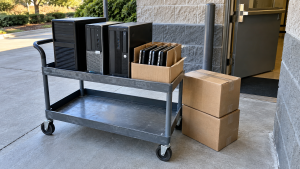
You can make the first conversation productive with a simple note covering equipment, location, condition and unresolved decisions.
For example: “We have 12 company laptops and four monitors at an office with elevator access. Two laptops will not start. Files have been backed up, but storage handling still needs to be agreed. We need collection before our office move.”
Keep asset identifiers where your business needs individual tracking. Record any drives retained separately so they do not disappear from the disposal task when the computers leave.
Use the packing instructions agreed with the receiver. At handover, compare the transferred items with your list and note exceptions. After processing, review the supplied records before closing the relevant internal tasks.
Frequently Asked Questions
How do I find a place that accepts my specific electronics?
Check official local waste resources and relevant takeback programs, then confirm with the receiving location. Provide the equipment types, quantities and known damage before visiting.
Is electronics recycling always free?
No. Charges and eligibility depend on the program and equipment. Ask separately about intake, collection, data work and documentation, and compare the complete scope.
Can a business use a household drop-off program?
Only if the program permits it. Check commercial eligibility and quantity limits directly. Do not assume residency-based programs accept company equipment.
Do I need an appointment?
That depends on the location or service. Confirm appointment requirements, opening times and any registration before transporting equipment.
Should I remove the battery first?
Follow the device instructions and the program’s guidance. Some batteries are not user serviceable. Disclose suspected damage and obtain condition-specific instructions before transport.
Does an equipment receipt prove that data has been destroyed?
A receipt may record a transfer without documenting completed data work. Check which storage devices are covered and what processing results or supporting records are provided.
Discuss Your Equipment With 3W Computer
When comparing electronics recycling near me, choose around the equipment you have, its data and battery requirements, and the arrangement you can verify before handover.
Contact 3W Computer with your ZIP code, equipment types, quantities and known damage. For business equipment, include access conditions, your target date and data handling requirements. Ask about acceptance, location eligibility, collection or drop-off options, fees and available records before making arrangements.
Name: Win Win World Recycle LLC
Address: 1226 West 9th Street, Upland, CA 91786
Phone: 908-798-6789