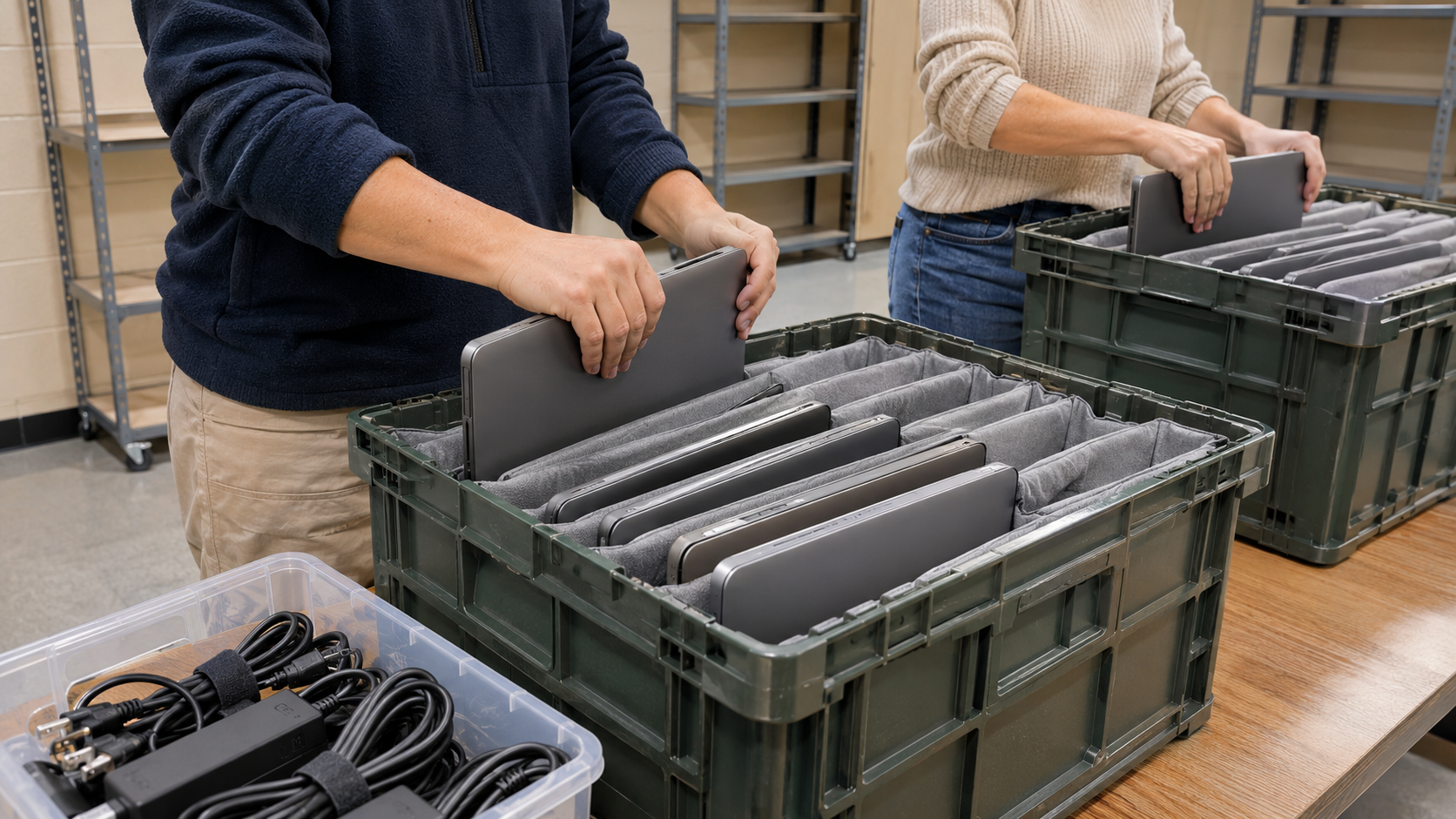
Schools and districts manage large fleets of laptops, tablets, Chromebooks, projectors, printers and network equipment. Many devices hold information about students and staff, and they are replaced on regular cycles. School electronics recycling is the process of retiring that equipment responsibly: protecting the data, reusing what still works, and recycling the rest. This guide explains how to plan it.
Why School Electronics Recycling Needs a Plan
Schools face a mix of challenges that most households do not:
- Volume. Device refreshes can retire hundreds of units at once.
- Student data. Devices can hold records, logins and files tied to students.
- Shared ownership. Equipment may be funded, owned or managed by different departments, programs or vendors.
- Accountability. Districts need records of what left and what happened to it.
Protecting Student Data When Devices Are Retired
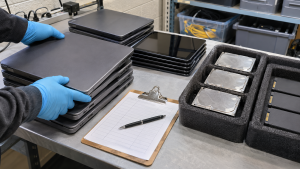
The U.S. Department of Education’s Privacy Technical Assistance Center (PTAC) publishes Best Practices for Data Destruction for schools and districts. Several points apply directly to school electronics recycling.
What FERPA Says About Destruction
PTAC explains that FERPA does not set specific requirements for how schools and districts dispose of or destroy the data they maintain themselves, other than requiring them to safeguard FERPA-protected data from unauthorized disclosure, and not to destroy any education records while there is an outstanding request to inspect or review them. PTAC also notes that other federal, state or local laws may require specific secure disposal methods, so districts should check with legal counsel.
Choose Methods Based on Sensitivity
PTAC advises choosing destruction methods based on the sensitivity of the data. It notes that simply deleting files or using a desk shredder may be acceptable only for very low-risk information, because such methods can be undone by a determined individual. For electronic data, PTAC warns that simple deletion is not effective, since deleting a file often removes only the reference to it.
PTAC’s guide describes three categories adapted from NIST: clear, purge and destroy, with destroy providing the most assurance. NIST’s current version of that guidance is SP 800-88 Revision 2. NIST 800-88 Explained summarizes it in plain English.
Document the Destruction
PTAC recommends ensuring accountability by using certification forms signed by the person responsible for the destruction and containing detailed information about it. A certificate of data destruction serves this purpose.
Planning a School Electronics Recycling Project
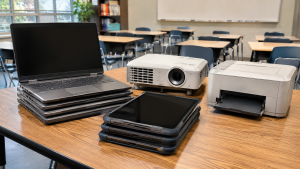
- Build an inventory. List devices by type, asset tag and serial number, and note which ones store data.
- Check ownership and funding. Confirm whether any equipment is leased or subject to program rules before disposal.
- Release management controls. For managed devices such as Chromebooks and tablets, follow the manufacturer’s process to remove them from your management system so they can be reused or processed.
- Decide on data handling. Choose wiping for devices that will be reused and destruction where policy or sensitivity requires it.
- Sort for reuse. Working devices may be redeployed, donated or resold.
- Plan logistics. Large refreshes often need scheduled pickup from several campuses. Computer Recycling Pickup Checklist helps with preparation.
- Collect records. Keep the inventory, pickup records and destruction certificates together.
Reuse First, Then Recycle
The U.S. EPA says preventing waste is preferable to any waste management option, including recycling, and that reuse extends product life spans. For schools, that can mean redeploying devices to other classrooms, donating them, or reselling them where policy allows. Where to Donate Old Computers covers donation options.
Devices that are too old or damaged should be recycled after their data has been handled. Tablets and laptops with swollen batteries need careful handling; Laptop Battery Recycling explains why.
What to Ask a Recycling Provider
- Which device types do you accept, including Chromebooks, tablets, projectors and network gear?
- How will data-bearing devices be wiped or destroyed?
- Can you collect from multiple school sites?
- Will we receive an itemized inventory and certificates tied to serial numbers?
- Can working equipment be evaluated for reuse or resale?
- Which certifications do you hold? The EPA recommends using certified electronics recyclers.
How 3W Computer Can Help
3W Computer works with organizations retiring IT equipment from its base in Upland, California. On its website, 3W Computer lists logistics and pickup, detailed inventory reporting, equipment remarketing, data destruction services including a certificate of destruction, and e-waste recycling. Schools and districts can contact 3W Computer to discuss their device list, locations and documentation needs.
Frequently Asked Questions
How should schools recycle old Chromebooks and laptops?
Inventory them, release them from management systems, handle the data, reuse what works and recycle the rest with a provider that documents the process.
Does FERPA require a specific data destruction method?
No. According to PTAC, FERPA does not require particular destruction methods for data a school maintains itself, but other laws may, so check with legal counsel.
Is deleting files enough before recycling school devices?
No. PTAC warns that simple deletion is not effective because the data may remain on the device until it is overwritten.
Can schools donate old devices?
Often, yes, after data has been properly removed and if district policy allows it.
What records should a district keep?
Keep the device inventory, pickup records and signed destruction certificates.
Make School Electronics Recycling Part of Every Device Refresh
School electronics recycling works best when it is planned alongside each refresh: inventory devices, protect student data, reuse what you can and keep records. That protects students and makes the next cycle easier.
To plan school electronics recycling for your district, contact 3W Computer.
Sources
- U.S. Department of Education, Privacy Technical Assistance Center, Best Practices for Data Destruction
- National Institute of Standards and Technology, SP 800-88 Rev. 2: Guidelines for Media Sanitization
- U.S. EPA, Basic Information About Electronics Stewardship
- U.S. EPA, Certified Electronics Recyclers
Name: Win Win World Recycle LLC
Address: 1226 West 9th Street, Upland, CA 91786
Phone: 908-798-6789