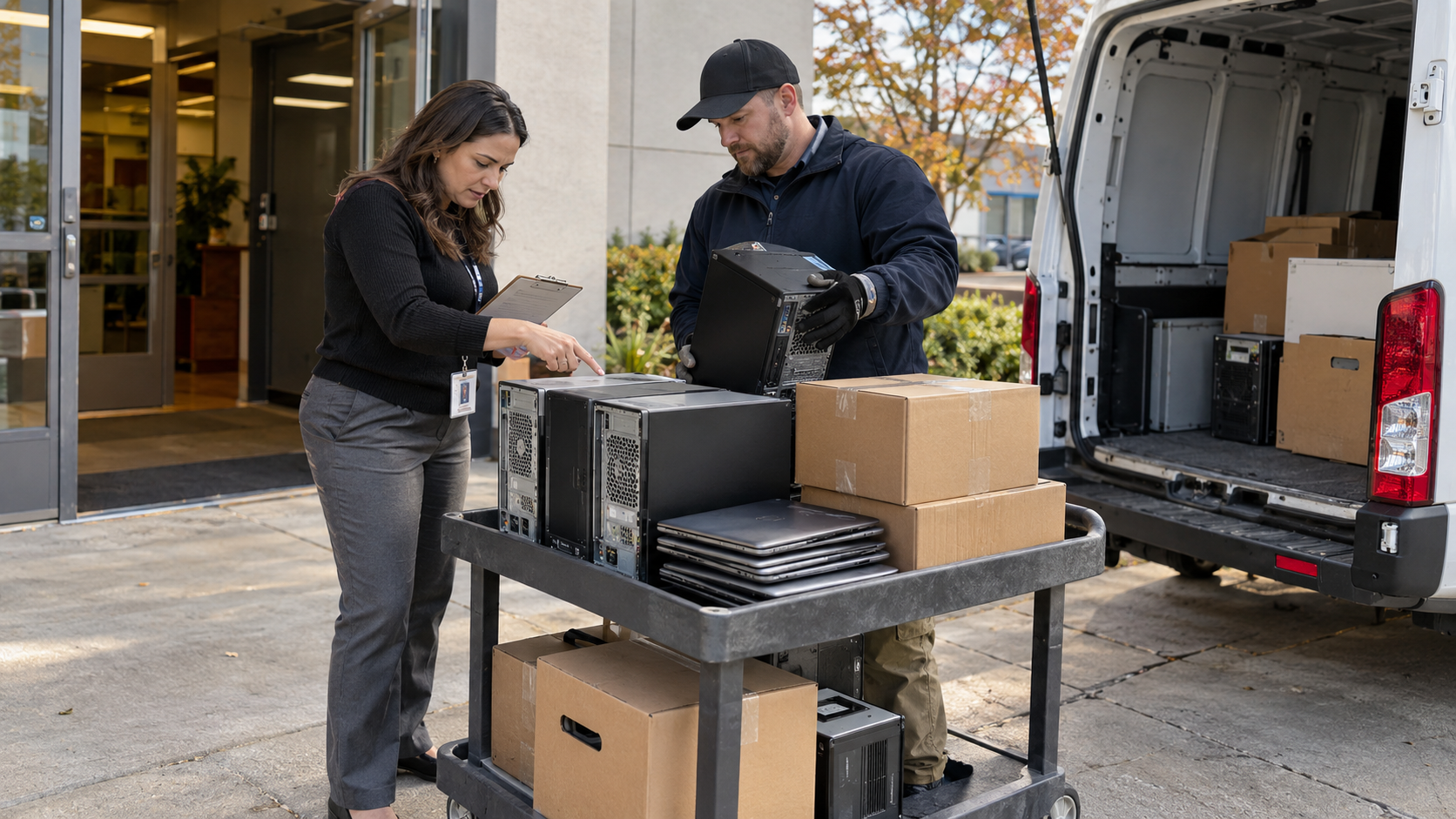
To arrange a computer recycling pickup, send the provider an equipment list, your collection address, access details, and the services you need. Confirm what is accepted, who will pack and move it, the collection window, and any charges before booking. Assign someone to check the handover and follow up on the agreed records afterward.
The truck is only one part of an office collection. Delays can start with an elevator that was never reserved, computers still assigned to employees, or boxes containing equipment that was not included in the quote. A short preparation plan helps everyone understand what is leaving and what must happen before it does.
Use this checklist for an office refresh, a storage-room cleanout, or a move where retired computers need a separate destination from working equipment.
1. Define the Collection Before Requesting a Date
Decide which equipment is approved for removal and which items still need a decision. Name one person who can authorize changes to the list. This is especially useful when IT, facilities, and an outside moving team are working on the same project.
Describe the task accurately. Picking up packed boxes from a ground-floor staging area is different from disconnecting equipment across several workstations, removing it from desks, and carrying it downstairs.
Tell the provider which tasks you want included. Ask for written confirmation of the collection scope rather than assuming that “pickup” covers every step from the employee’s desk to the vehicle.
If a lease expiry or office move creates a firm deadline, share it with the initial request. Ask when the date becomes confirmed and what arrangements apply if building access or the equipment list changes.
2. Create an Equipment List the Provider Can Use
Separate laptops, desktops, monitors, servers, printers, and accessories into their own categories. Do not describe an entire room as “a few computers” when the load also includes screens, racks, or heavy equipment.
Your initial list does not need to be perfect. It should be clear about what is known and what still needs checking.
| Information | What to provide |
|---|---|
| Equipment type | Laptops, desktops, monitors, and other distinct categories |
| Quantity | A count for each category, marked as estimated if necessary |
| Condition | Working, non-working, damaged, incomplete, or untested |
| Identifiers | Models, serial numbers, or internal asset tags where available |
| Storage status | Drives present, removed, or not yet checked |
| Current location | Room, floor, building, and collection address |
| Preparation status | Loose equipment, boxed equipment, or prepared pallets |
Photos can help explain the scale and layout. Keep private information out of the images and send sensitive asset details through an agreed channel if your organization requires one.
Ask the provider to review every category. Include accessories and unusual items at the quoting stage instead of adding them beside the truck on collection day.
3. Confirm Acceptance, Pricing, and the Pickup Window
Before booking a computer recycling pickup, request a written scope that identifies the accepted equipment, the collection location, and the work included. Clarify whether quantities or eligible device types affect pickup availability or pricing.
Ask what happens if the final count differs from your estimate. Set a deadline for submitting changes, and agree on who must approve any revised charge.
Confirm the arrival window, the expected on-site work, and the contact process for delays. Give the collection team both a primary contact and a backup who can provide building access and make routine decisions.
Do not assume that a free equipment acceptance offer includes transport, packing, or every item in a mixed load. Have each part of the proposed service confirmed for your project.
4. Agree on Where the Collection Starts
Use a location description instead of relying only on service labels. Tell the provider exactly where the equipment will be when the team arrives.
| Collection arrangement | Details to settle |
|---|---|
| Equipment at a loading dock | Dock booking, vehicle access, and loading responsibilities |
| Equipment in a ground-floor room | Distance to the exit, door access, and who moves it |
| Equipment on upper floors | Elevator reservation, stairs, access times, and labor scope |
| Equipment across several rooms | Collection sequence, room access, and who identifies approved assets |
For a shared office building, ask facilities management about service entrances, visitor registration, parking restrictions, and any required vendor documents. Share these requirements early enough for the provider to respond.
If you are also using a moving company, give both teams clear instructions. Retired devices should not accidentally go to the new office, and active equipment should not enter the recycling collection.
5. Settle Data Responsibilities Before Handover
Ask IT to approve how data-bearing equipment will be handled. Decide whether work will be completed internally before pickup or whether the provider will receive equipment that still requires processing.
Record that status in the equipment list. Keep any unresolved devices separate and identify the person responsible for approving their next step.
If a provider will perform data-related work, confirm the scope, location, required records, and the process for exceptions. Ask what happens if a device cannot be processed as planned.
A pickup receipt records a handover; it should not be treated as proof that all later work is already complete. Agree on the final reporting before the equipment leaves so your team knows what to expect and when to follow up.
6. Prepare Equipment Using the Agreed Packing Instructions
Ask the provider how it wants the equipment presented and who supplies boxes, protective materials, carts, or pallets. Avoid assuming that your team must dismantle computers or prepare a freight shipment without instructions.
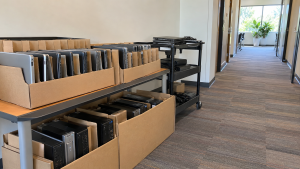
Create a staging area for approved items. Keep equipment awaiting decisions, leased devices scheduled for return, and active employee equipment outside that area.
Group accessories as agreed and keep identifiers accessible where they are needed for counting or scanning. Report known damage before packing so the provider can advise whether special arrangements are necessary. Do not hide damaged devices among ordinary equipment to simplify the list.
Arrange internal moving help for bulky items and keep the access route clear. Assign packing and movement tasks to people equipped to do them safely rather than leaving everything to whoever happens to be available that morning.
7. Check the Handover Before the Vehicle Leaves
Have the authorized contact present while the collected equipment is checked against the agreed list. Record additions, omissions, and substitutions rather than relying on memory after the room is empty.
Ask what level of detail will appear on the collection record. Some projects may need item-level identifiers; others may use agreed counts or container references at handover. Decide what your organization requires before pickup day.
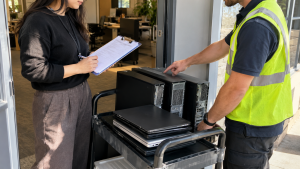
If something unexpected is found, pause that item for clarification. Do not let the pressure to finish loading decide whether an unapproved device should leave.
Keep a copy of the handover record and identify any equipment still on site. Assign a next action for the remainder so that a nearly completed collection does not leave another untracked pile in storage.
8. Reconcile Records After Pickup
Give one person responsibility for receiving and reviewing the agreed reports. Compare them with the handover record, and ask about missing identifiers, quantity differences, or unresolved processing results.
For a multi-location project, maintain a separate record for each site. A single email saying “collection complete” may not tell every office which devices were included.
Update internal asset records when the relevant evidence has been reviewed. Keep the quote, approvals, collection record, and final reports together so someone outside the project can understand what happened later.
Your Final Computer Recycling Pickup Checklist
- Equipment approved for removal is clearly identified.
- The provider has reviewed the item types and quantities.
- Collection scope, charges, and change conditions are confirmed.
- IT has approved the data-handling arrangements.
- Packing and internal movement responsibilities are assigned.
- Loading access, parking, elevators, and entry requirements are arranged.
- A primary contact and backup are available.
- Handover records and reporting expectations are agreed.
- Someone is assigned to resolve discrepancies after collection.
Frequently Asked Questions
Is there a minimum number of computers for pickup?
Ask the provider to assess your equipment list and location. Do not assume that one company’s minimum or qualifying device rules apply to another. Get confirmation for the actual load before booking.
Can monitors, cables, and printers go with the computers?
List them separately and request acceptance confirmation. Ask about exclusions and charges for each category rather than adding extra equipment on collection day.
Do we need to pack or palletize everything?
Follow the agreed preparation instructions. Confirm who provides materials and who performs the packing. The arrangement should reflect your equipment and collection access.
Will the pickup team remove computers from desks?
Confirm that task explicitly. Explain whether equipment is connected, spread across rooms, or already staged. Ask which disconnection, packing, and movement tasks are included.
Can we arrange pickup from multiple offices?
Provide each address, its equipment list, access details, and local contact. Ask whether the provider can accommodate all locations and how scheduling and records will be separated by site.
What should we send to 3W Computer?
Send equipment types, quantities, pickup ZIP code, access details, preferred dates, and any data-handling or reporting requirements. Ask for confirmation of available collection options and the complete scope before booking.
Discuss Your Pickup With 3W Computer
A well-prepared computer recycling pickup starts with an accurate scope and ends with records your team has checked. Confirm equipment acceptance, access, packing, and responsibility before collection day, then follow through on any remaining items.
Contact 3W Computer with your equipment list and pickup ZIP code to discuss collection options. Include your preferred timing and any building or reporting requirements so the next steps can be confirmed for your project.
Name: Win Win World Recycle LLC
Address: 1226 West 9th Street, Upland, CA 91786
Phone: 908-798-6789