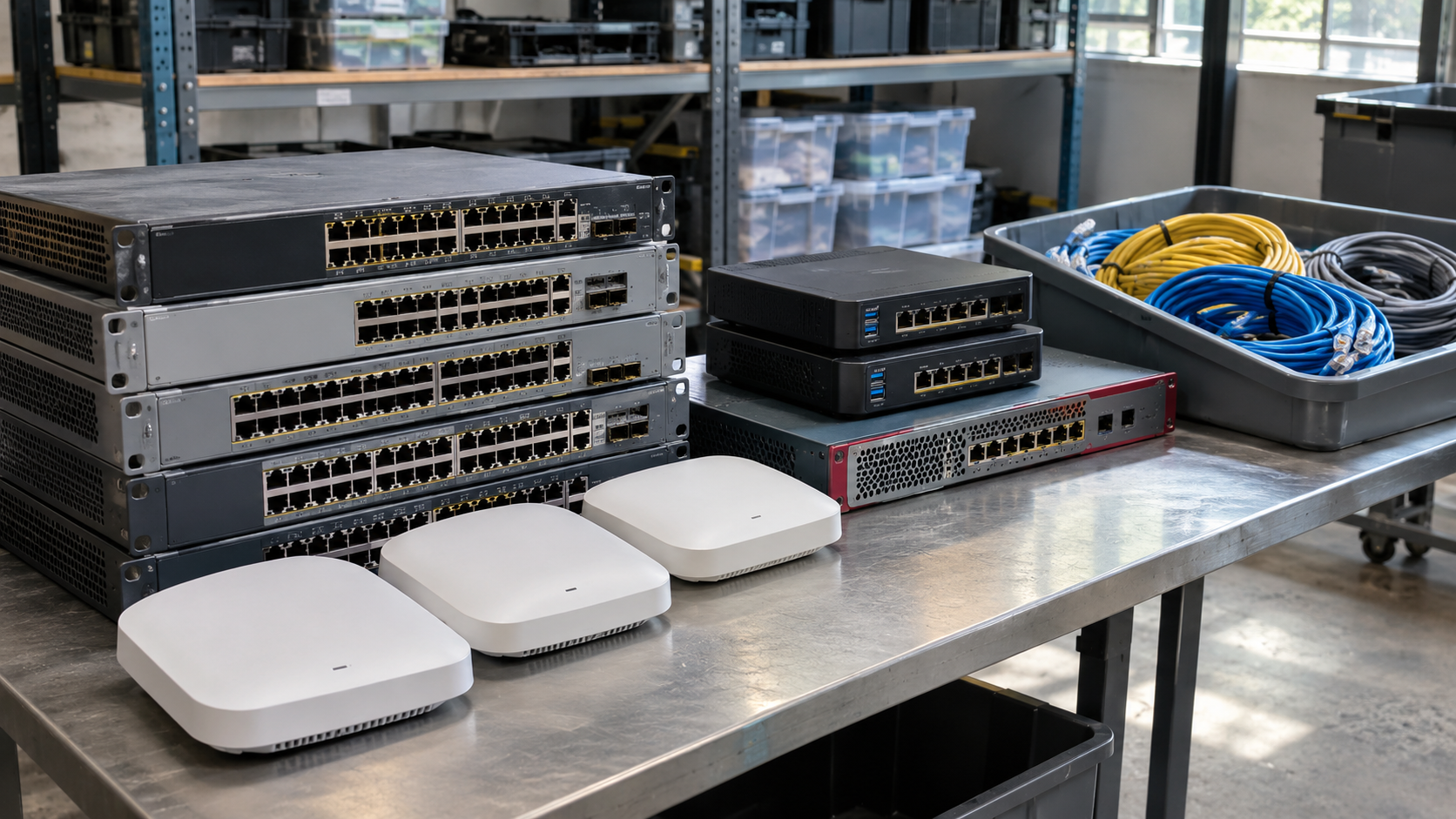
Office moves, network upgrades and closet cleanouts often leave stacks of old switches, routers, firewalls and access points. These devices may not look like data risks, but they can hold details about how your network is built and secured. Network equipment recycling done well removes that information, recovers value where possible, and keeps the hardware out of the trash. This guide covers what to include, how to prepare and what to ask a provider.
What Network Equipment Recycling Covers
A network equipment recycling project may include:
- switches and enterprise routers
- firewalls and security appliances
- wireless access points and controllers
- modems and gateways
- patch panels, transceivers and network cables
- rack hardware and UPS units
For smaller or home devices, What to Do With an Old Router may be the better guide. Cables and battery backups have their own considerations, covered in Cable Recycling and UPS Battery Recycling.
Why Network Devices Still Need Data Handling
Network devices are not usually thought of as storage, but many keep information in non-volatile memory. Depending on the device, that can include configuration files, IP addressing, administrator accounts, VPN settings, Wi-Fi credentials, certificates and logs. In the wrong hands, a configuration file can reveal useful details about your network.
How to Prepare Network Equipment for Recycling
1. Inventory Every Device
Record manufacturer, model, serial number and asset tag. Note who owns the equipment, because modems and gateways are sometimes leased or supplied by a service provider and may need to be returned.
2. Save What You Need, Then Remove the Configuration
Back up any configurations you still need, then follow the manufacturer’s documented procedure to erase the device. A factory reset may not cover everything on every model, so check the documentation.
3. Ask for the Statement of Volatility
For sensitive environments, find out where the device actually stores data. The National Security Agency’s media destruction FAQs advise anyone with a printer, router, computer or switch to request a “statement of volatility” from the manufacturer and follow its instructions. NSA’s guidance is aimed at classified information and calls for much stricter handling than most businesses need, but the statement of volatility is a useful way for anyone to learn which memory in a device retains data.
4. Rotate Shared Secrets
Deleting a configuration does not change the passwords and keys it contained. If retired equipment used shared passwords, VPN keys or certificates that remain in use elsewhere, consider changing or revoking them.
5. Remove Devices From Support and Management Systems
Update your asset records, support contracts and monitoring and management tools, so retired devices are no longer tracked as active.
6. Label and Separate
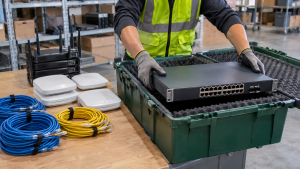
Group devices by condition: working, untested and damaged. Keep any device with a damaged battery apart and tell your provider about it.
Reuse, Resale or Recycling?
Network gear does not always need to be broken down right away:
- Redeploy working devices as spares or in lower-priority locations, if they still receive security updates.
- Resell newer equipment, often in batches. IT Asset Recovery explains what affects returns.
- Recycle devices that are too old, damaged or unsupported.
Support status matters. A device the manufacturer no longer updates may not be a good candidate for further use on a business network.
What Happens in Network Equipment Recycling
The U.S. EPA describes recycling as including sorting, dismantling, mechanically separating and recovering valuable materials such as gold, copper, glass and aluminum. Working equipment may be evaluated for reuse first. See The E-Waste Recycling Process for each step.
Questions to Ask a Network Equipment Recycling Provider
- Do you accept switches, firewalls, access points and rack hardware?
- How do you handle device configurations and any removable storage?
- Can you evaluate working equipment for resale, and how is the value handled?
- Will we receive an inventory listing serial numbers?
- Do you offer pickup from data rooms or network closets?
- Which certifications do you hold? The EPA recommends using certified electronics recyclers.
If network gear is part of a larger project, Data Center Decommissioning and Server Recycling cover the related equipment.
How 3W Computer Supports IT Equipment Retirement
3W Computer works with businesses retiring IT equipment from its base in Upland, California. On its website, 3W Computer lists equipment remarketing, detailed inventory reporting, logistics and pickup, e-waste recycling with a zero landfill policy and data destruction services. Contact 3W Computer with your equipment list to confirm how your network devices can be handled.
Frequently Asked Questions
Can network equipment be recycled?
Yes. Switches, routers, firewalls and similar devices can generally go through an electronics recycler. Confirm the accepted items with the provider first.
Do switches and routers store data?
Many keep configuration data in non-volatile memory, which can include network details and credentials. Check the model’s documentation.
Is a factory reset enough before network equipment recycling?
Often it is the first step, but it may not cover everything on every model. Follow the manufacturer’s procedure, and use a statement of volatility for sensitive environments.
Is old network equipment worth anything?
Sometimes. Newer, working equipment may have resale value, while older or unsupported devices are more likely to be recycled.
Should we recycle leased modems or gateways?
Check first. Equipment owned by your service provider may need to be returned rather than recycled.
Plan Network Equipment Recycling With Your Next Upgrade
Good network equipment recycling starts with an inventory, then deals with configurations and credentials before the hardware leaves. Decide what can be reused, and ask for records of the rest.
To discuss network equipment recycling for your business, contact 3W Computer with your device list and location.
Sources
- National Security Agency, Media Destruction Guidance FAQs
- U.S. EPA, Basic Information About Electronics Stewardship
- U.S. EPA, Certified Electronics Recyclers
Name: Win Win World Recycle LLC
Address: 1226 West 9th Street, Upland, CA 91786
Phone: 908-798-6789