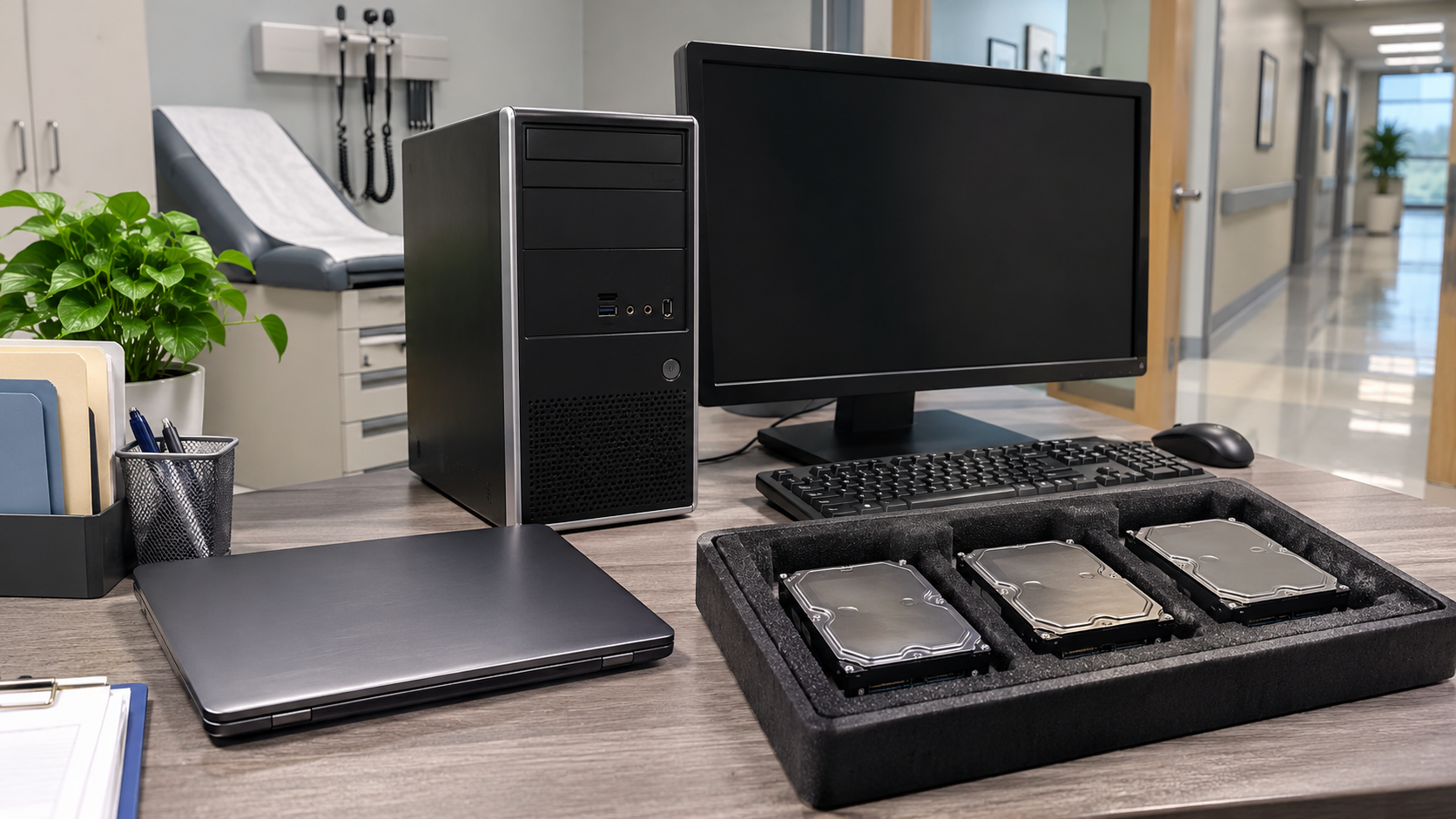
Old computers, servers, copiers and loose drives can hold protected health information long after they leave service. That makes retiring them a compliance task as well as an IT task. HIPAA hard drive destruction is a common way to handle this risk, but HIPAA does not actually name one required method. This guide explains what the U.S. Department of Health and Human Services (HHS) says, how to choose a method, and what to document.
This article is general information, not legal advice. Your privacy officer or legal counsel should confirm what applies to your organization.
What HIPAA Requires When Disposing of Drives
According to HHS, the HIPAA Privacy Rule requires covered entities to apply appropriate administrative, technical and physical safeguards to protect the privacy of protected health information (PHI) in any form, including when disposing of it.
The Security Rule goes further for electronic PHI. HHS says covered entities must implement policies and procedures addressing the final disposition of electronic PHI and the hardware or electronic media on which it is stored, plus procedures for removing electronic PHI from media before the media are made available for re-use. HHS cites 45 CFR 164.310(d)(2)(i) and (ii).
Does HIPAA Require Hard Drives to Be Destroyed?
No specific method is mandated. HHS states that the Privacy and Security Rules do not require a particular disposal method. Covered entities must review their own circumstances, assess risks to patient privacy, and consider the form, type and amount of PHI.
HHS does say covered entities may not simply abandon PHI or leave it in dumpsters or other containers accessible to the public or other unauthorized people.
Acceptable Methods for Electronic Media
HHS gives examples of proper disposal for PHI on electronic media:
- Clearing: using software or hardware products to overwrite media with non-sensitive data
- Purging: degaussing or exposing media to a strong magnetic field to disrupt recorded magnetic domains
- Destroying: disintegration, pulverization, melting, incinerating or shredding
HHS also points to NIST 800-88 for practical information. Its breach notification guidance says PHI is rendered unusable, unreadable or indecipherable when electronic media have been cleared, purged or destroyed consistent with NIST SP 800-88 so that the PHI cannot be retrieved.
These HHS examples were written in general terms and do not fit every device. Current NIST guidance says degaussing should not be used on SSDs and that shredding and pulverizing storage media should be avoided for anything but the lowest security categories of data. Review your chosen method against current guidance and your risk assessment.
Choosing Between Wiping and Destruction
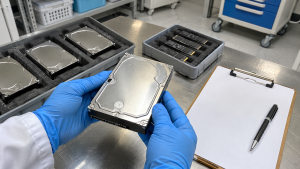
- Reuse inside or outside your organization: The drive must have electronic PHI removed first. Sanitization that leaves the drive usable may fit, if it can be verified.
- Failed drives: A drive that no longer works may not support software wiping, so destruction may be the practical route.
- SSDs and embedded storage: Flash storage needs suitable methods. See SSD Data Destruction.
- Easily overlooked devices: Check copiers, phones, tablets and medical or office devices that may store data. Copier Hard Drive Security explains one common example.
Data Wiping vs Hard Drive Shredding compares the two main routes in more depth.
Staff Training Is Part of the Requirement
HHS says covered entities must ensure workforce members receive training on, and follow, disposal policies and procedures as necessary and appropriate. Anyone involved in disposing of PHI, or supervising others who do, must receive training on disposal, and HHS notes that this includes volunteers.
In practice, staff should know where retired devices go, who may handle them, and that nothing with storage goes in the trash or a general recycling pile.
Working With a Destruction Vendor
HHS mentions using a disposal vendor as a business associate in one of its disposal examples. If an outside provider will handle devices containing PHI, ask your privacy officer or counsel whether a business associate agreement is needed. Also ask the provider:
- Which methods do you use for HDDs, SSDs and other media?
- Can destruction happen on-site, and how is equipment secured if it leaves our building?
- How do you track each drive, and by what identifiers?
- How is the outcome verified?
- What documentation will we receive?
How to Choose an Electronics Recycling Company for Business has more questions to ask.
What to Document for HIPAA Hard Drive Destruction

Keep records that connect each device to its outcome:
- device type, model and serial number
- date the device was retired and who had custody
- method used and how it was verified
- vendor name and any agreement in place
- a certificate of data destruction where available
Set these requirements in a written data destruction policy, and ask your compliance team how long the records should be kept.
How 3W Computer Can Support Your Process
3W Computer works with businesses retiring IT equipment from its base in Upland, California. On its website, 3W Computer lists physical hard drive shredding, on-site shredding options, software wiping and a certificate of destruction. Healthcare organizations can contact 3W Computer to discuss methods, documentation and their own compliance requirements.
Frequently Asked Questions
Does HIPAA require hard drive destruction?
No. HHS says HIPAA does not require a particular disposal method, but electronic PHI must be properly handled at final disposition and removed before media are re-used.
Can a drive containing PHI be reused?
It can, once electronic PHI has been removed. HHS says covered entities need procedures for this before media are made available for re-use.
Is a certificate of destruction required by HIPAA?
The HHS guidance reviewed here does not name a certificate as a requirement. Many organizations still request one as a record. Ask your compliance team what you need.
Who must be trained on disposal?
Any workforce member involved in disposing of PHI or supervising those who do, including volunteers, according to HHS.
Is encryption enough when retiring a drive?
HHS guidance treats properly encrypted PHI as unusable if the key has not been breached, but you should still plan and document final disposition of the media.
Make HIPAA Hard Drive Destruction a Documented Routine
HIPAA hard drive destruction works best as part of a written process: know where PHI is stored, choose a suitable method, train staff, verify results and keep records. Review the plan with your privacy officer before the next equipment refresh.
To discuss data destruction and documentation for your practice, contact 3W Computer.
Sources
- U.S. Department of Health and Human Services, What do the HIPAA Privacy and Security Rules require of covered entities when they dispose of PHI?
- U.S. Department of Health and Human Services, Guidance to Render Unsecured PHI Unusable, Unreadable, or Indecipherable
- National Institute of Standards and Technology, SP 800-88 Rev. 2: Guidelines for Media Sanitization
Name: Win Win World Recycle LLC
Address: 1226 West 9th Street, Upland, CA 91786
Phone: 908-798-6789