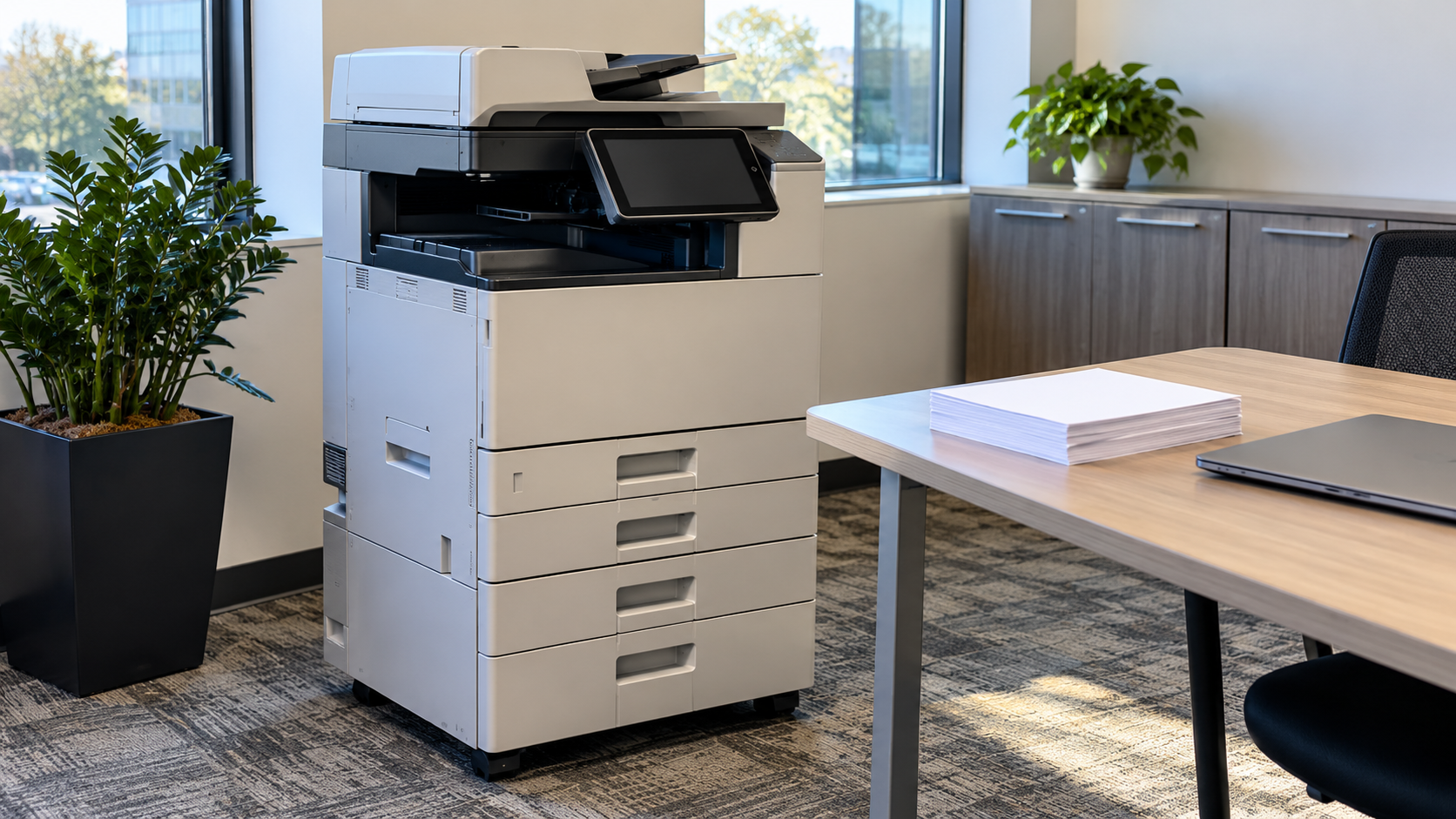
The office copier rarely shows up on a data security checklist, yet many modern machines store copies of the documents they handle. When a leased copier goes back to the dealer or an old machine is hauled away, the copier hard drive can leave with it. This guide explains what a copier hard drive is, what it may hold, and how to protect that information during use and at the end of the copier’s life.
Do Copy Machines Have Hard Drives?
Many do. According to the Federal Trade Commission’s Digital Copier Data Security guide, today’s networked multifunction devices copy, print, scan, fax and email documents, and they require hard disk drives to manage incoming jobs and workloads and to increase the speed of production.
Not every model is built the same way. Some devices may have more than one storage device, and storage may be hard to locate. Check the model’s documentation or ask the manufacturer or dealer what storage the device contains.
What Does a Copier Hard Drive Store?
The FTC explains that the hard drive in a digital copier stores data about the documents it copies, prints, scans, faxes or emails. In a typical office, that can include contracts, payroll records, HR forms, customer files and financial documents.
The FTC warns that if you do not take steps to protect that data, it can be stolen from the hard drive, either by remote access or by extracting the data once the drive has been removed.
The Copier Hard Drive Security Risk at End of Life
Copiers move around more than most office equipment. The FTC notes that digital copiers are often leased, returned, and then leased again or sold. Each handoff is a point where data can leave your control.
Two common misunderstandings increase the risk:
- Deleting is not removing. The FTC states that deleting data or reformatting a hard drive does not actually alter or remove the data; the data remains and may be recovered with utility software.
- Saved documents may be kept. Some machines let users store documents and print them directly from the device. The FTC notes that on copiers offering this feature, that memory is not overwritten with the rest of the memory.
Security Features to Look For
The FTC says most manufacturers offer data security features as standard equipment or optional add-on kits, typically involving encryption and overwriting:
- Encryption encodes data on the hard drive so it cannot be retrieved even if the drive is removed.
- Overwriting replaces existing data with random characters so files cannot be reconstructed as easily. Depending on the copier, it may run after every job, periodically or on a schedule.
- Drive locking with a passcode protects data even if the drive is removed.
While the copier is in use, the FTC recommends taking advantage of all its security features and securely overwriting the entire hard drive at least once a month. It also advises requiring authentication at the device, changing the default network password, and making sure networked copiers are protected like other systems that store sensitive information.
Before You Lease or Buy a Copier
Plan for the end of life at the start. The FTC recommends checking that your lease contract or purchase agreement states that your company will retain ownership of all hard drives at end-of-life, or that the company providing the copier will overwrite the hard drive. It also recommends including copiers in your organization’s information security policies and having IT staff manage them.
What to Do With a Copier Hard Drive Before Disposal or Lease Return
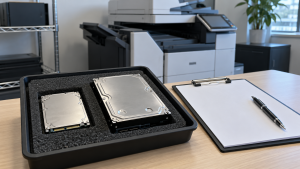
- Check your contract. Confirm who owns the drive and what the dealer will do with it.
- Ask the manufacturer, dealer or servicing company about options. The FTC notes that some companies will remove the hard drive and return it to you, while others will overwrite it, usually for an additional fee.
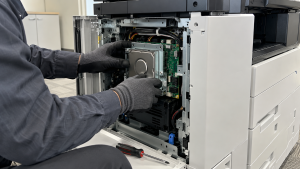
- Avoid removing the drive yourself. The FTC cautions that copier hard drives often include firmware the device needs to operate, so removing and destroying the drive can leave the machine inoperable, which can cause problems with a leased device. It advises working with skilled technicians.
- Decide what happens to a removed drive. A drive you keep can be wiped or physically destroyed. Data Wiping vs Hard Drive Shredding compares the options.
- Get a record. Ask for documentation that ties the drive to its outcome, such as a certificate of data destruction.
For the rest of the machine, see Printer Recycling: Where to Recycle Old Printers.
Legal Responsibilities to Keep in Mind
The FTC notes that companies must maintain reasonable procedures to protect sensitive information. Depending on what your business handles, specific rules may apply. For example, the FTC says businesses that receive consumer information such as credit reports or employee background screens may be required to follow the Disposal Rule, which covers information stored on a digital copier just as it covers paper and computers. Financial institutions may also be subject to the Gramm-Leach-Bliley Safeguards Rule. Talk to your legal or compliance team about what applies to you.
How 3W Computer Can Help
3W Computer works with businesses retiring IT equipment from its base in Upland, California. For data-bearing devices, its website lists physical hard drive shredding, on-site shredding options, software wiping and a certificate of destruction, along with e-waste recycling and logistics and pickup. If you have copier hard drives that have been removed, or you are retiring copiers along with other IT equipment, contact 3W Computer to discuss how they can be handled.
Frequently Asked Questions
Do all copiers have hard drives?
No, but many modern networked multifunction copiers do. Check the model’s documentation or ask the manufacturer or dealer.
What is stored on a copier hard drive?
Data about documents the machine copies, prints, scans, faxes or emails, according to the FTC.
How do I wipe a copier hard drive?
Use the copier’s built-in overwrite or data security feature if it has one, or ask the manufacturer, dealer or servicing company to overwrite the drive for you. Follow the model’s instructions.
Should I remove the hard drive before returning a leased copier?
Check your lease first. The FTC cautions that copier hard drives often contain firmware the machine needs, so removing one yourself can leave a leased copier inoperable. Work with the dealer or a skilled technician.
Can a copier hard drive be shredded?
Yes. Once a drive has been removed by the dealer or a technician and you have the right to dispose of it, it can be physically destroyed like other hard drives.
Make the Copier Hard Drive Part of Your Data Security Plan
A copier hard drive can hold the same sensitive documents as a file server. Use its security features, plan the end of life in your contract, and get a clear record of what happened to the drive when the copier leaves your office.
To discuss destruction of removed copier hard drives or a wider equipment retirement, contact 3W Computer.
Sources
- Federal Trade Commission, Digital Copier Data Security: A Guide for Businesses
Name: Win Win World Recycle LLC
Address: 1226 West 9th Street, Upland, CA 91786
Phone: 908-798-6789