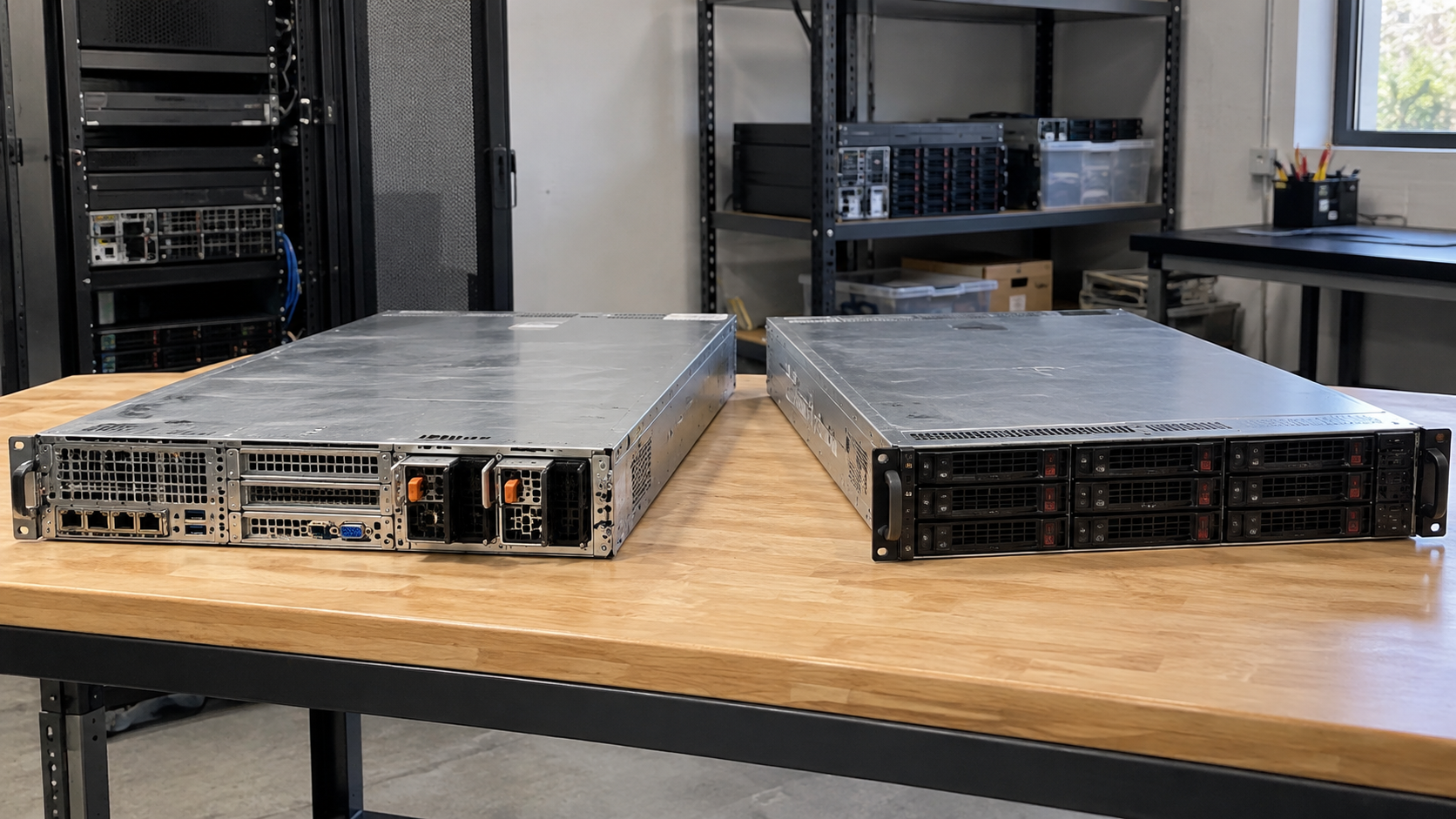
Server Recycling: How to Retire Old Servers and Protect Business Data
Server recycling begins before equipment reaches a loading dock. Confirm that the systems are approved for retirement, identify their storage and associated components, and establish who will handle the data. Then select an appropriate reuse or recycling route and agree on the handoff requirements.
A retired server can represent more than an outdated piece of hardware. It may contain business records, belong to a leased environment or remain associated with infrastructure that still supports an active service. Moving it out of a rack is not the same as completing its retirement.
This guide helps IT managers, office managers and business owners organize the equipment, ask useful questions and prepare a clear scope for a server disposal project.
What Does Server Recycling Include?
Server recycling refers to managing retired server hardware through an appropriate electronics recycling route. Depending on condition and project requirements, assessment for reuse or component recovery may come before material processing.
Data handling is a related responsibility that must be explicitly assigned. A provider accepting the hardware does not automatically establish what happens to its storage or whether a particular sanitization service is included.
The scope can also extend beyond a chassis. A project may include drive caddies, rails, power supplies or other accessories. List those items rather than assuming they are included because they were once part of the same installation.
For a complete room or facility closure, server recycling may be only one part of the work. Distinguish equipment processing from live-system shutdown, disconnection, rack removal and building work. Each task needs an agreed owner.
Confirm the Server Is Ready to Retire
Have authorized IT staff confirm that the server is no longer required before arranging removal. Review its role, dependencies and any migration or recovery requirements through your normal change process.
Do not infer retirement status from a powered-off screen, a missing network cable or an old asset label. A system can be temporarily offline while still holding information or serving a recovery purpose.
Confirm ownership and authority to release the equipment. Leased systems, hosted customer equipment or devices supplied under a service agreement may have return obligations. Resolve these before approving resale, donation or recycling.
Keep approved equipment distinguishable from systems awaiting a decision. An uncertain server should remain an exception in the project record rather than being added to a collection because it happens to be nearby.
Build a Server Recycling Inventory
An accurate inventory gives internal staff and potential receiving providers the same project description. Start with the information required to identify equipment and make retirement decisions.
| Inventory field | What it helps establish |
|---|---|
| Asset tag and serial number | Which physical device is included |
| Manufacturer and model | Equipment type and assessment needs |
| Location | Where the approved equipment will be collected |
| Condition | Known faults, missing parts or damage |
| Storage details | Media requiring assessment and data decisions |
| Ownership and approval | Authority to release the device |
| Accessories | Rails, caddies, power supplies or other agreed items |
| Planned outcome | Assessment for reuse, recycling or another approved route |
Avoid relying entirely on an old asset spreadsheet. Reconcile the list with the physical equipment and record discrepancies before handoff.
If drives have already been removed, identify their destination and status. “Server without drives” should mean the media have been accounted for, not simply that the bays look empty.
Take equipment photos only when appropriate. Keep sensitive identifiers, labels and system information out of publicly shared images. Use an approved channel for any details the receiving provider needs.
Identify Storage and Other Information-Bearing Components
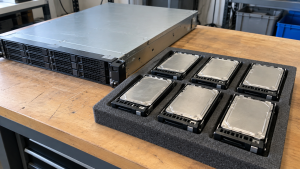
Ask authorized technical staff to assess the exact models. Do not assume the visible front drive bays represent every place that may require a data decision.
Review model documentation for installed storage, boot devices and management components. Identify related storage systems or media that are part of the retirement scope. This is an assessment task, not a reason to dismantle every machine without a plan.
HDDs and SSDs need techniques appropriate to their technology and condition. A service described broadly as hard drive processing should be clarified when the batch includes flash storage or unfamiliar devices.
Also review configurations and credentials associated with the equipment. Have IT staff determine the authorized reset or release steps for management features and accounts. A decision about storage media does not automatically resolve every configuration task.
Keep component identification connected to the inventory. If a part moves separately from its chassis, retain enough information to reconcile its destination and processing status.
Assign Data Responsibilities Before Equipment Leaves
Decide what information must be preserved before selecting a sanitization or destruction route. Confirm required backups and retention decisions through your organization’s process.
The current NIST SP 800-88 Revision 2 guidance addresses establishing a media sanitization program using techniques and controls appropriate to information sensitivity. Use that framework alongside model-specific capabilities and applicable organizational requirements.
Choose who performs the work: internal staff, a receiving provider or another approved party. Document the boundary clearly so neither side assumes the other has already completed it.
For work assigned to a provider, ask about the proposed method, media compatibility, handling before processing and the records available afterward. Agree on what happens if equipment cannot be processed as planned.
Do not mark a drive complete solely because a server no longer boots. A failed system or inaccessible device needs assessment; it is not evidence that the information is gone.
Likewise, moving workloads to another environment does not establish that local storage has been treated. Keep migration completion and data disposition as separate project checks.
Reuse, Resale and Recycling Are Different Outcomes
Before authorizing material recycling, consider whether suitable equipment could remain useful. Reuse may mean internal redeployment, approved resale or another recipient that can use the hardware.
That decision needs more than a power-on test. Assess condition, completeness, practical demand and whether the required data process supports the intended outcome.
Keep relevant accessories identifiable when reuse is being considered. Missing drive caddies, mounting hardware or compatible power supplies can complicate assessment. Ask the recipient what it needs rather than adding every nearby accessory indiscriminately.
Do not assume that an old server will generate a payment or offset project costs. Any recovery value needs an actual assessment and agreed terms.
If reuse is unsuitable, confirm the recycling route for the hardware and any separately processed components. Avoid broad promises that every part will be reused or that no residual material will remain.
How to Choose a Server Recycling Provider
Send the same equipment list to each provider you are considering. Describe the models, quantity, condition, location, data requirements and requested handoff arrangement.
Ask about the receiving facility and what happens after collection. Establish which tasks are performed directly and whether other facilities or service providers are involved.
For businesses, governments and large purchasers, the EPA recommends certified electronics recyclers. Its guidance identifies R2 and e-Stewards as accredited certification programs and links to their directories.
If certification is part of your procurement requirements, verify the current facility listing and relevant scope. Do not infer a company’s status from a partner’s certification or a badge without supporting details.
Then check the practical fit. Confirm accepted server types, media capabilities, collection arrangements, reporting and how exceptions are resolved. Certification does not replace an agreed scope for your project.
Plan Removal and Transportation Separately
Clarify where the collection responsibility begins. Will equipment already be disconnected and staged, or are you asking for removal from racks? Do not assume that transportation includes technical decommissioning or onsite disassembly.
Provide access details: floor, elevator, loading dock, vehicle restrictions and site contact. Explain whether devices are located in one room or across multiple sites.
Have qualified staff follow manufacturer instructions and your organization’s procedures for shutdown and physical handling. Confirm who supplies handling equipment and loading labor. Servers should not be moved through an improvised lifting arrangement to meet a collection deadline.
Agree on packaging and staging instructions before preparing the batch. Keep approved equipment organized and identify any components that travel separately.
If the inventory changes, update the receiving provider. A quote for two staged servers is not automatic approval for an additional rack, storage array or battery-containing power system.
What Affects Server Recycling Costs?
Project cost depends on the equipment and work requested. Ask for a quote based on the actual inventory rather than relying on a universal per-server price.
Potential scope factors include quantity, location, access, packing, removal work, transportation, data treatment and documentation. Condition and any agreed recovery value may also affect commercial terms.
Clarify inclusions and exclusions before approval. A hardware collection price should not be assumed to include device-level data records, rack removal or processing of unrelated equipment.
Request updated terms if the work changes. Clear scope is more useful than a low initial figure that leaves essential responsibilities unresolved.
Records to Request Before the Handoff
Decide what your organization needs to reconcile the project. Useful records may include an equipment list, transfer acknowledgment, relevant data processing results and disposition information, depending on the agreed service.
A receipt, a certificate and an inventory answer different questions. Ask which devices each record covers and how unsuccessful processing or missing items will be reported.
Retain the internal approval and final reconciliation with the project records. If a server is collected but its media remain onsite, record both outcomes rather than closing the entire asset without explanation.
Frequently Asked Questions
Can Old Servers Be Recycled With Their Drives Installed?
Potentially, if the receiving arrangement accepts them and data responsibilities are defined. Confirm the media types, handling process and records before transfer. Do not assume hardware acceptance includes sanitization.
Should We Remove Every Drive Before Collection?
Follow your approved data plan and the provider’s instructions. If media are retained, track them separately. Removing drives without identifying their destination can create a new reconciliation problem.
Can a Working Server Be Reused Instead of Recycled?
It may be suitable for assessment. Condition, completeness, recipient needs and data requirements affect the decision. Obtain an actual assessment rather than assuming every functioning server has resale value.
Does Server Recycling Include Rack Removal?
Only when explicitly included. Confirm whether the agreement covers staged equipment collection, removal from racks, empty rack handling or other site work. These are different tasks.
Does a Nonworking Server Still Need Data Assessment?
Yes. Failure to boot does not establish that its storage is sanitized. Identify the media, preserve needed information and agree on an appropriate process for the condition.
What Should We Send With a Quote Request?
Provide models, quantities, condition, location, access details and data or documentation requirements. State whether the equipment is already disconnected and whether accessories or other devices are included.
Discuss Your Server Retirement Project
Server recycling is easier to manage when retirement approval, inventory, data responsibilities and logistics are established before collection. Assess reuse where appropriate and keep exceptions visible until they are resolved.
Contact 3W Computer to discuss your retired servers and related IT equipment. Share the equipment list, location, condition and data requirements, and ask about suitable options, applicable costs and next steps for your project.
Name: Win Win World Recycle LLC
Address: 1226 West 9th Street, Upland, CA 91786
Phone: 908-798-6789