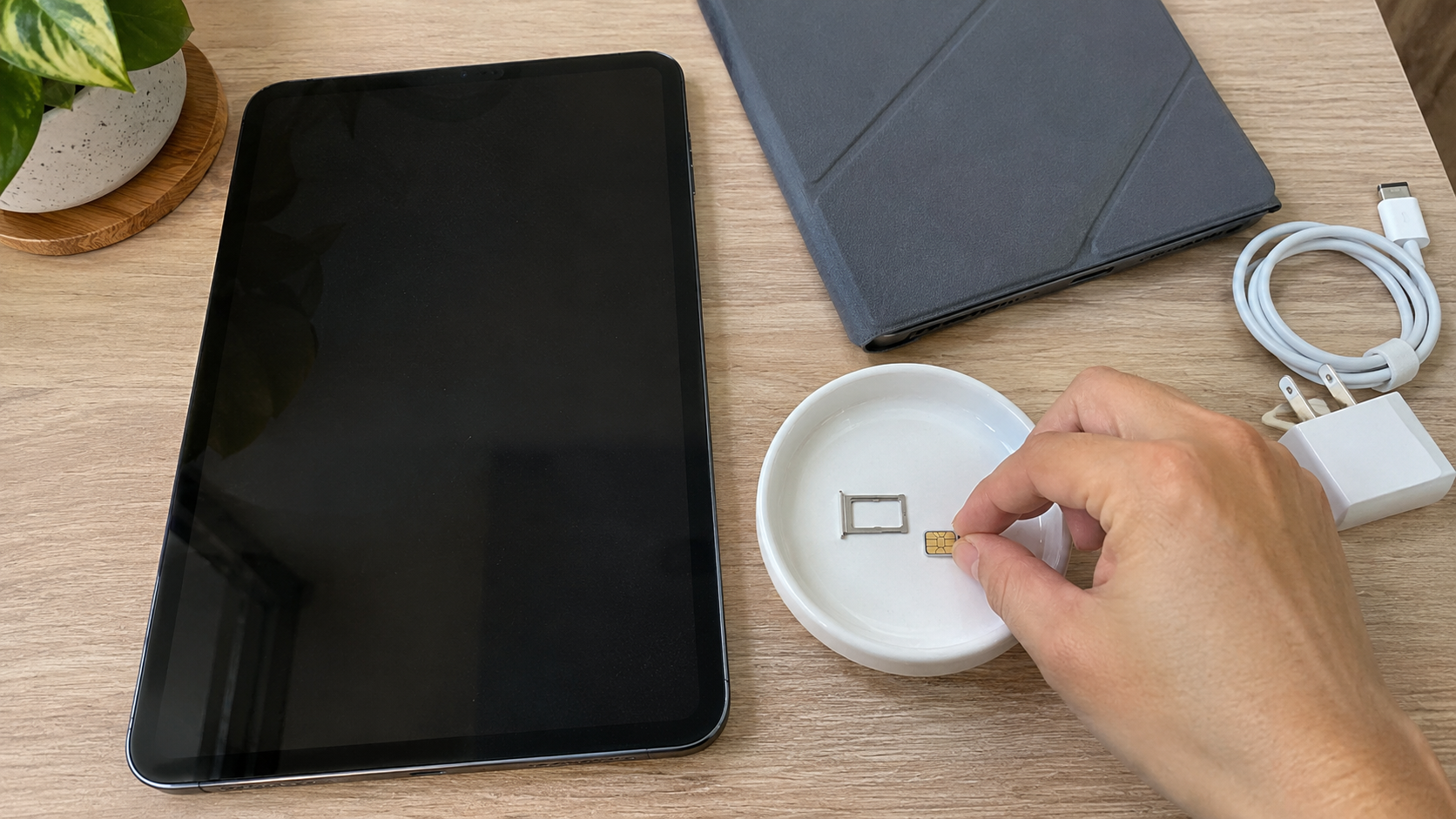

Copier recycling looks simple: an old machine is heavy, it no longer earns its place in the office, and it needs to go. But a modern copier is also a computer. Many store images of the documents they copy, scan, print and email, which makes the hard drive the first thing to deal with before the machine leaves your building.
This guide explains how to handle the data, the lease and the logistics so your copier recycling project goes smoothly.
Why Copier Recycling Starts With the Hard Drive
The Federal Trade Commission explains that the hard drive in a digital copier stores data about the documents it copies, prints, scans, faxes or emails. If you do not protect that data, it can be stolen, either remotely or by extracting it once the drive is removed (FTC).
The FTC also notes that copiers are often leased, returned and then leased again or sold, so it recommends building data security into each stage of the copier’s life, including when you turn it in or dispose of it.
For a deeper look at the data side, see Copier Hard Drive Security.
Owned or Leased? Check Before Copier Recycling
- Leased copiers usually go back to the leasing company. Read your agreement before anyone removes parts or arranges recycling.
- Owned copiers are yours to sell, donate or recycle, but the data is still your responsibility.
When you finish using a copier, the FTC suggests checking with the manufacturer, dealer or servicing company about options for securing the hard drive. Some companies remove the drive and return it to you; others overwrite it, usually for an extra fee.
The FTC also cautions against removing a copier hard drive yourself. Copier drives often include firmware the machine needs to run, they are not always easy to find, and some devices have more than one. It advises working with skilled technicians instead.
6 Essential Steps for Copier Recycling
- Identify the machine. Note the make, model and whether it is leased or owned.
- Check for storage. Confirm whether the copier has a hard drive or other internal storage.
- Plan the data step. Use the manufacturer’s overwrite or encryption features, or ask a qualified technician to handle the drive.
- Read your lease. If the copier is leased, follow the return terms.
- Prepare the machine. Remove paper, empty output trays, and keep toner cartridges sealed or bagged so they do not spill during transport.
- Arrange recycling. Contact a recycler with the model and photos so they can confirm acceptance and plan the move.
How Copier Recycling Fits Into an Office Cleanout
Copiers often leave during an office move or equipment refresh, along with printers, computers and monitors. Grouping everything into one project means one data plan and one record of what left the building. Printer Recycling covers smaller printers, and Office Electronics Recycling Before a Move covers the wider project.
What About Toner and Supplies?
Toner cartridges and other supplies follow their own rules. Check the cartridge packaging or the manufacturer’s website for return instructions. Keep used cartridges sealed, and ask your recycler or the manufacturer how they want them handled.
How 3W Computer Helps With Copier Recycling
3W Computer is based in Upland, California, and works with businesses retiring office equipment. On its website, 3W Computer lists:
- IT asset disposition with logistics and pickup, detailed inventory reporting and equipment remarketing
- Data destruction through physical hard drive shredding and software wiping that meets NIST 800-88 standards, with a Certificate of Destruction and on-site shredding options
- E-waste recycling, including printers and other electronic products
Copiers vary a lot in size and weight. Send 3W Computer the model and a photo of the machine, and we will confirm whether we can take it and how. You can also drop off smaller office electronics at our Upland facility free of charge; call 908-798-6789 first.
Frequently Asked Questions
Do copiers have hard drives?
Many digital copiers do. The FTC says the hard drive in a digital copier stores data about the documents it copies, prints, scans, faxes or emails.
Should I remove the hard drive myself?
The FTC advises working with skilled technicians. Copier drives often contain firmware the machine needs, and some machines have more than one drive.
Can I recycle a leased copier?
Usually not directly. Check your lease, since leased copiers normally go back to the leasing company.
What happens to the copier hard drive during copier recycling?
That depends on your plan. It can be overwritten using the copier’s features, removed by a technician, or destroyed. Ask for documentation of what was done.
Does 3W Computer accept copiers?
Send us the model and a photo. We will confirm whether we can take the machine and how to move it.
Plan Your Copier Recycling
Copier recycling goes smoothly when the hard drive, the lease and the logistics are planned before the machine is unplugged. Start with the data, check the paperwork, then contact 3W Computer with the model and photos.
Sources
- Federal Trade Commission, Digital Copier Data Security: A Guide for Businesses
Win Win World Recycle LLC
1226 West 9th Street, Upland, CA 91786
908-798-6789