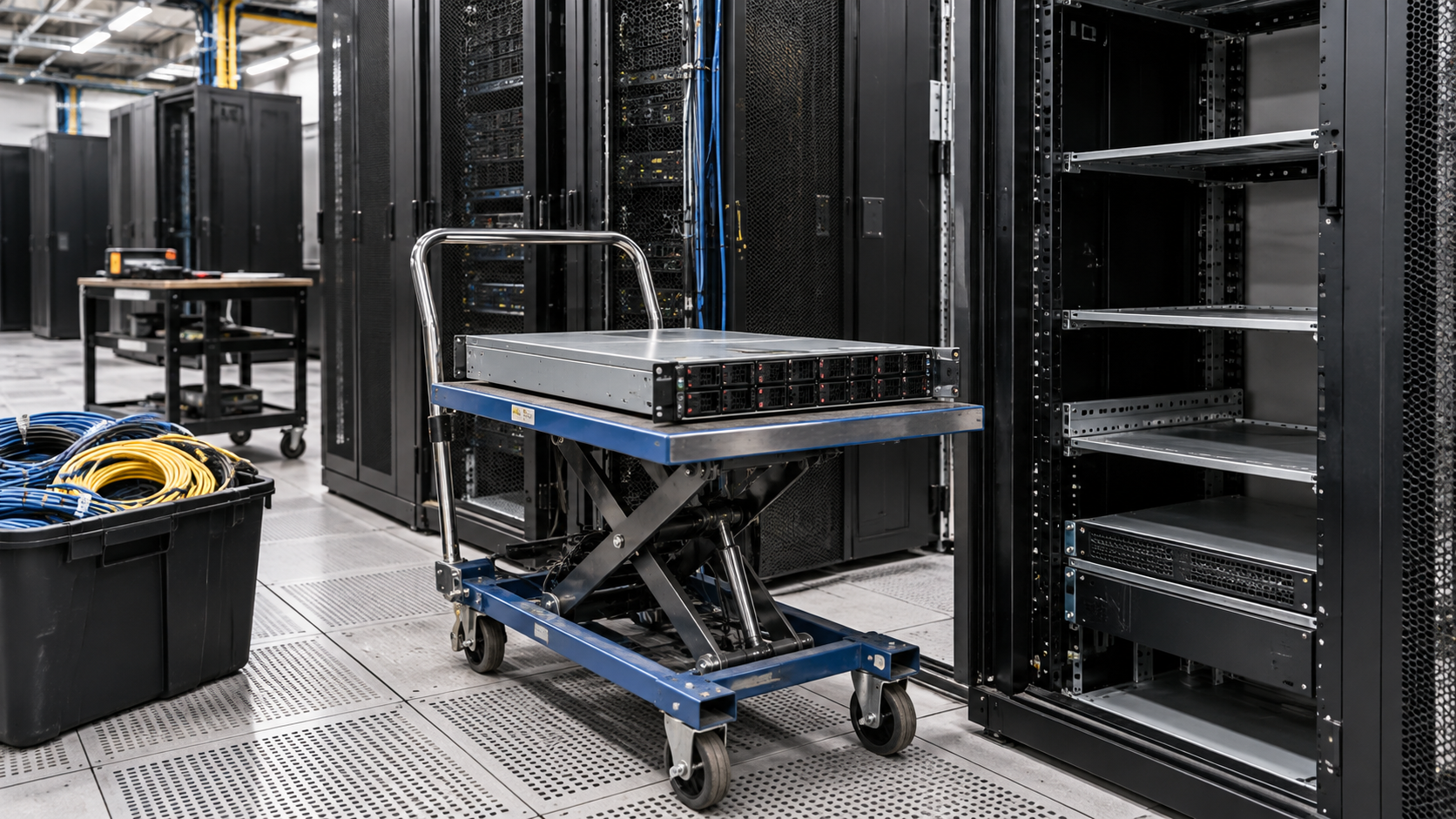
Closing a server room, consolidating into a colocation facility or moving workloads to the cloud all end the same way: racks of equipment that need to be shut down, removed and dealt with responsibly. Data center decommissioning is the process of retiring that infrastructure in an orderly way, without losing data, missing assets or leaving sensitive information on hardware that leaves the building.
This guide explains what data center decommissioning involves, how to plan it, what a checklist should include, and how to evaluate the companies that help with the physical and data security side of the work.
What Is Data Center Decommissioning?
Data center decommissioning is the planned shutdown and removal of data center equipment, such as servers, storage systems, network gear and supporting hardware, followed by its secure disposition. The project usually covers three tracks at once:
- Technical: migrating or retiring the applications and data that run on the equipment.
- Physical: powering down, de-racking, packing and removing hardware.
- Disposition: sanitizing or destroying data-bearing devices, then deciding what can be reused, resold or recycled.
A decommissioning project can involve an entire facility or a single row of racks. The planning principles are the same.
Why Organizations Decommission Data Center Equipment
Common triggers include:
- moving workloads to the cloud or a colocation provider
- consolidating several server rooms into one
- hardware refresh cycles that retire older servers and storage
- office relocations or closures
- ending a lease on a facility
Each trigger affects the timeline. A lease end creates a hard deadline, while a refresh cycle can be phased over months.
Planning a Data Center Decommissioning Project
Good planning starts well before anyone unplugs a server.
Define the Scope
List which rooms, racks and systems are in scope, and which are staying. Confirm who owns each system and who must approve its shutdown.
Build a Complete Asset Inventory
Record every device with its asset tag, serial number, location and status. Include equipment that is easy to overlook, such as spare drives in storage cabinets, backup appliances and network devices that may contain configuration data.
Map Dependencies and Migrations
Confirm that applications and data have been migrated or archived before hardware is shut down. A server that still supports a live process should not be in the removal batch.
Decide the Data Handling Method for Each Device
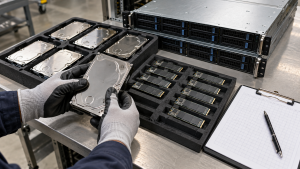
Data-bearing equipment needs a defined path before it leaves your control. NIST’s current guidance, SP 800-88 Revision 2, frames media sanitization as an organizational program in which methods are chosen based on the sensitivity of the information. In practice, that means deciding in advance which drives will be sanitized for reuse and which will be physically destroyed.
Plan the Physical Removal
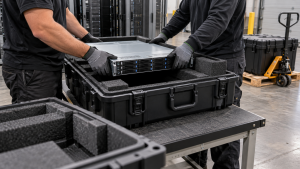
Schedule de-racking, packing and transport, and confirm building access, loading dock times and elevator availability. Large or heavy equipment may need special handling.
Data Center Decommissioning Checklist
Use this checklist as a starting point and adapt it to your environment:
- Confirm project scope, owners and approval process.
- Complete an asset inventory with serial numbers and locations.
- Verify that applications and data have been migrated, archived or approved for deletion.
- Identify every data-bearing device, including loose drives and storage arrays.
- Assign a sanitization or destruction method to each data-bearing device.
- Decide which equipment will be reused, resold or recycled.
- Schedule power-down, de-racking and removal windows.
- Arrange secure packing, transport and chain-of-custody records.
- Reconcile the removed equipment against the inventory.
- Collect and file data destruction certificates and recycling records.
Reuse, Resale and Recycling of Retired Hardware
Not every device removed during data center decommissioning has reached the end of its useful life. Servers, switches and storage components that still work may be resold or reused after appropriate data handling, which can offset some project costs. IT Asset Recovery: 7 Essential Tips for Better Returns explains how to evaluate that value.
Equipment that cannot be reused should go to responsible recycling. The U.S. EPA recommends using certified electronics recyclers and names the R2 and e-Stewards standards as the two accredited certification programs, while noting that it does not endorse any particular recycler.
Documentation That Protects Your Organization
At the end of data center decommissioning, you should be able to show where every asset went. Useful records include:
- the final asset inventory, reconciled against what was removed
- data sanitization or destruction certificates tied to serial numbers
- transport and handoff records
- resale and recycling records
Certificate of Data Destruction: A Business Guide covers what a destruction record should contain.
Questions to Ask Data Center Decommissioning Companies
When comparing data center decommissioning companies or IT asset disposition providers, ask:
- Can you de-rack, pack and remove equipment from our site?
- How do you track each asset from our floor to its final destination?
- Which data handling methods do you offer, and can destruction happen on-site?
- How do you evaluate equipment for resale, and how is any value shared?
- Which recyclers handle equipment that cannot be reused?
- What reports and certificates will we receive, and when?
For additional selection criteria, see How to Choose an Electronics Recycling Company for Business.
How 3W Computer Supports Decommissioning Projects
3W Computer helps businesses manage end-of-life IT equipment. On its website, 3W Computer lists equipment remarketing, detailed inventory reporting, and logistics and pickup as part of its IT asset disposition services, along with physical hard drive shredding, software wiping, on-site shredding options and a certificate of destruction for data destruction.
If your project includes a large number of servers, Server Recycling: Retire Old Servers and Protect Data offers more detail on preparing them for removal.
Frequently Asked Questions
What is data center decommissioning?
It is the planned shutdown, removal and secure disposition of data center equipment, including data handling for every device that stores information.
How long does data center decommissioning take?
It depends on the amount of equipment, migration work, site access and documentation requirements. Small server rooms may take days, while larger facilities are often phased over weeks or months.
What should a data center decommissioning checklist include?
At minimum: scope, a full asset inventory, migration confirmation, data handling methods, removal logistics, reuse and recycling decisions, and final documentation.
Can decommissioned servers be resold?
Often, yes. Working equipment may have resale value after appropriate data handling. Value depends on age, condition, configuration and demand.
Who is responsible for data on decommissioned equipment?
Your organization remains responsible for deciding how data is handled. Providers carry out the agreed methods, but the requirements should come from your policies.
Plan Data Center Decommissioning Before the Deadline
Successful data center decommissioning is mostly planning: knowing what you have, deciding how each device will be handled, and keeping records that close every loop. Starting early reduces the risk of rushed decisions near a lease end or migration deadline.
To discuss data center decommissioning and the disposition of retired servers, storage and network equipment, contact 3W Computer with your inventory and timeline.
Sources
- National Institute of Standards and Technology, SP 800-88 Rev. 2: Guidelines for Media Sanitization (September 2025)
- U.S. Environmental Protection Agency, Certified Electronics Recyclers
Name: Win Win World Recycle LLC
Address: 1226 West 9th Street, Upland, CA 91786
Phone: 908-798-6789