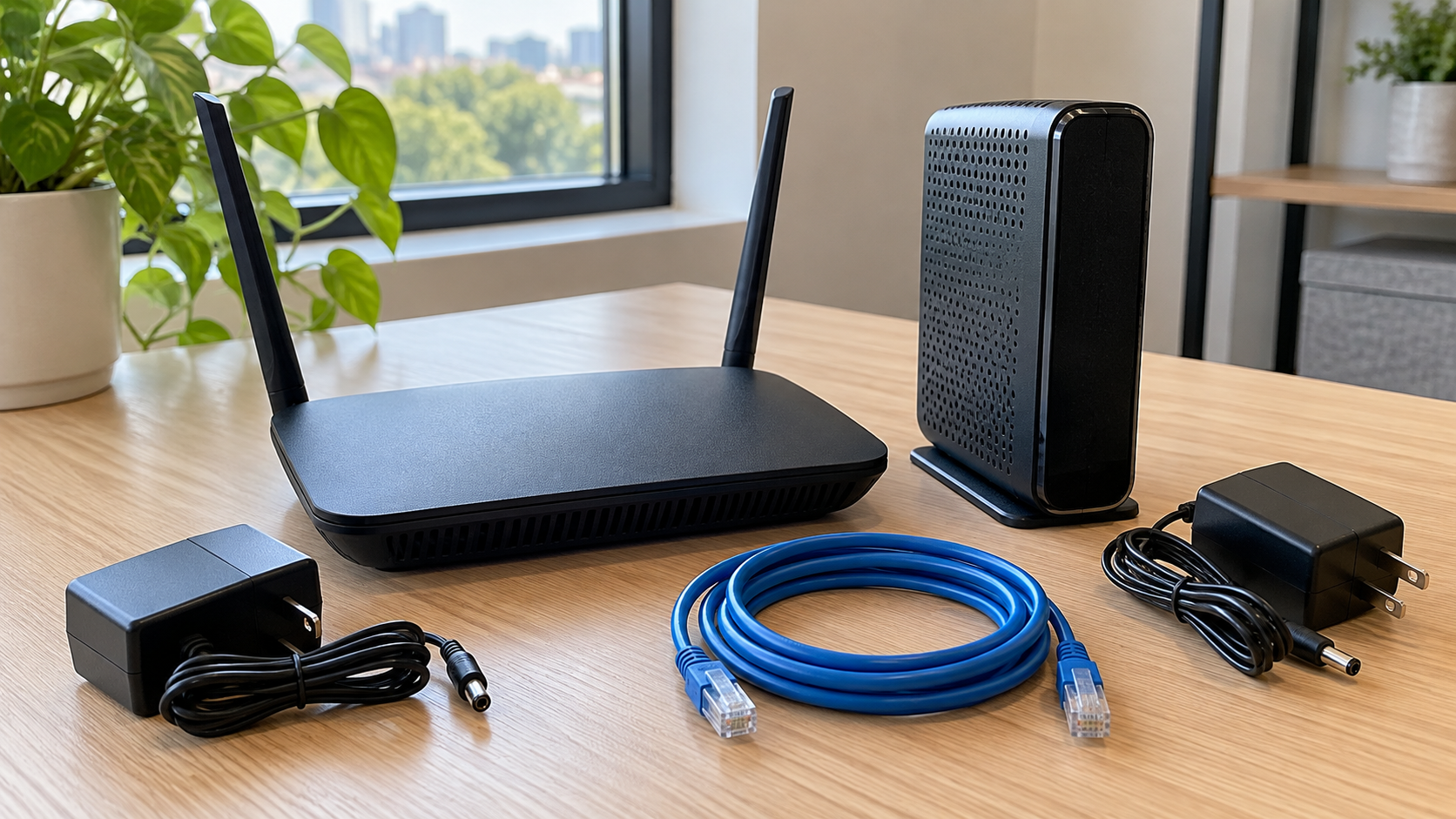
What to Do With an Old Router: Return, Reuse or Recycle?
Before putting an old router in a recycling box, check who owns it. Equipment supplied by an internet provider may need to be returned. A router you purchased might still have a useful role, but its condition, security support and compatibility matter more than whether its lights turn on.
If you are deciding what to do with an old router, follow this order: confirm ownership, evaluate whether continued use makes sense, address stored settings and account connections, then choose an appropriate destination.
For businesses, add an approval step before anything leaves the building. A retired network device may still be listed in an asset register or management system, even after its replacement is working.
Start With Ownership: Return or Dispose?
Check the original order, internet bill, equipment agreement or company asset record. Do not assume that a router sitting in your office belongs to you simply because you have used it for years.
If it was supplied under a rental or service arrangement, ask the provider whether it must be returned. Confirm which accessories belong with it, the return method, the deadline and what proof of handoff you should keep. Follow the provider’s instructions rather than treating its equipment as your recycling decision.
For equipment your organization owns, identify the person authorized to approve retirement. This may be IT, procurement or an asset manager. Keep leased and company-owned equipment in separate groups during an office cleanout.
Do not dismantle provider-owned equipment or remove its identifying labels. Record the serial number privately when needed for a return, and avoid posting photographs that reveal account details or device credentials.
Is It a Router, Modem or Gateway?
People often call every internet box a router, but the distinction helps when arranging a return, checking compatibility or requesting recycling.
| Equipment | General role | Retirement question |
|---|---|---|
| Router | Directs traffic between networks; many home models also provide Wi-Fi | Does it remain supported and suitable for its intended use? |
| Modem | Connects compatible service equipment to the provider’s access network | Is it owned, and is it approved for the intended service? |
| Gateway | Combines functions, often modem and router capabilities | Does the provider require this unit back? |
| Access point or mesh node | Provides or extends wireless access as part of a network | Can it operate with the remaining system? |
| Network switch | Connects devices within a local network | Does it need configuration or account review before release? |
These are general descriptions, not a way to identify every device by appearance. Find the model number and consult its documentation if you are unsure.
Keep matching power adapters and necessary accessories with each unit during evaluation. A complete, correctly paired set is easier to assess than a router separated from its power supply.
When Keeping an Old Router Makes Sense
An old router can be worth keeping when it is supported, reliable and useful for a defined purpose. A compatible spare may help during troubleshooting, while some models offer an access-point mode for an approved network setup.
Check the manufacturer’s documentation before repurposing it. Features vary, and an old router cannot automatically become a compatible mesh node or wireless extender. Confirm the supported operating mode rather than relying on a generic online suggestion.
Security also matters. The FTC’s home Wi-Fi guidance recommends using WPA3 Personal or WPA2 Personal encryption and considering replacement if the router cannot support those options. Check firmware availability and the manufacturer’s support status as part of the decision.
For a business, continued use should be approved by the network administrator. An improvised extra router can introduce configuration problems and make the network harder to manage. A spare is useful when someone knows its purpose, condition and configuration requirements.
If nobody can identify a realistic use, keeping another unsupported box in storage does not solve the retirement problem.
Can You Sell or Donate an Old Router?
Possibly, provided you own it and the receiving person or organization actually wants that model. Condition alone is not enough: compatibility, software support, accessories and account restrictions can affect whether it is practical to reuse.
Ask a donation recipient about its acceptance requirements before sending equipment. Describe the model and condition honestly, include the correct adapter where appropriate, and explain any known faults.
Do not describe an untested router as working. If a device is unsupported or cannot be prepared appropriately, recycling may be the more suitable destination.
For a used modem or gateway, the next user should check compatibility with their internet provider before relying on it. A connector that fits does not establish that a provider will activate the device.
Complete the configuration and account review before a sale or donation. Passing equipment to a friend or colleague still transfers it outside your control.
Remove Settings Before Handing Over a Router
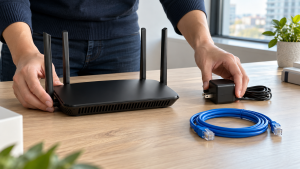
Treat preparation as a model-specific task. Find the manufacturer’s instructions for the exact device and hardware version rather than assuming every reset button works the same way.
A useful sequence is:
- Confirm retirement. Make sure the replacement connection works and the old device is no longer needed for an active service.
- Retain only necessary configuration records. If IT needs a backup for business continuity, store it in an approved location. Do not include configuration files with donated or recycled equipment.
- Review management accounts. Check the manufacturer’s guidance for removing the device from an app, cloud account or organization management system.
- Perform the documented reset or retirement procedure. Follow the instructions applicable to that model.
- Verify the outcome. Confirm the expected reset state and complete any separate account-removal steps before release.
Manufacturer guidance illustrates why these steps must be checked together. Instructions may cover restoring factory settings and removing a device’s account association, but those instructions should not be generalized to unrelated products.
Unplugging a router is not the same as resetting it. Likewise, a restart intended to fix a connection problem should not be treated as a retirement procedure.
If a router will not power on, do not assume its settings have disappeared. Businesses should escalate the device for an appropriate security review rather than putting it into an unrestricted donation box.
Does a Factory Reset Guarantee Data Sanitization?
A factory reset is a product function, not a universal guarantee that every storage location has been sanitized for every risk level. Its effect depends on the device and documented implementation.
For an ordinary home router, use the manufacturer’s retirement instructions and confirm the result. For business equipment, have IT determine whether the procedure is appropriate for the configuration and information involved.
The EPA advises removing personal information before donating or recycling electronics. The practical implication for network equipment is to assess what the device may retain instead of assuming that only computers need attention.
Do not use a general recycling receipt as proof that a router’s settings were removed. If your organization needs documented security handling, agree on the required process and evidence before the equipment changes hands.
There is no need to damage a router yourself to resolve uncertainty. Keep it under controlled access while the appropriate person decides its disposition.
Where Can You Recycle Old Routers and Modems?
Look for an electronics collection program that explicitly accepts networking equipment. City or county recycling information, electronics collection events and manufacturer takeback resources can help identify possible destinations.
Before visiting, ask whether the location accepts your specific equipment, quantity and customer type. Household programs may have different rules from services for businesses and organizations.
Confirm whether power adapters, antennas and cables should travel with the devices or be sorted separately. Describe unusual equipment, including units with backup batteries, so the receiver can provide suitable instructions.
Do not assume a router belongs in a curbside recycling bin. Check your local program’s accepted-material list and use a suitable electronics route when networking equipment is not listed.
Businesses can contact 3W Computer with a model list, quantities, photos and location to discuss possible arrangements. Confirm acceptance, preparation requirements, collection eligibility and any charges before scheduling a handoff.
A Retirement Checklist for Business Network Equipment
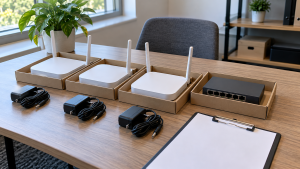
Replacing office networking equipment involves more than gathering boxes. Coordinate the network change and equipment retirement so a cleanup does not interrupt a service or release a device before review.
Build a small inventory that includes:
- Equipment type, model, quantity and asset identifier where applicable.
- Ownership status and any provider-return requirement.
- The person approving retirement.
- Configuration and account-review status.
- The planned destination: retention, return, reuse or recycling.
- Accessories and any special handling questions.
Keep the inventory private if it includes sensitive network or account information. Photos sent for a recycling inquiry should show condition and equipment type without exposing passwords or internal documentation.
Stage approved equipment separately from items awaiting review. For larger quantities, confirm box weights, loading access, appointments and who will acknowledge the handoff.
After release, update the organization’s records to reflect the actual destination. Do not mark a device as returned or recycled while it is still waiting in a storage room.
Is Router Recycling Free?
There is no universal price. A program may accept eligible household equipment without a drop-off charge, while business quantities, transportation or additional handling may involve fees.
Ask for terms that match the actual load. A box containing routers, adapters and battery backup equipment may need different arrangements from one small router.
For business collection, describe the number of units, location, access conditions and requested documentation. Do not assume retired equipment has resale value or that an advertised consumer offer applies to an office cleanout.
Confirm the scope and charges before making the trip or arranging collection.
Frequently Asked Questions
What should I do first with an old router?
Confirm ownership. Provider-owned or leased equipment may need to be returned. For equipment you own, assess reuse and complete the appropriate preparation before donation, sale or recycling.
Can I throw an old router in the recycling bin?
Check local rules rather than assuming curbside acceptance. Look for an electronics collection program that explicitly accepts routers or networking equipment.
Can I use an old router as a Wi-Fi extender?
Some models support suitable operating modes, but not all do. Check the manufacturer’s documentation, compatibility and security support before setting it up again.
Should I reset a router before recycling it?
Follow the manufacturer’s retirement instructions and review associated accounts. Businesses should have IT approve the process and verify the outcome before release.
What if my old router will not turn on?
Do not assume it has lost its saved settings. Keep it separate from unrestricted reuse equipment and seek an appropriate disposition decision, especially if it held business configuration.
Should I include the router’s power adapter?
Keep the correct adapter with the device during evaluation, then follow the receiving provider’s instructions. Confirm compatibility rather than pairing an unidentified adapter with the router.
Choose the Next Step Before the Handoff
Deciding what to do with an old router starts with ownership and ends with a confirmed destination. Return equipment that belongs to a provider, retain supported devices only when they have a useful purpose, and prepare owned equipment before it leaves your control.
For a business network cleanout, contact 3W Computer with your inventory to discuss acceptance and available arrangements. Confirm handling requirements, eligibility and costs before the handoff.
Name: Win Win World Recycle LLC
Address: 1226 West 9th Street, Upland, CA 91786
Phone: 908-798-6789