When a file is deleted, a drive is formatted or a device is reset, it is natural to assume the data is gone. Often it is not. Data remanence is the term for information that remains on storage media after someone has tried to remove it. It is the reason a “wiped” laptop can still give up old files, and the reason retired drives need a deliberate sanitization step. This guide explains what data remanence is, why it happens and how to prevent it.
What Is Data Remanence?
The NIST Computer Security Resource Center glossary defines remanence as residual information remaining on storage media after clearing. In everyday terms, data remanence is leftover data: content that is no longer visible to the user but can still be read with the right tools.
You may also see related phrases such as “data remnants” or “residual data”. They describe the same problem from slightly different angles.
Why Data Remanence Happens
Deleting a File Usually Removes the Pointer, Not the Data
The Federal Trade Commission’s guide Protecting Personal Information warns that deleting files using keyboard or mouse commands usually is not sufficient, because the files may continue to exist on the hard drive and could be retrieved easily. The space is marked as available, but the old content stays until something overwrites it.
Formatting and Resets Vary
Quick formats and factory resets change how a device presents its storage, but they do not always replace every stored bit. NIST SP 800-88 Revision 2 notes that some devices, such as a basic phone or a piece of office equipment, only offer a return to factory state, which may involve deleting file pointers rather than rewriting the storage.
Flash Storage Has Areas Users Cannot Reach
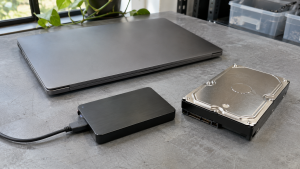
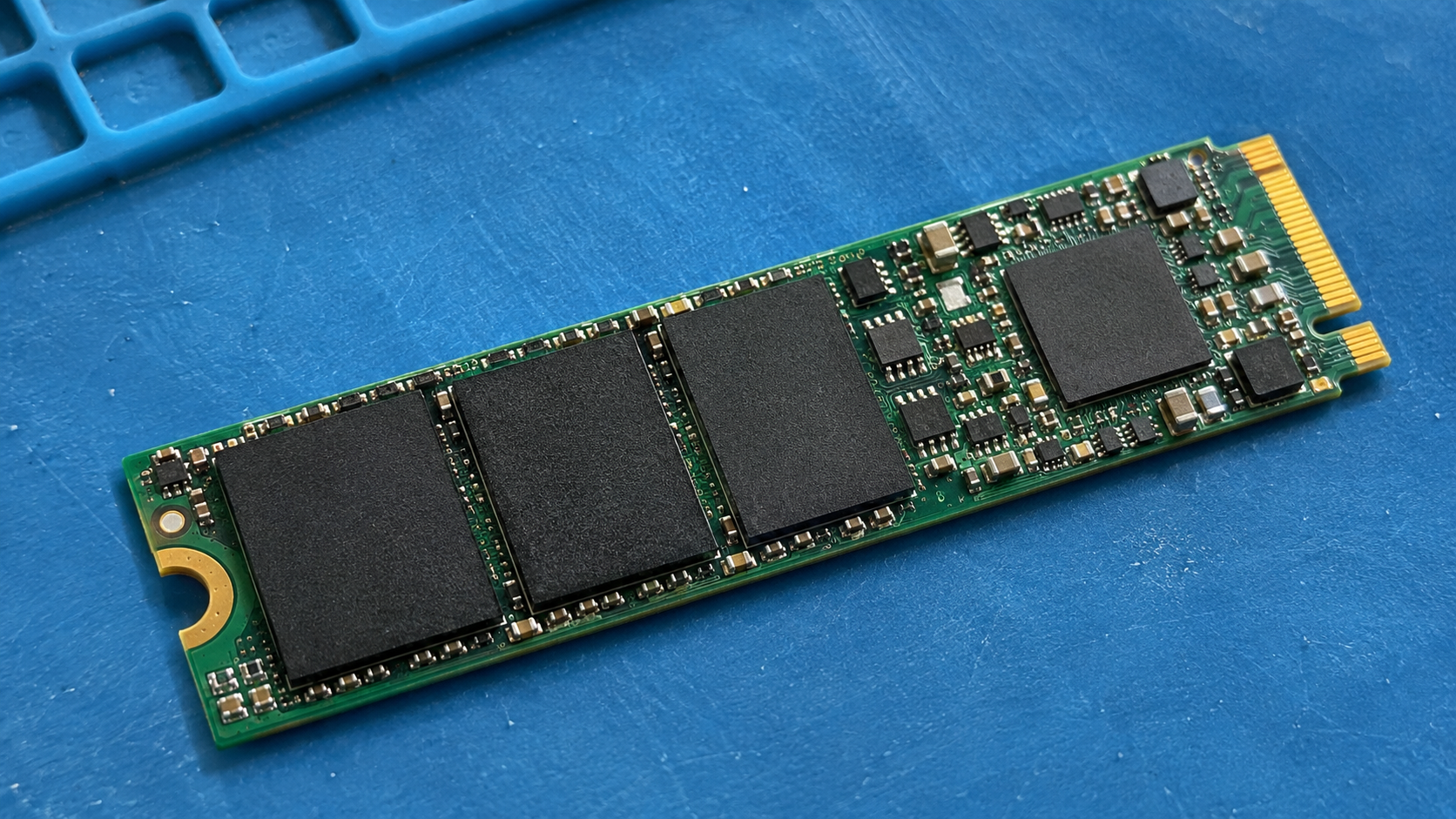
SSDs and other flash devices add another layer. NIST explains that flash devices containing spare cells and performing wear leveling make it infeasible for a user to sanitize all previous data by overwriting, because the device cannot directly address every area where sensitive data has been stored through its normal read and write interface. That makes data remanence a particular concern on SSDs. SSD Data Destruction covers this in more detail.
Damaged Drives Cannot Be Overwritten
NIST also points out that overwriting cannot be used on media that is damaged to the point of being inoperable. A dead drive may still hold readable data on its platters or chips.
Where Data Remanence Shows Up
Data remanence can affect almost any device that stores information:
- laptops, desktops and servers
- external hard drives and USB flash drives
- SSDs in computers and storage arrays
- phones and tablets
- copiers and printers with internal storage
- network equipment that stores configurations
Copier Hard Drive Security explains why office equipment is easy to overlook.
Why Data Remanence Matters for Businesses
NIST notes that strong access controls and encryption push attackers toward alternative routes, such as retrieving residual data on media that has left an organization without being sufficiently sanitized. Retired, donated, resold and returned equipment all fall into that category.
NIST also warns that some legal or regulatory requirements can treat the loss of control of unsanitized media as a data breach. In practice, data remanence turns an ordinary equipment refresh into a security event if it is not managed.
How to Prevent Data Remanence
NIST SP 800-88 describes three sanitization methods. Each addresses data remanence at a different level.
| Method | What it does, according to NIST | Device afterward |
|---|---|---|
| Clear | Applies logical techniques to all user-addressable storage locations, protecting against simple, non-invasive recovery | Typically reusable |
| Purge | Makes recovery infeasible using state-of-the-art laboratory techniques | Potentially reusable |
| Destroy | Makes recovery infeasible using state-of-the-art laboratory techniques, and the media can no longer store data | Not reusable |
NIST recommends using purge instead of clear when possible. Purge techniques can include dedicated device sanitize commands and cryptographic erase. For media that has failed or is obsolete, NIST notes that destruction may be the only option.
Practical steps:
- Inventory data-bearing devices so nothing leaves with data on it unnoticed.
- Match the method to the media. Techniques that suit a magnetic hard drive may not suit an SSD.
- Avoid relying on deletion, quick formats or basic resets for sensitive data.
- Verify the result. NIST says clear and logical purge techniques can be verified by checking the tool’s completion status and identifying errors.
- Keep a record. NIST’s sample certificate of sanitization records details such as the serial number, method, technique, tool and verification method. A certificate of data destruction serves this purpose.

For a plain-English overview of the standard, see NIST 800-88 Explained.
How 3W Computer Can Help
3W Computer works with businesses retiring IT equipment from its base in Upland, California. On its website, 3W Computer lists physical hard drive shredding, software wiping meeting NIST 800-88 standards, on-site shredding options and a certificate of destruction. Contact 3W Computer to discuss how to handle data remanence on the devices you are retiring.
Frequently Asked Questions
What is data remanence in cyber security?
It is information that remains on storage media after an attempt to remove it. NIST’s glossary defines remanence as residual information remaining on storage media after clearing.
Does formatting a drive remove data remanence?
Not reliably. Formatting and basic resets may leave the underlying data in place, so sensitive devices need a sanitization method suited to the media.
Is data remanence worse on SSDs?
It needs different handling. NIST explains that wear leveling and spare cells prevent users from overwriting every area of flash storage through the normal interface.
How do you prevent data remanence?
Use an appropriate clear, purge or destroy method for the media type, verify the result and document it.
Can a broken hard drive still have data remanence?
Yes. A drive that no longer works cannot be overwritten, but its storage may still be readable, so destruction is often the practical option.
Treat Data Remanence as Part of Every Device Exit
Data remanence is not a rare edge case. It is the default state of most storage after ordinary deletion. Inventory devices, choose a method that fits each media type, verify the result and keep records before anything leaves your control.
To discuss data sanitization for your retired equipment, contact 3W Computer.
Sources
- NIST Computer Security Resource Center, Glossary: remanence
- National Institute of Standards and Technology, SP 800-88 Rev. 2: Guidelines for Media Sanitization
- Federal Trade Commission, Protecting Personal Information: A Guide for Business
Name: Win Win World Recycle LLC
Address: 1226 West 9th Street, Upland, CA 91786
Phone: 908-798-6789