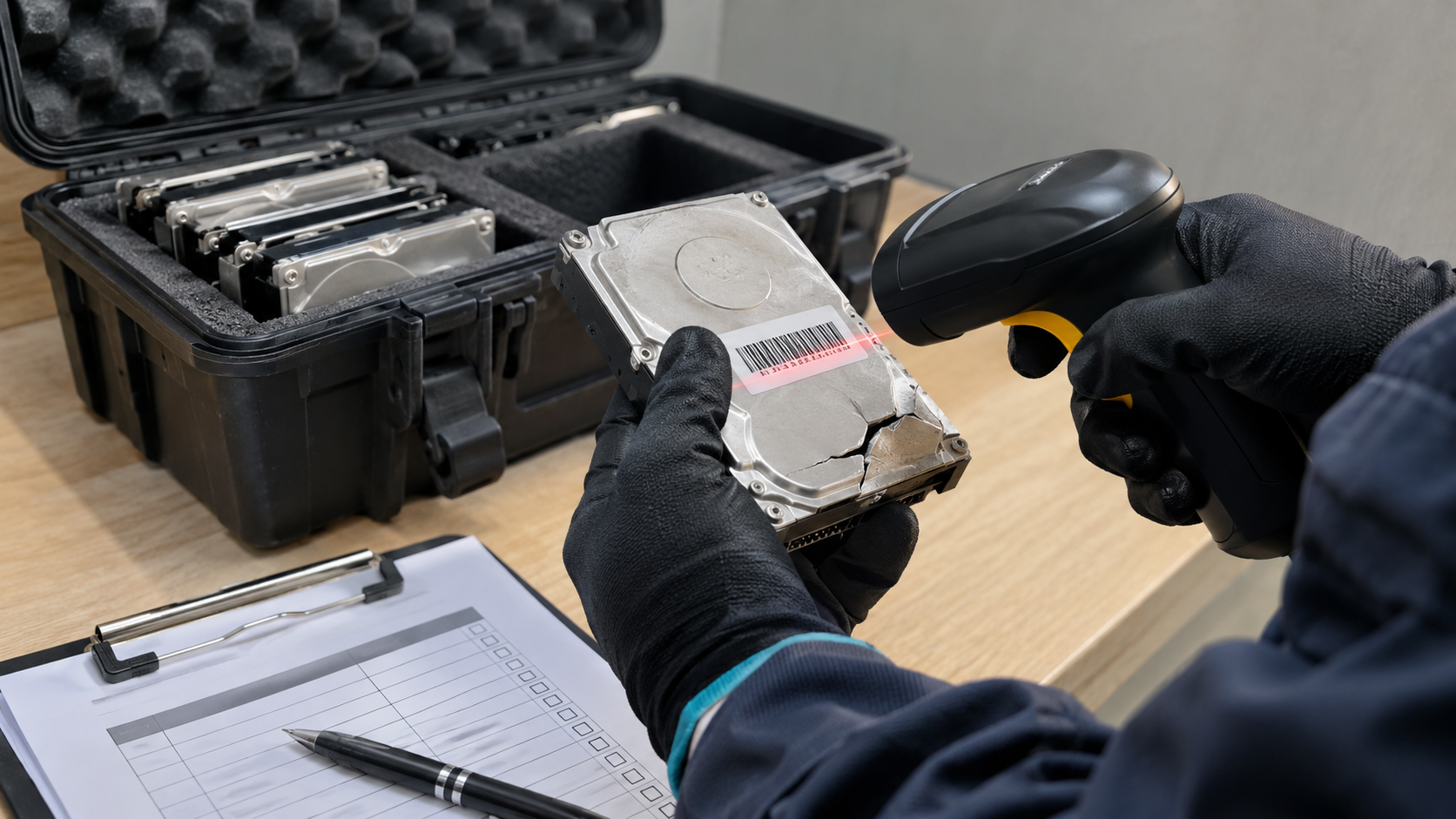
A hard drive clicks, stops spinning or no longer shows up on a computer. It is tempting to assume that whatever was on it is gone for good. But a drive that does not work for you is not necessarily unreadable for someone else. So, can data be recovered from a broken hard drive? Often, yes. This guide explains why, and what that means when you dispose of failed drives.
Can Data Be Recovered From a Broken Hard Drive?
In many cases, yes. A drive can stop working because of a failed component, firmware problem or physical damage while the data itself remains on the storage media. That is why data recovery services exist, and why a broken drive still needs careful handling at disposal.
NIST SP 800-88 Revision 2 addresses this from the security side. It notes that some destructive techniques may render data infeasible to retrieve through the device interface while still leaving it recoverable using state-of-the-art laboratory techniques. NIST also warns that techniques such as bending, cutting or drilling a hole through a storage device may only partly damage it, leaving portions accessible.
If partial damage can leave data recoverable, an ordinary failure can too.
Why Broken Drives Are a Data Security Risk
You Cannot Wipe a Drive That Does Not Work
NIST explains that overwriting cannot be used on media that is damaged to the point of being inoperable. Standard wiping software needs to communicate with the drive. If the drive will not respond, it cannot be wiped that way.
Deleted Data Was Never Fully Gone
Even before the drive failed, deleted files may still have been on it. The FTC’s guide Protecting Personal Information warns that files deleted with keyboard or mouse commands may continue to exist on the hard drive and could be retrieved easily. Data Remanence explains this in more detail.
Disposal Can Mean Losing Control
NIST warns that some legal and regulatory requirements can treat the loss of control of unsanitized media as a data breach. A broken drive thrown in the trash or sent off without a plan is still unsanitized media.
Corrupted, Failed or Physically Damaged: Does It Matter?
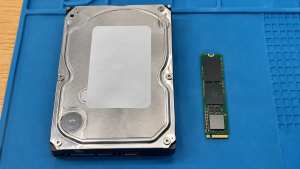
| Situation | What it usually means | Data risk at disposal |
|---|---|---|
| Corrupted file system | Drive works, but files or structure are damaged | High: drive may still be readable or wipeable |
| Failed electronics or firmware | Drive does not respond normally | High: media may hold intact data |
| Physical damage, such as a drop | Mechanical problems or partial damage | Still present: NIST notes partial damage can leave data accessible |
| Failed SSD | Controller or flash failure | Present: flash chips may still hold data |
The safe assumption is that any broken drive may still contain recoverable data.
How to Dispose of a Broken Hard Drive Securely
NIST says destructive techniques may be the only option when media fails or is obsolete and clear or purge techniques cannot be applied. In practice:
- Do not throw it in the trash. Keep failed drives in a secure place until disposal.
- Record the drive. Note the serial number and the device it came from.
- Choose destruction. NIST lists disintegration, incineration, melting, pulverizing and shredding as destructive techniques, and notes that media is not considered destroyed unless recovery is infeasible using state-of-the-art laboratory techniques.
- Avoid partial measures. Drilling or bending may leave portions readable, according to NIST.
- Get documentation. A certificate of data destruction tied to serial numbers shows what happened.
Hard Drive Shredding Service explains what to expect from professional destruction, and How to Dispose of Old Hard Drives covers working drives too.
What About Degaussing a Broken Drive?
Degaussing is a physical technique that NIST describes for magnetic media such as hard disk drives. NIST adds cautions: the degausser must be strong enough for the drive, degaussing should not be used on non-magnetic media such as SSDs, and NIST does not currently consider degaussing an approved destroy technique. Hard Drive Degaussing covers this further.
How 3W Computer Can Help
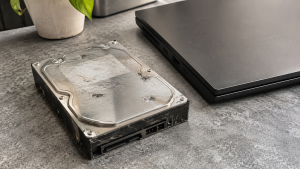
3W Computer works with businesses retiring IT equipment from its base in Upland, California. On its website, 3W Computer lists physical hard drive shredding, on-site shredding options, software wiping meeting NIST 800-88 standards and a certificate of destruction. Contact 3W Computer to discuss secure disposal of failed and working drives.
Frequently Asked Questions
Can data be recovered from a broken hard drive?
Often, yes. A drive that no longer works may still hold intact data on its storage media.
Can data be recovered from a corrupted hard drive?
Corruption usually affects files or structure rather than wiping data, so data may still be recoverable.
Can you wipe a broken hard drive?
Not with standard software if the drive does not respond. NIST notes overwriting cannot be used on inoperable media, so destruction is usually the practical option.
Is drilling a hole in a hard drive enough?
NIST warns that drilling or bending may only partly damage a drive, leaving portions accessible with advanced techniques.
Can data be recovered from a failed SSD?
It may be. Flash memory chips can still hold data even when the drive’s controller fails.
Treat Every Broken Hard Drive as If It Still Holds Data
Can data be recovered from a broken hard drive? Often enough that you should assume it can. Keep failed drives secure, record them, have them properly destroyed and keep the certificate.
To discuss secure destruction of failed drives, contact 3W Computer.
Sources
- National Institute of Standards and Technology, SP 800-88 Rev. 2: Guidelines for Media Sanitization
- Federal Trade Commission, Protecting Personal Information: A Guide for Business
Name: Win Win World Recycle LLC
Address: 1226 West 9th Street, Upland, CA 91786
Phone: 908-798-6789