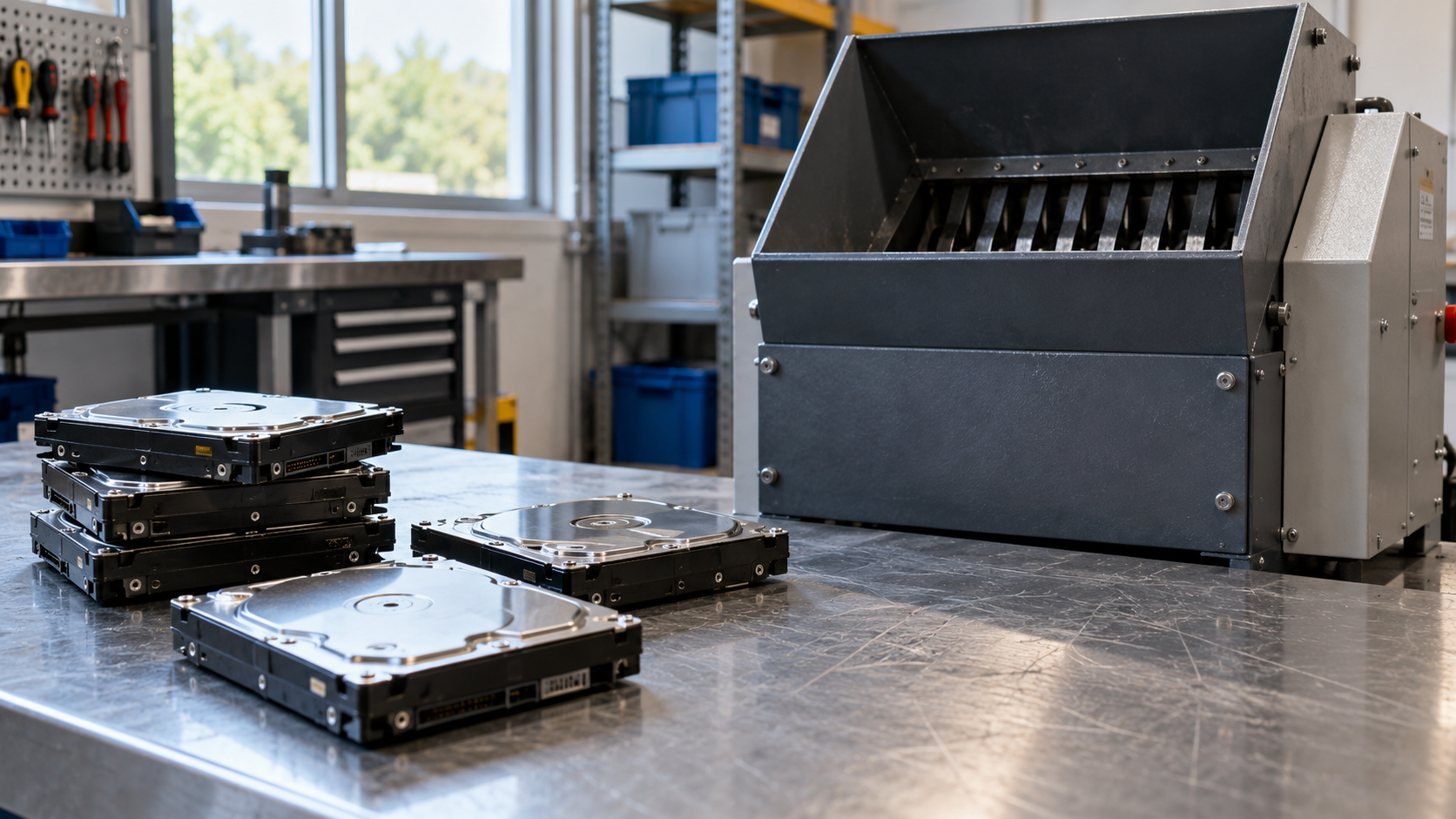
When retired computers and servers pile up, the drives inside them are usually the part that worries people most. A hard drive shredding service physically destroys storage devices so the data on them cannot be read, and it gives your organization a record that the work was done. Shredding is not the right answer for every drive, but for failed, damaged or highly sensitive media it is often the most straightforward one.
This guide explains what hard drive shredding involves, how on-site and off-site service compare, which factors shape the price, and how to prepare so the job goes smoothly.
What Is Hard Drive Shredding?
Hard drive shredding is the mechanical destruction of storage media into small pieces using an industrial shredder. Instead of erasing data with software, the process destroys the device itself. It is commonly used for traditional hard disk drives, solid state drives and other storage media that will not be reused.
A hard drive shredding service is one option among several sanitization approaches. NIST’s current media sanitization guidance, SP 800-88 Revision 2, focuses on helping organizations build a media sanitization program and choose methods that fit the sensitivity of their information, rather than prescribing one method for every situation. Many organizations combine methods: drives that will be resold are sanitized, and drives that have failed or held the most sensitive data are destroyed.
If you are still deciding between the two, Data Wiping vs Hard Drive Shredding: A Business Guide compares them in more detail.
When a Hard Drive Shredding Service Makes Sense
Businesses typically book a hard drive shredding service in situations like these:
- Failed or damaged drives. A drive that will not power on cannot run a software wipe, so destruction is often the practical route.
- Policy or contract requirements. Some organizations require physical destruction for drives that held customer, financial or health information.
- Large batches. Office refreshes, closures and relocations can leave hundreds of loose drives that are faster to process in one shredding job.
- No reuse plan. When equipment will be recycled rather than resold, keeping the drive intact may offer little benefit.
When a drive still works and the computer could be resold or reused, sanitization may preserve more value. The choice should be made drive by drive, not by habit.
On-Site vs Off-Site Hard Drive Shredding
“What is on-site shredding?” is one of the most common questions businesses ask. The difference is where the destruction happens.
On-Site Shredding
With on-site service, the shredding happens at your location, typically using equipment brought to your site. Your staff can watch the drives being destroyed, and the drives never leave your control while they still contain data. On-site shredding is often preferred by organizations with strict chain-of-custody expectations.
Off-Site Shredding
With off-site service, drives are collected, transported and shredded at the provider’s facility. This can be more convenient for smaller quantities or for drives that are already packed for an IT asset disposition project. Because drives travel before destruction, off-site service depends on secure packaging, tracking and clear handoff records.
Neither option is automatically better. The right choice depends on your quantity, your policies and how much oversight your organization wants.
How Much Does Hard Drive Shredding Cost?
Searches such as “how much does it cost to shred a hard drive” are common, but there is no single price that applies to every job. Quotes for a hard drive shredding service usually depend on:
- Number of drives. Per-drive pricing often changes with volume.
- On-site or off-site service. Bringing equipment to your location involves different logistics than processing at a facility.
- Media type. Hard drives, SSDs, tapes and other media may be handled differently.
- Drive removal. Drives still installed in laptops, desktops or servers need to be removed first, which adds labor.
- Documentation needs. Serial-number-level reporting takes more time than a simple count.
- Pickup and location. Distance, loading conditions and scheduling all affect the job.
When comparing quotes, make sure each provider is pricing the same scope, including removal, transport and reporting.
What to Expect From a Hard Drive Shredding Service
A well-run job usually follows a predictable sequence:
- Scope and inventory. You share how many drives you have, what types they are, and whether they are loose or installed.
- Scheduling. The provider confirms whether the work will be on-site or off-site and when it will happen.
- Verification at handoff. Drives are counted, and serial numbers are recorded when your organization requires them.
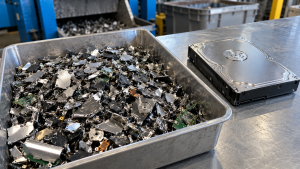
- Shredding. The drives are destroyed with industrial equipment.
- Recycling of the remains. Shredded material should go to appropriate recycling rather than general trash.
- Documentation. You receive a record of what was destroyed and when.
The record matters as much as the shredding. Certificate of Data Destruction: A Business Guide explains what a useful certificate should contain.
How to Prepare Drives Before Shredding
A little preparation reduces errors and can lower the cost of a hard drive shredding service:
- Confirm that no needed data remains. Back up anything the business must keep before destruction.
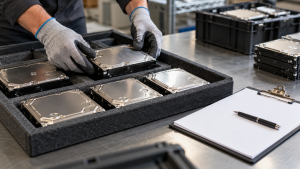
- Count and label. Group drives by department or location and note the total for each group.
- Record serial numbers if required. If your policy calls for serial-level tracking, start the list before the provider arrives.
- Separate drives from equipment. Decide whether drives will be pulled internally or by the provider.
- Keep failed drives together. Note which drives are damaged so they are not mistaken for working spares.
For broader guidance on retiring storage media, see How to Dispose of Old Hard Drives: A Data Security Guide.
Questions to Ask a Hard Drive Shredding Service
Before booking, ask:
- Is shredding performed at our site, at your facility, or both?
- Can our staff witness the destruction?
- Will you record serial numbers, and in what format?
- What happens to the shredded material afterward?
- Do you handle SSDs and other media in addition to hard drives?
- What does the certificate of destruction include?
Clear answers to these questions make it easier to compare each hard drive shredding service on the same basis.
How 3W Computer Supports Hard Drive Shredding
3W Computer works with businesses that need to retire storage media securely. On its website, 3W Computer lists physical hard drive shredding, on-site shredding options, on-site HDD and SSD shredding, and a certificate of destruction as part of its data destruction services. For larger projects, 3W Computer also lists logistics and pickup and detailed inventory reporting as part of its IT asset disposition services.
If your organization is planning a server retirement at the same time, Server Recycling: Retire Old Servers and Protect Data covers the extra planning steps.
Frequently Asked Questions
What is on-site hard drive shredding?
On-site shredding means the drives are destroyed at your location rather than at a provider’s facility. It lets your team watch the process and keeps drives under your control until they are destroyed.
How much does a hard drive shredding service cost?
Cost depends on the number and type of drives, on-site or off-site service, drive removal labor, documentation requirements and location. Ask for a quote based on your actual inventory.
Is shredding better than wiping a hard drive?
Not always. Wiping can allow a working drive to be reused, while shredding ends reuse but suits failed drives and media covered by destruction policies. Many organizations use both.
Can SSDs be shredded?
Yes. SSDs can be physically destroyed, and many providers handle them along with traditional hard drives. Confirm SSD handling with your provider before the job.
Do I need to remove drives from computers first?
Not necessarily. Some providers remove drives as part of the service, which can add labor cost. Clarify who will remove them when you request a quote.
Choose a Hard Drive Shredding Service With Clear Records
The best hard drive shredding service for your organization is one that fits your volume, lets you choose the right level of oversight, and leaves you with records that match your inventory. Decide which drives need destruction, prepare a clear count, and ask the right questions before the work begins.
To discuss a hard drive shredding service for your retired drives, contact 3W Computer and share your drive count, media types and documentation requirements.
Sources
- National Institute of Standards and Technology, SP 800-88 Rev. 2: Guidelines for Media Sanitization (September 2025)
- NIST, Guidelines for Media Sanitization: NIST Publishes SP 800-88r2
Name: Win Win World Recycle LLC
Address: 1226 West 9th Street, Upland, CA 91786
Phone: 908-798-6789