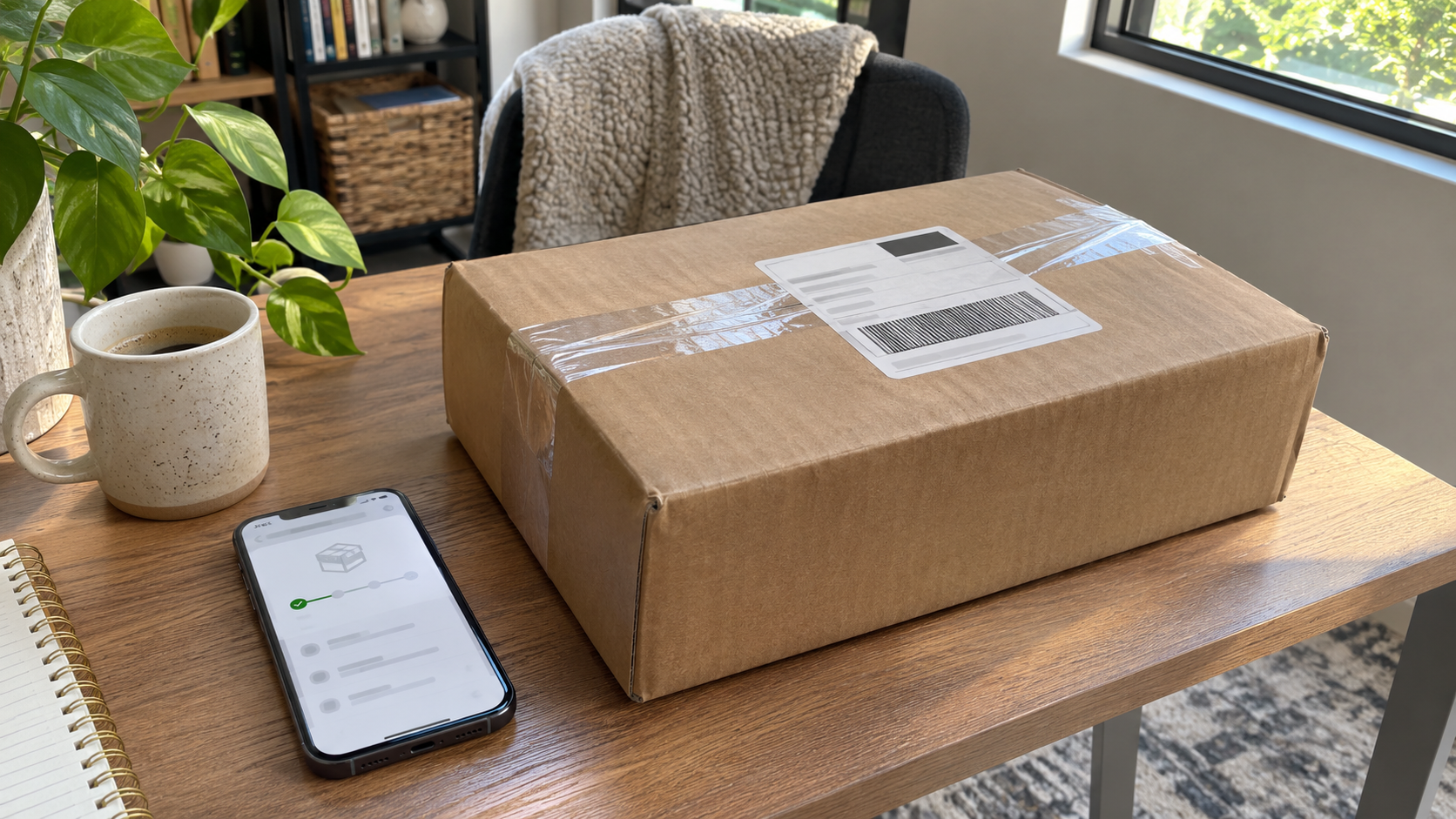
When employees work from home, their laptops live outside your office for years. When they leave, change roles or receive a refresh, those devices need to come back with their data under control. A remote employee laptop return process makes that predictable: everyone knows what to send, how to send it and what happens next. This guide walks through how to build one.
Why Remote Employee Laptop Return Needs a Process
Devices Hold Business and Personal Data
Laptops can store email, customer files, credentials and cached copies of cloud data. The FTC’s guide Protecting Personal Information tells businesses to inventory laptops, employees’ home computers, flash drives and other equipment to find where sensitive data is stored.
Home Workers Need the Same Rules
The FTC also says businesses should make sure employees who work from home follow the same procedures for disposing of sensitive documents, old computers and portable storage devices. A remote return process applies that principle.
Unreturned Devices Are Out of Your Control
NIST SP 800-88 Revision 2 emphasizes tracking media throughout its life cycle and warns that some legal and regulatory requirements can treat the loss of control of unsanitized media as a data breach. A laptop that never comes back is exactly that kind of loss.
Step-by-Step Remote Employee Laptop Return Process
1. Start Every Remote Employee Laptop Return With an Accurate Inventory
Record each laptop’s serial number, asset tag, assigned user and accessories. If you do not know what was issued, you cannot confirm what came back.
2. Trigger the Return Early
Link the return to HR events: resignation, termination, role change and scheduled refresh. Send instructions as soon as the event is confirmed, not on the employee’s last day.
3. Protect Access Before Shipping
Disable or adjust account access according to your offboarding policy, and make sure the employee knows not to wipe or reset the device unless IT asks. A self-performed reset may not meet your data handling standard and can complicate investigations or legal holds.
4. Make Returning Easy
Provide clear packing instructions, a prepaid label or courier pickup, and a list of what to include: laptop, charger, docking station and any other issued equipment. Ask the employee to remove personal items and stickers if your policy allows.
5. Ship With Tracking
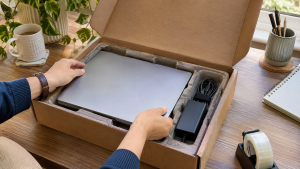
Use trackable shipping and record the tracking number against the asset. Check your carrier’s current rules for shipping devices with lithium-ion batteries, since requirements can change. Laptop Battery Recycling explains why damaged or swollen batteries need extra care.
6. Receive and Reconcile
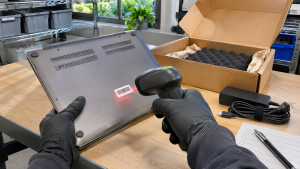
When the box arrives, check serial numbers against your inventory, note condition and record anything missing. Follow up quickly on gaps.
7. Handle the Data
Decide what happens to the data based on what happens to the device:
- Redeploy internally: sanitize before issuing to a new user.
- Resell or donate: sanitize with a method suited to the drive type, and verify it.
- Recycle: sanitize or destroy the storage before it leaves your control.
NIST recommends purge methods over clear methods when possible and notes that standard overwriting cannot reach all areas of flash storage. How to Wipe a Computer Before Recycling covers common options.
8. Document the Outcome
Keep the inventory record, shipping records and a sanitization or destruction record for each device. NIST’s sample certificate includes the serial number, method, tool and verification method. A certificate of data destruction serves this purpose.
Redeploy, Resell or Recycle?
| Option | When it fits | Key step |
|---|---|---|
| Redeploy | Device is recent and in good condition | Sanitize and reimage |
| Resell | Device has market value but no internal use | Sanitize, verify, record serials |
| Donate | Policy allows and device still works | Sanitize and document |
| Recycle | Device is old, damaged or unwanted | Handle data first, then recycle responsibly |
IT Asset Recovery Tips explains how to get more value from resale, and Laptop Recycling covers end-of-life options.
Common Remote Employee Laptop Return Problems
- Late requests. Start the return as soon as departure is confirmed.
- Missing accessories. List everything that must come back.
- Unclear packing. Provide instructions and packaging if needed.
- No reconciliation. Check every serial number on arrival.
- Data handled inconsistently. Use the same sanitization standard for every returned laptop.
How 3W Computer Can Help
3W Computer works with businesses retiring IT equipment from its base in Upland, California. On its website, 3W Computer lists logistics and pickup, detailed inventory reporting, equipment remarketing, data destruction services including a certificate of destruction, and e-waste recycling. The website does not describe a mail-in return service for individual remote employees, so contact 3W Computer to discuss how returned laptops can be collected and processed for your organization.
Frequently Asked Questions
How do companies get laptops back from remote employees?
Most send return instructions with a prepaid label or arrange courier pickup, then track the shipment and reconcile serial numbers when it arrives.
Should employees wipe their laptops before a remote employee laptop return?
Usually not, unless IT tells them to. IT should control data handling so it meets company policy and is documented.
What should be included in a laptop return?
The laptop, charger and any other issued equipment listed in your inventory, such as docks or monitors.
What happens to returned laptops?
They are redeployed, resold, donated or recycled. In every case, the data should be handled first and the outcome recorded.
How do we prove a returned laptop’s data was removed?
Keep a sanitization or destruction record tied to the device’s serial number.
Make Remote Employee Laptop Return Routine
A remote employee laptop return process works best when it is planned before anyone leaves. Keep an accurate inventory, start returns early, ship with tracking, handle data consistently and keep records.
To discuss what happens to your returned laptops, contact 3W Computer.
Sources
- Federal Trade Commission, Protecting Personal Information: A Guide for Business
- National Institute of Standards and Technology, SP 800-88 Rev. 2: Guidelines for Media Sanitization
Name: Win Win World Recycle LLC
Address: 1226 West 9th Street, Upland, CA 91786
Phone: 908-798-6789