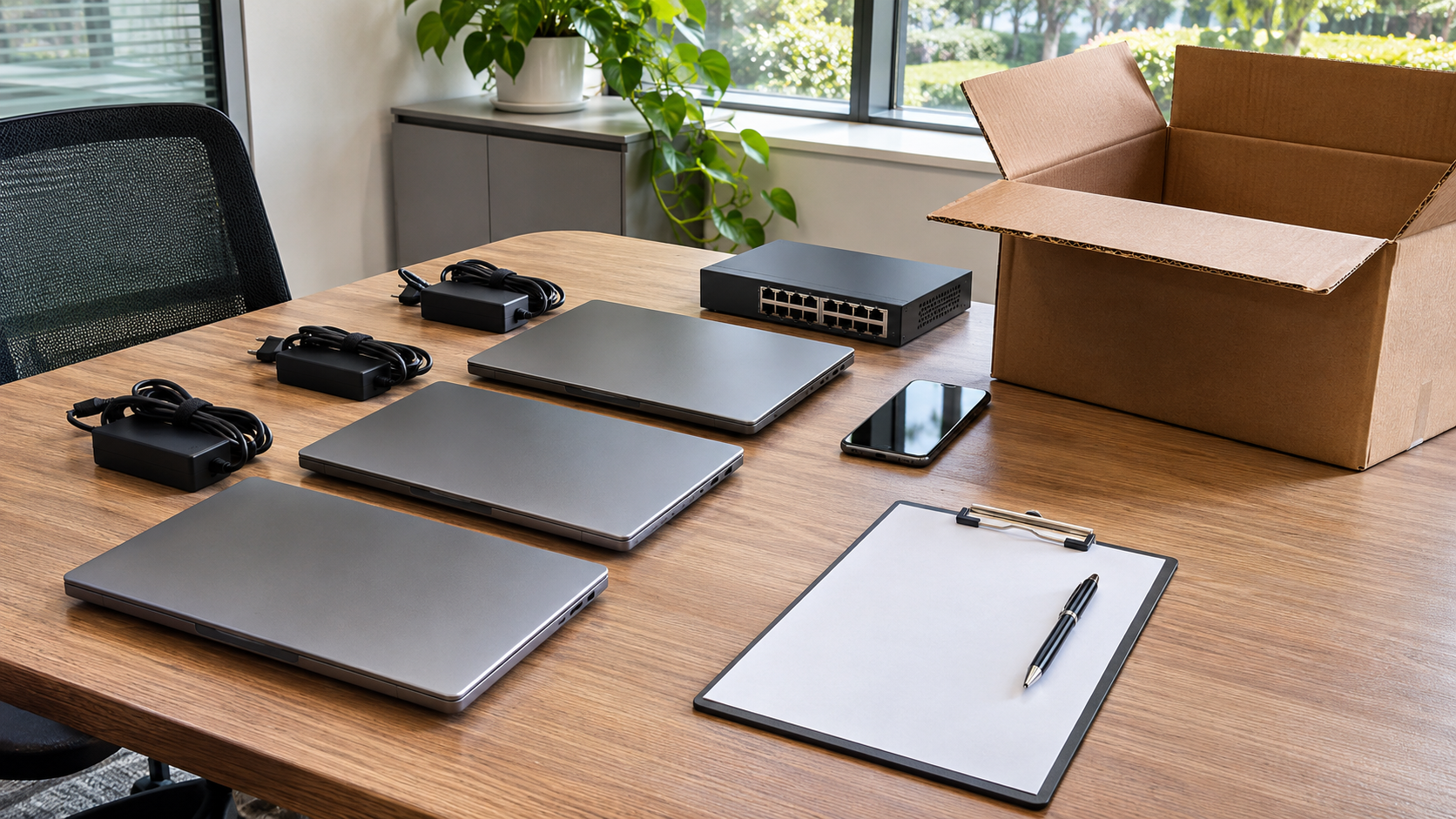
Every laptop, server, phone and network device a business owns goes through a life: it is planned, bought, deployed, maintained and eventually retired. IT asset lifecycle management is the practice of tracking and managing equipment through each of those stages. Done well, it improves security, controls costs and makes the final step, getting rid of old equipment, far less risky. This guide walks through the lifecycle and the practices that hold it together.

What Is IT Asset Lifecycle Management?
IT asset lifecycle management means knowing what IT equipment you have, where it is, who uses it, what state it is in, and what will happen to it at the end of its life.
NIST’s National Cybersecurity Center of Excellence makes the case for this kind of visibility in SP 1800-5, IT Asset Management. It notes that a physical asset management system can tell you the location of a computer but cannot answer questions such as which operating systems your laptops are running or which devices are vulnerable to the latest threat. NIST says an effective IT asset management solution can tie together physical and virtual assets and give management a complete picture of what, where and how assets are being used, improving both utilization and security.
The Stages of IT Asset Lifecycle Management
1. Planning
Decide what the business needs, how many devices, which standards to follow and how long equipment is expected to stay in service. Planning for retirement starts here: for example, choosing devices with built-in encryption can make later sanitization easier.
2. Procurement
Buy or lease equipment and record it from day one: model, serial number, purchase date, warranty and cost. If equipment is leased, note who owns any storage at the end of the lease. Copier Hard Drive Security shows why that matters.
3. Deployment
Assign each device to a user or location, apply security settings and record the assignment. Every device should have an owner in your records.
4. Operation and Maintenance
Track updates, repairs, moves and user changes. Devices that change hands or locations without being recorded are a common source of lost assets.
5. Retirement and Disposition
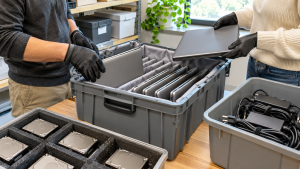
When equipment reaches the end of its useful life, decide whether to redeploy, resell, donate or recycle it, and handle the data on it before it leaves your control. This is the stage known as IT asset disposition. IT Asset Disposition covers it in depth.
Best Practices for IT Asset Lifecycle Management
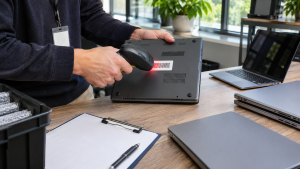
- Keep one accurate inventory. Use asset tags and serial numbers, and reconcile your records against what is actually in offices, closets and data rooms.
- Write a lifecycle policy. Define refresh cycles, approval steps and who is responsible at each stage.
- Include all data-bearing devices. Laptops and servers are obvious. Copiers, phones, network devices and loose drives are easy to miss.
- Plan data handling before retirement. NIST’s media sanitization guidance encourages organizations to set up a media sanitization program based on the sensitivity of their information. A written data destruction policy is a practical starting point.
- Close the loop with records. An asset is not fully retired until your inventory shows its final outcome and you hold proof, such as a certificate of data destruction.
Why the Disposition Stage Matters So Much
The end of the lifecycle is where security and environmental risks meet. A retired device can still hold data, and electronics should not go in the trash. The U.S. EPA says preventing waste in the first place is preferable to any waste management option, including recycling, and that reusing electronics extends product life spans.
That suggests a simple order of preference at retirement:
- Redeploy working equipment inside the business.
- Resell or donate equipment that still has use. IT Asset Recovery explains how to get better returns.
- Recycle what cannot be reused, after the data has been handled.
Common Mistakes to Avoid
- Letting retired equipment pile up in storage with no owner or record
- Assuming an operating system reset removes all data
- Losing track of devices during office moves
- Using a recycler without confirming what records you will receive
- Updating the inventory only once a year
Office Electronics Recycling Before a Move covers one of the riskiest moments in the lifecycle.
How 3W Computer Supports the Final Stage
3W Computer works with businesses retiring IT equipment from its base in Upland, California. On its website, 3W Computer lists equipment remarketing, detailed inventory reporting, logistics and pickup, data destruction services including a certificate of destruction, and e-waste recycling with a zero landfill policy. These services support the retirement and disposition stage of IT asset lifecycle management.
Frequently Asked Questions
What is IT asset lifecycle management?
It is the practice of managing IT equipment through every stage of its life, from planning and purchase to deployment, maintenance and final disposition.
What are the stages of the IT asset lifecycle?
A common way to describe them is planning, procurement, deployment, operation and maintenance, and retirement and disposition.
Why is IT asset lifecycle management important?
It helps businesses know what they own, control costs, reduce security risks and retire equipment responsibly.
How does IT asset disposition relate to lifecycle management?
IT asset disposition is the final stage of the lifecycle: redeploying, reselling, donating or recycling equipment and handling its data securely.
Do small businesses need IT asset lifecycle management?
Yes, at an appropriate scale. Even a simple spreadsheet with serial numbers, users and final outcomes is better than no record.
Make IT Asset Lifecycle Management a Habit
IT asset lifecycle management works best as a routine, not a project: record every device when it arrives, keep the inventory current, and plan its retirement long before it is due. The payoff comes at the end, when equipment can leave the business securely and with clear records.
To plan the retirement stage for your IT equipment, contact 3W Computer.
Sources
- National Institute of Standards and Technology, SP 1800-5: IT Asset Management
- National Institute of Standards and Technology, SP 800-88 Rev. 2: Guidelines for Media Sanitization
- U.S. EPA, Basic Information About Electronics Stewardship
Name: Win Win World Recycle LLC
Address: 1226 West 9th Street, Upland, CA 91786
Phone: 908-798-6789