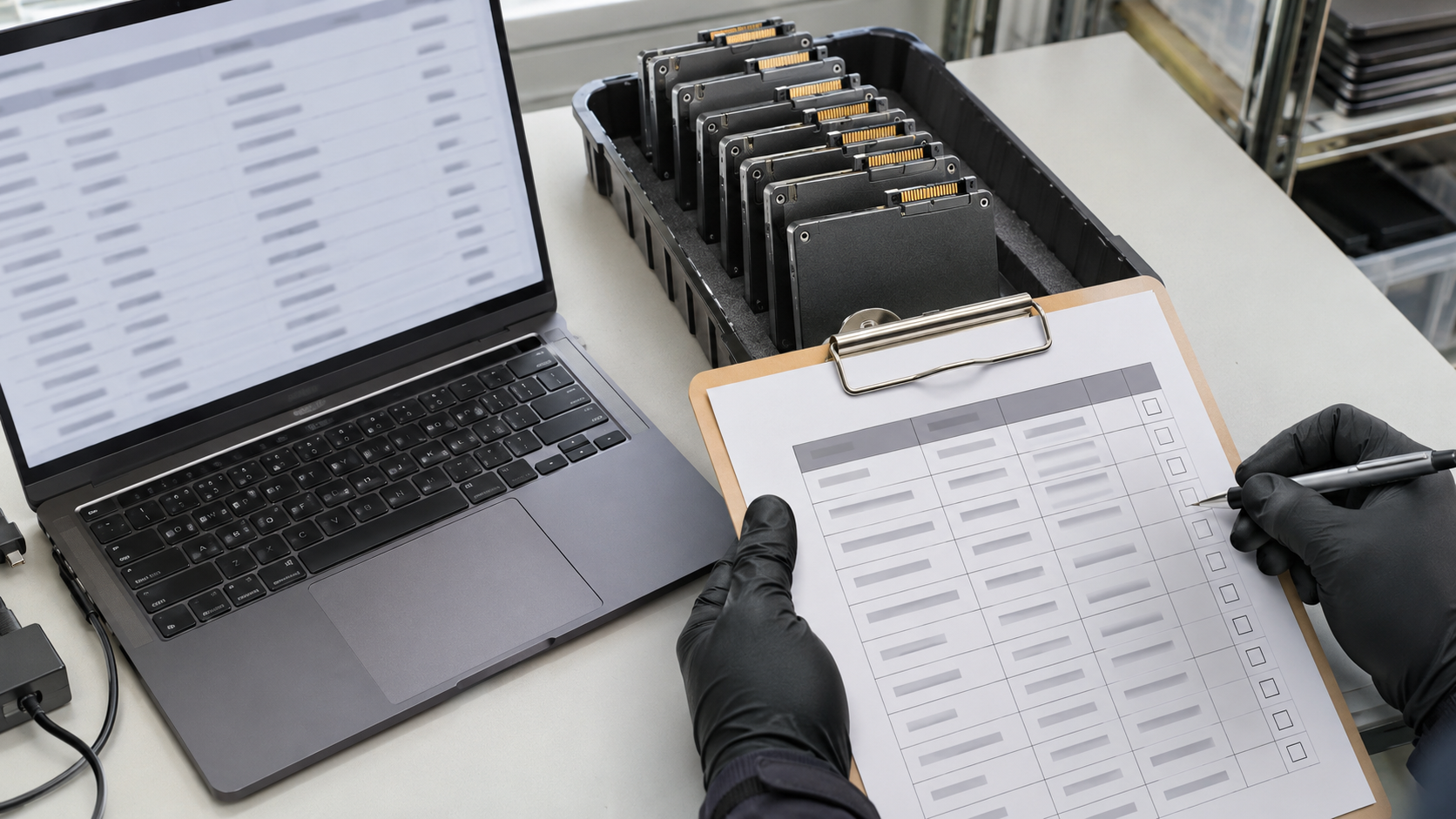
Before a laptop is redeployed, resold or donated, the data on it has to go. Data erasure software is one of the most common ways to do that while keeping the device usable. But not all tools work the same way, and some drives cannot be erased reliably with software at all. This guide explains what data erasure software does, which standards matter, where it falls short and how to choose a tool.
What Is Data Erasure Software?
Data erasure software, also called data wiping software, is a program that removes data from a storage device so it cannot be recovered, while leaving the device in a usable state. It differs from deleting files or formatting, which usually leave the underlying data in place.
The FTC’s guide Protecting Personal Information recommends using software for securely erasing data, usually called wipe utility programs, when disposing of old computers and portable storage devices. It notes that deleting files with keyboard or mouse commands usually is not sufficient because the files may still exist on the drive.
How Data Erasure Software Works
NIST SP 800-88 Revision 2 describes logical sanitization techniques as using software or other tools over an interface to replace data, issue specific commands to eliminate data, or eliminate access to the data. The intent is to leave the media usable. Data erasure software typically uses one or more of these approaches:
- Overwriting: writing non-sensitive data over all user-addressable storage. NIST classifies this as a clear technique.
- Device sanitize commands: dedicated commands built into many drives that address storage areas more completely. Depending on the command, these can be purge techniques.
- Cryptographic erase: destroying the encryption keys on self-encrypting drives so the data cannot be decrypted. Cryptographic Erase explains the conditions.
Which Standards Should Data Erasure Software Follow?
NIST SP 800-88
NIST SP 800-88 is the most widely referenced U.S. guideline. It defines three methods: clear, purge and destroy. Software can perform clear and logical purge techniques. NIST recommends using purge instead of clear when possible. NIST 800-88 Explained summarizes the standard.
IEEE 2883
NIST says technology-specific techniques should be checked against the latest version of standards such as IEEE 2883, and that IEEE 2883 should be consulted to determine acceptable purge techniques for each media type.
What About DoD 5220.22-M?
Many tools still offer multi-pass “DoD” wiping. NIST explains that hard drives were once often erased with multiple overwrite passes based on DoD 5220.22-M, and notes in a footnote that the DoD removed overwriting specifications from that manual in 2006. NIST adds that for some media, such as SSDs with overprovisioning, such practices should be avoided because very little confidentiality protection is achieved.
Where Data Erasure Software Falls Short
SSDs and Flash Storage
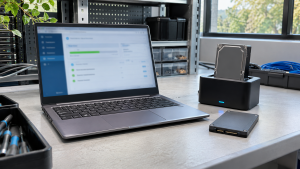
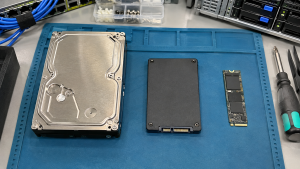
NIST explains that flash devices with spare cells and wear leveling make it infeasible to sanitize all previous data by overwriting through the normal read and write interface. For SSDs, look for tools that use the drive’s dedicated sanitize commands or cryptographic erase rather than simple overwriting. SSD Data Destruction covers the options.
Damaged or Failed Drives
NIST notes that overwriting cannot be used on media that is damaged to the point of being inoperable. Software cannot erase a drive it cannot communicate with, so failed drives usually need physical destruction.
Trust in the Drive’s Firmware
NIST notes that dedicated sanitize commands require trust that the vendor implemented them as expected.
Devices Without Rewriting Options
Some devices, such as basic phones or office equipment, only offer a factory reset. NIST says these resets may be the only clear option for such devices.
What to Look for in Data Erasure Software
| Feature | Why it matters |
|---|---|
| Supports your drive types (HDD, SSD, NVMe) | Techniques must match the media |
| Uses device sanitize commands where available | Reaches areas overwriting may miss |
| Clear reporting of completion and errors | NIST says verification includes checking completion status and errors |
| Per-device reports with serial numbers | Supports certificates and audits |
| Records tool name and version | NIST’s sample certificate includes the tool and version |
| Handles failures clearly | Drives that fail erasure need another method |
Erasure Software or Physical Destruction?
Choose software when devices will be reused, resold or donated and the drives are working. Choose destruction for failed drives, media that cannot be reliably sanitized, or data that your policy requires to be destroyed. Data Wiping vs Hard Drive Shredding compares the two in more detail.
How 3W Computer Can Help
3W Computer works with businesses retiring IT equipment from its base in Upland, California. On its website, 3W Computer lists software wiping meeting NIST 800-88 standards, physical hard drive shredding, on-site shredding options and a certificate of destruction. Contact 3W Computer to discuss which approach fits your drives.
Frequently Asked Questions
What is data erasure software?
It is a program that removes data from a storage device so it cannot be recovered, while leaving the device usable.
What standards does data erasure software use?
The most widely referenced U.S. guideline is NIST SP 800-88. NIST also points to IEEE 2883 for media-specific techniques.
Is free data erasure software safe to use?
It depends on whether the tool supports your drive type, uses appropriate techniques and produces verifiable reports. Check those features regardless of price.
Does data erasure software work on SSDs?
Only when it uses techniques suited to flash storage, such as dedicated sanitize commands or cryptographic erase. Simple overwriting is not enough for SSDs, according to NIST.
Do we still need DoD 5220.22-M wiping?
NIST notes that DoD removed overwriting specifications from its manual in 2006. Current guidance focuses on NIST SP 800-88 and media-specific techniques.
Choose Data Erasure Software That Fits Your Media
Data erasure software is a strong option for working devices that will be reused, as long as it matches the drive type, reports results clearly and is backed by records. When software cannot do the job, physical destruction can.
To discuss data sanitization for your retired equipment, contact 3W Computer.
Sources
- National Institute of Standards and Technology, SP 800-88 Rev. 2: Guidelines for Media Sanitization
- Federal Trade Commission, Protecting Personal Information: A Guide for Business
Name: Win Win World Recycle LLC
Address: 1226 West 9th Street, Upland, CA 91786
Phone: 908-798-6789